Private by design
Free never contacts an AI service. You don't need an account, and your projects stay on your phone until you choose to share them.
How it worksMake a keepsake book from your photos, video clips, and your child's drawings, then read it aloud yourself. Everything in Free runs on your device, works offline, and needs no account. Export a PDF or a video and keep it.
Free for good: no account, trial, watermark, or page limit
Free store release target: October 20, 2026. Subject to Apple and Google approval. Studio Plus and Studio Motion public releases will follow.
Open one to watch it, read along, and see exactly how it was made.
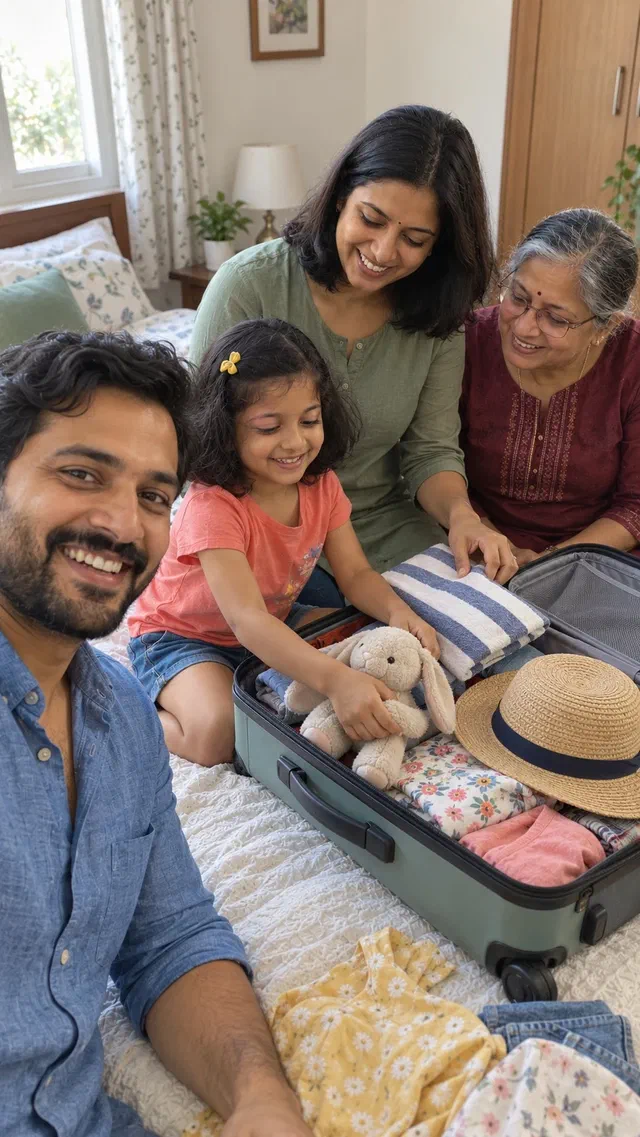
A family trip
A five-page travel diary made in Free from photos, a short clip of the waves, captions, and a parent's narration on every page.
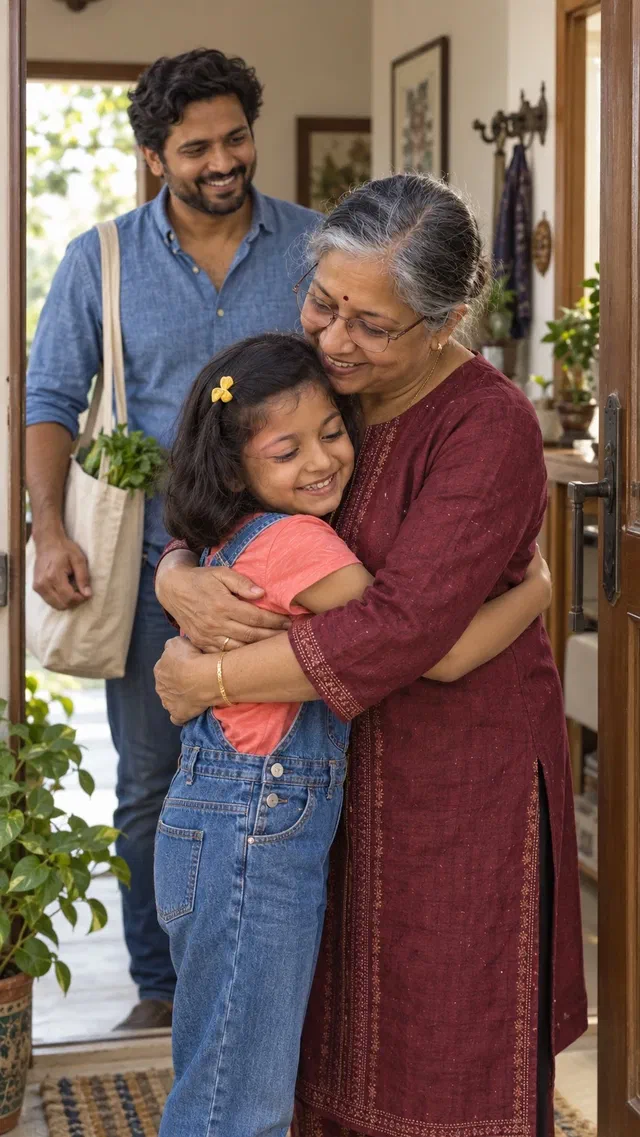
Time with grandparents
A five-page family keepsake made in Free from photos, two short home-video clips, captions, and a parent's narration on every page.
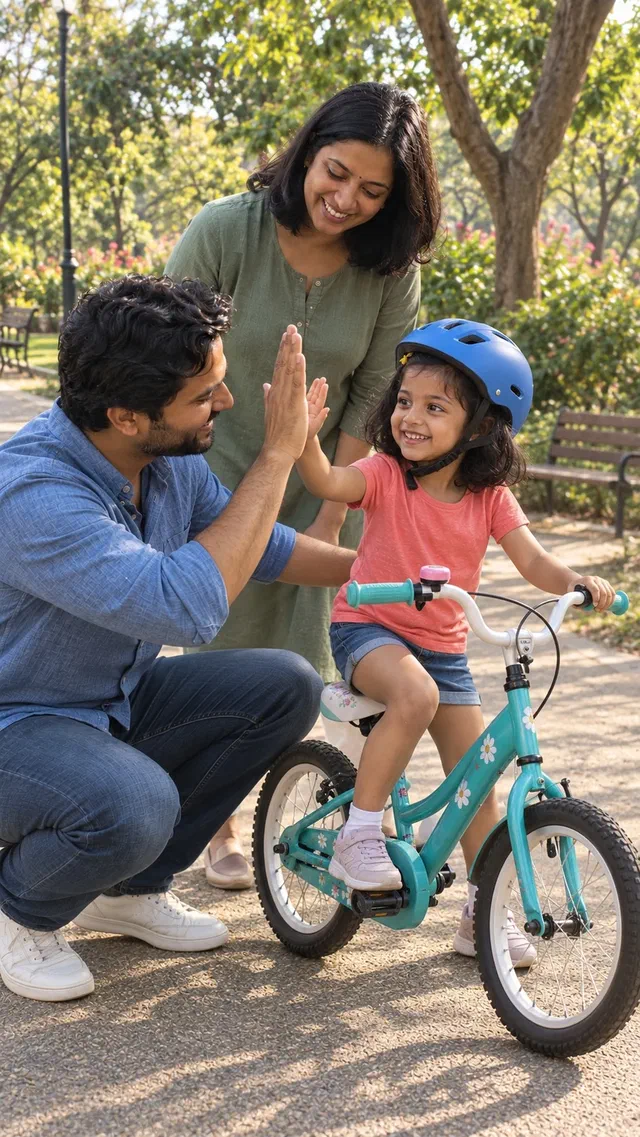
A first milestone
A five-page milestone book made in Free from photos, two short clips of a first bike ride, captions, and a parent's narration on every page.
Free never contacts an AI service. You don't need an account, and your projects stay on your phone until you choose to share them.
How it worksRecord yourself reading every page, or import someone else's recording. Story music lowers automatically under the voice.
How it worksBring in photos and short clips from your phone, frame them on the page, and adjust light, colour, and warmth on the device.
How it worksFamily Keepsake, Travel Diary, Milestone Book, Little Biography, Picture Story, and more, with a layout you can change on any page.
How it worksAdd a second language, type the translation yourself, and record narration for it. Each language keeps its own words and voice.
How it worksExport a page-by-page PDF, or a video with your narration, clip sound, and music mixed in. Save a .ddstory file to keep or move the whole project.
How it worksTwelve short narrated videos: start a keepsake, add photos and words, record narration, add a second language, and export a PDF or a video.
A recording of you reading your child’s story, made from their drawing, can’t be generated, bought, or replaced later. In twenty years it is the part of the book that matters. So recording your own narration is free, unlimited, on-device, and needs no account. We don’t plan to change that.
If a feature runs on your phone, it is free and it works offline. If it needs a hosted AI service, it needs Studio Plus or Studio Motion.
Drawing. A full canvas with brush colour, brush size, eraser, undo, redo, and clear. Photograph a paper drawing to bring it in as a sketch.
Photos and video. Import photos and video clips from your phone or take a new photo. Crop and position each picture, adjust light, contrast, colour, and warmth, or apply a look: Original, Warm, Storybook, or Clean B&W. Attach a clip to a page and choose whether its sound plays.
Books. Unlimited projects with unlimited pages, every template and layout, your own words on every page, page reordering, autosave, and a recoverable Trash.
Sound. Record narration with your microphone, preview it, and re-record it. Import audio files (MP3, M4A, WAV, AAC, plus OGG on Android). Add story music from six included tracks or your own file, set each volume, lower the music under narration, and hold a photo on screen until the narration finishes.
Languages. Add another language to a book, type its words yourself, and record separate narration for it.
Getting it out. Export a PDF or a video with narration, clip sound, and music
mixed in, plus optional subtitle files. Export and import .ddstory project
archives, and share through your phone’s share sheet.
Join the free beta on Android through Google Play or on iOS through TestFlight. Make your first story and tell us what worked. Interested in AI creation? Sign in to the app to be considered for complimentary Plus or Motion beta credits.