Free tutorial · Chapter 9 of 12
Add a page
Append a new editable page to the project.
Free Free on every plan
Before you start
- Open a project in Story Builder.
Step by step
Find Add page below the project check in Story Builder.
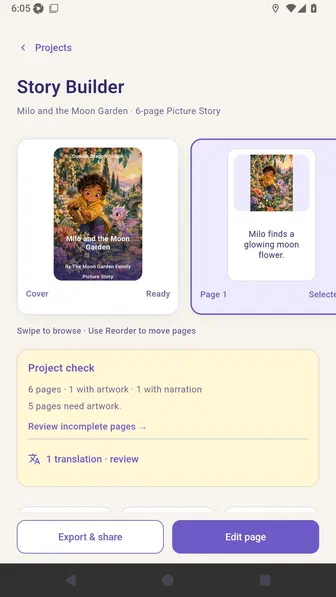
Choose Add page and confirm the story page count increases.
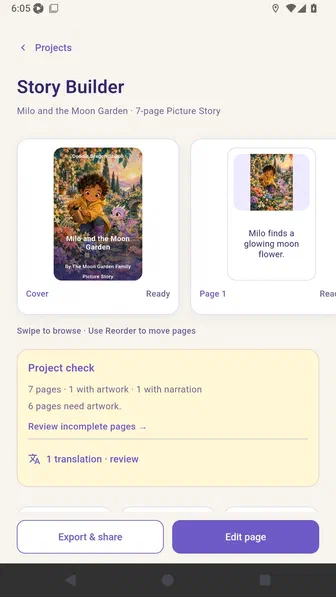
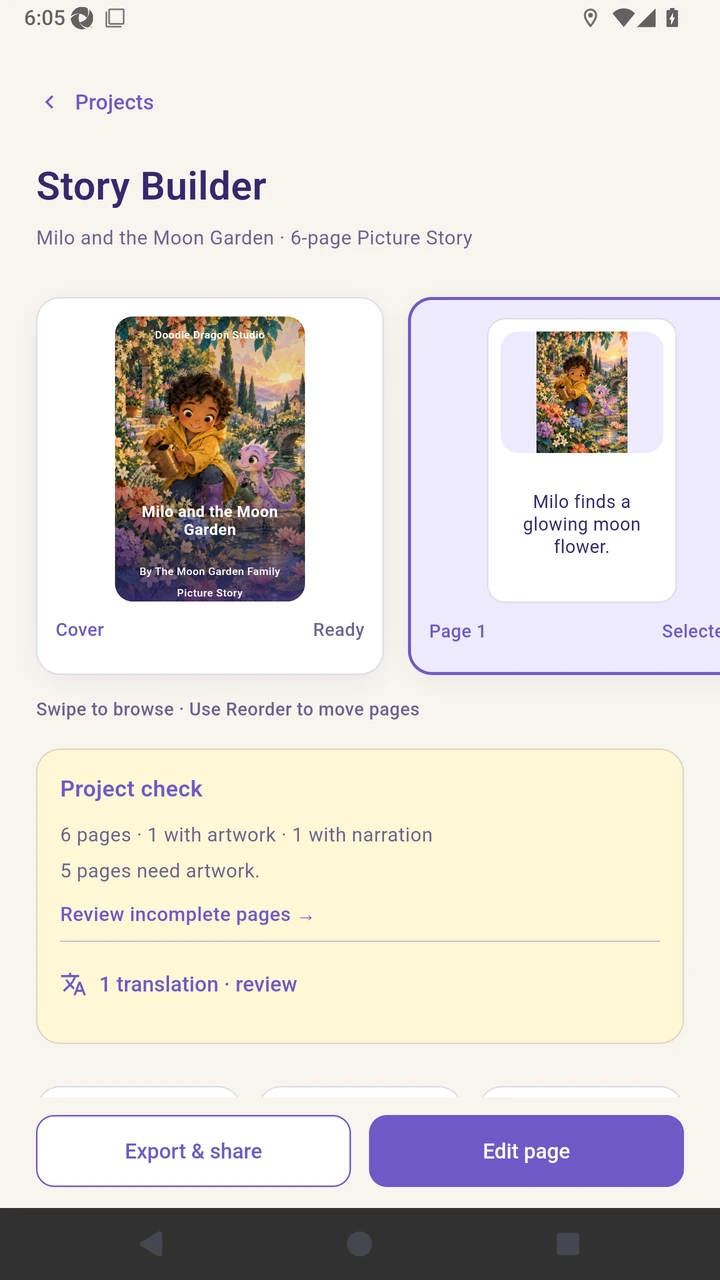
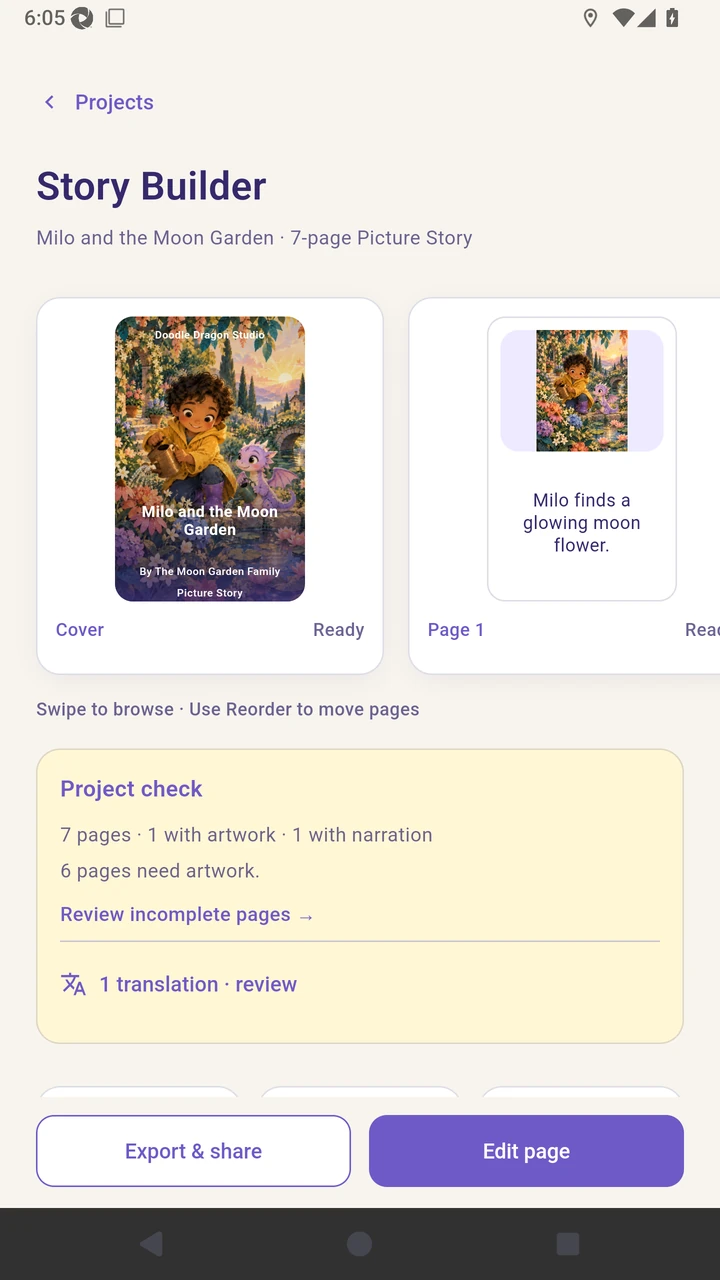
Result. The story page count increases from six to seven.
Read the narration transcript
Find Add page below Project check. Choose Add page to append a blank page and confirm the story grows from six pages to seven.