Free tutorial · Chapter 6 of 12
Change a page layout
Apply a different layout to one story page.
Free Free on every plan
Before you start
- Open a story page in the page editor.
Step by step
Open Layout to view the page designs and current default.
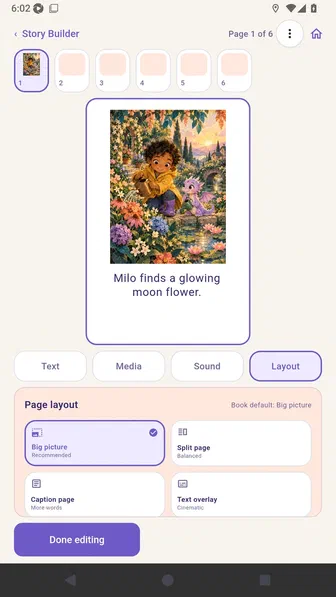
Select Caption page to apply a layout override.
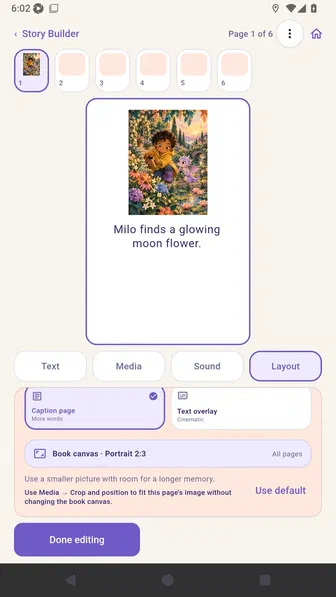
Choose Done editing to save the selected page layout.
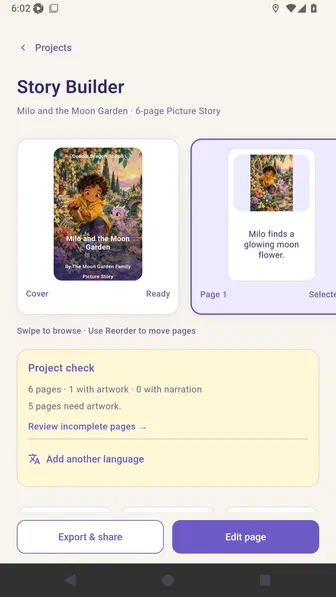
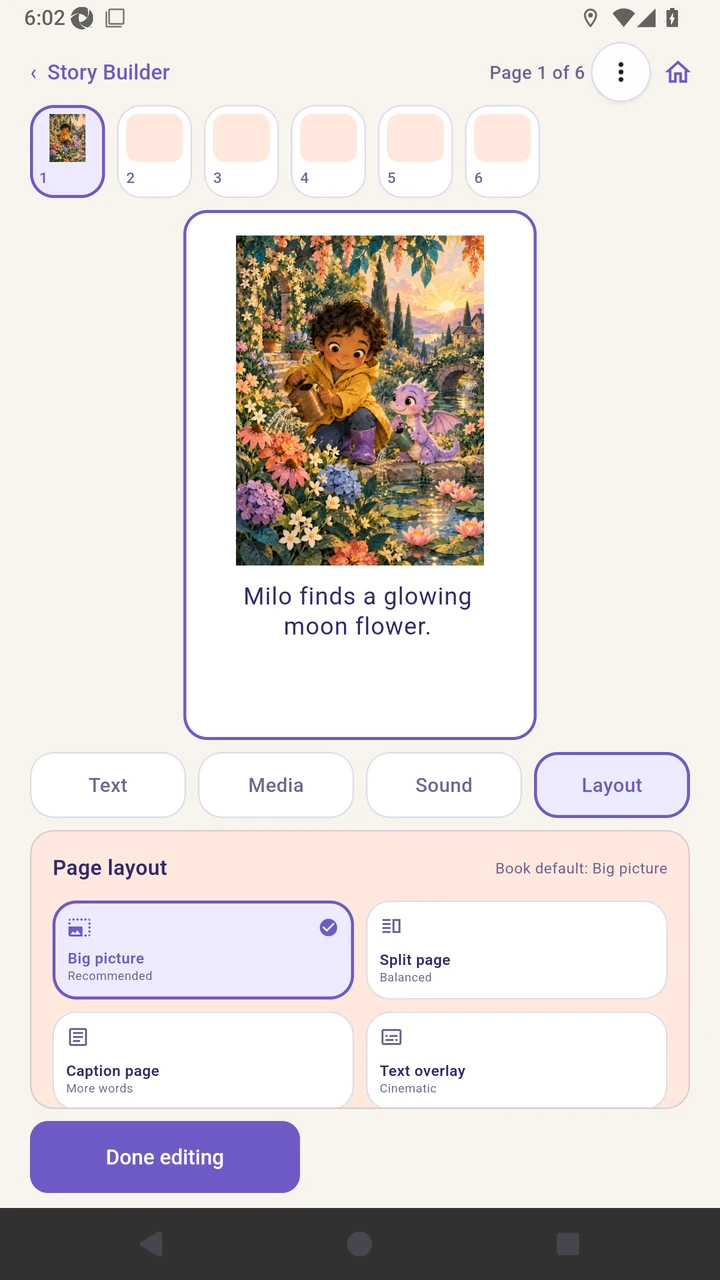
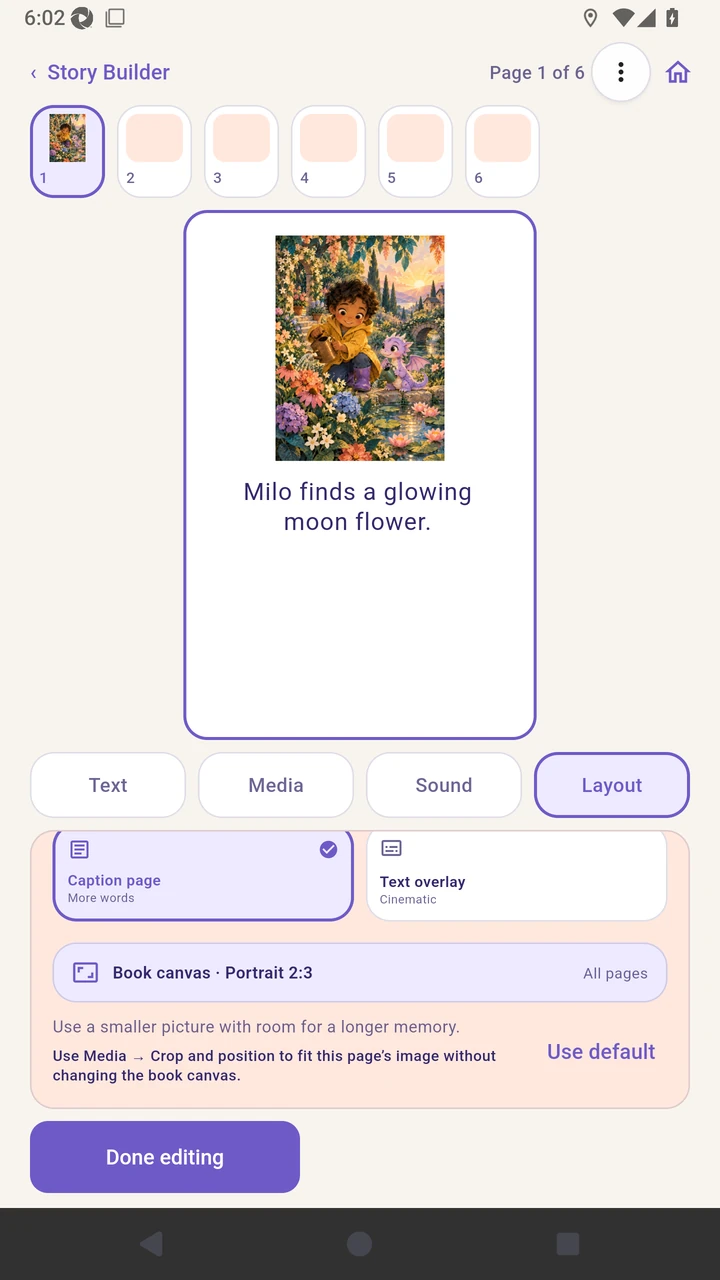
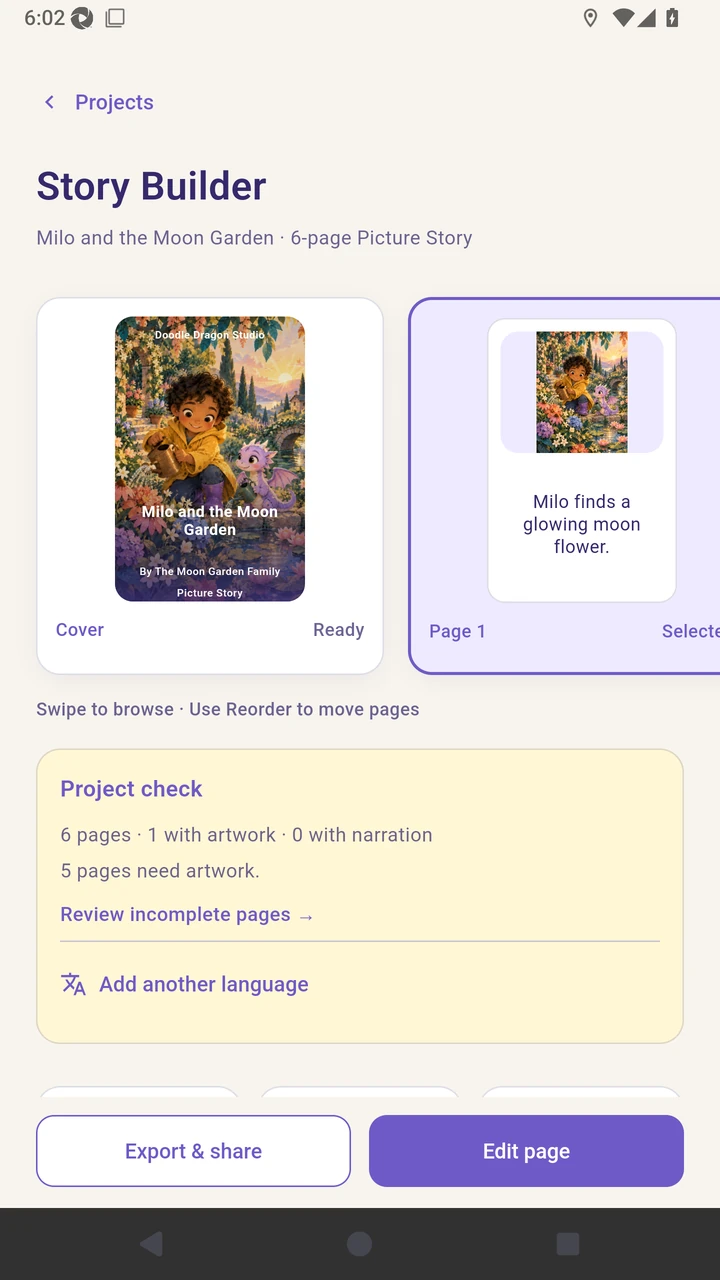
Result. The selected page uses the Caption page layout while the book default remains available.
Read the narration transcript
Open Layout to view the page designs. Select Caption page for this page. Choose Done editing to save.