Free tutorial · Chapter 1 of 12
Create a new project
Choose a theme, starting layout, and story settings for a new local project.
Free Free on every plan
Before you start
- Open the Projects tab in the Free profile.
Step by step
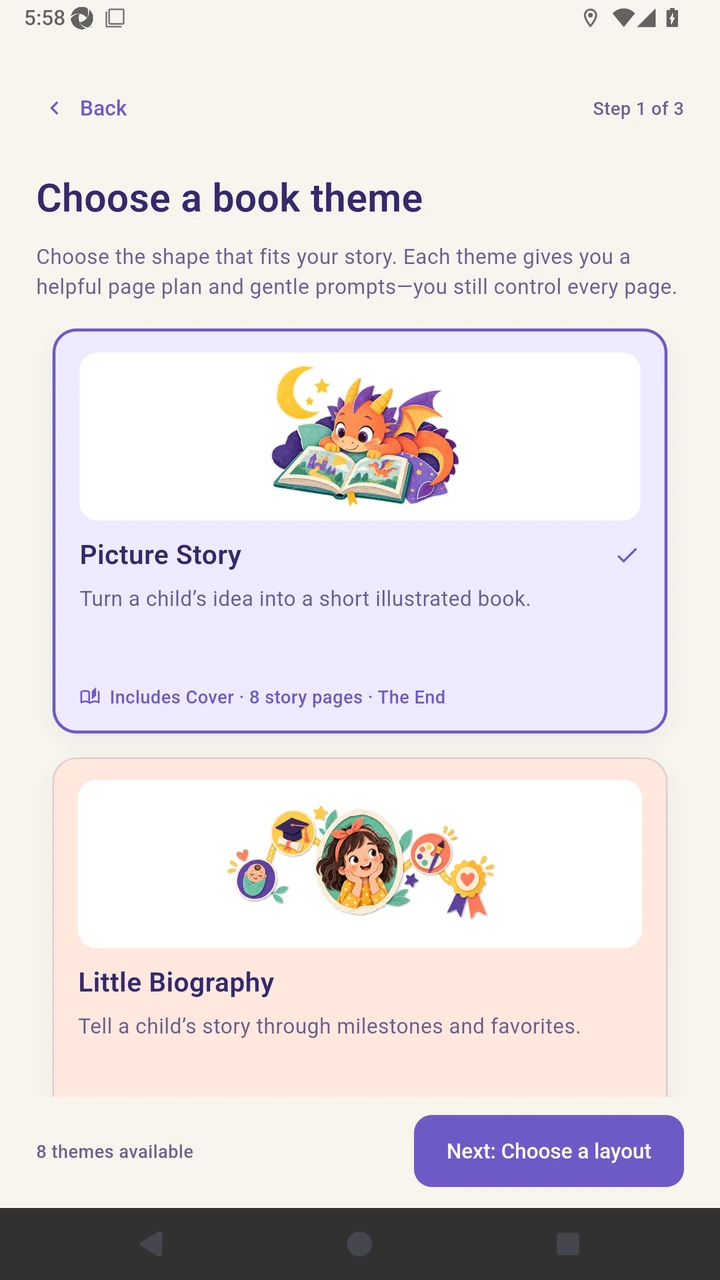
Welcome to Doodle Dragon Studio Free. Choose Create your first book to open the theme chooser.
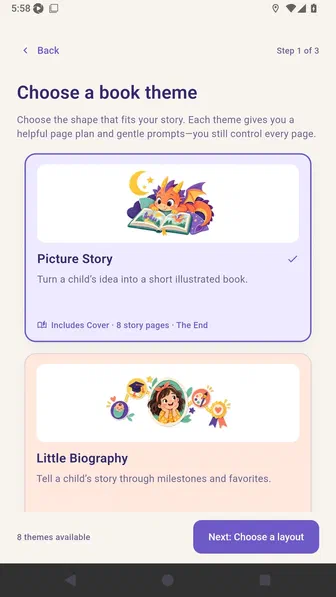
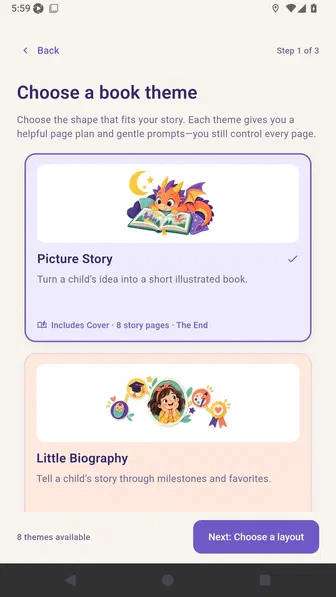
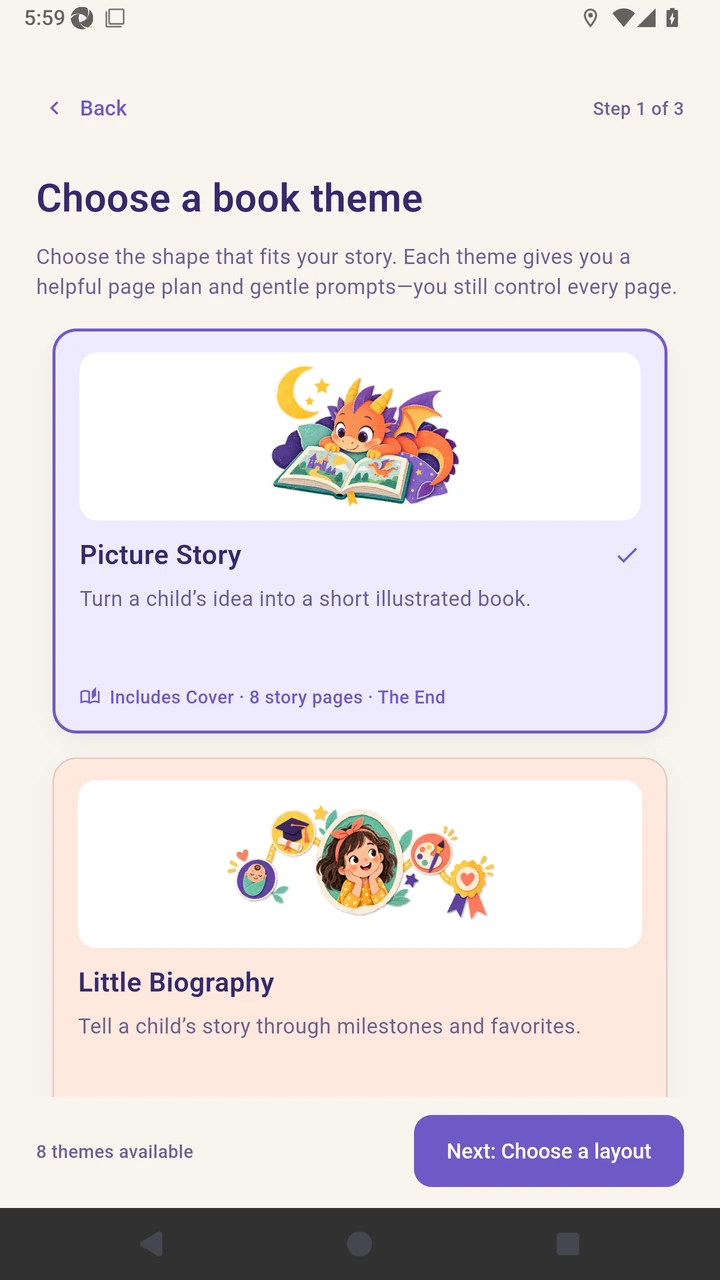
Select Picture Story, then choose Next: Choose a layout.
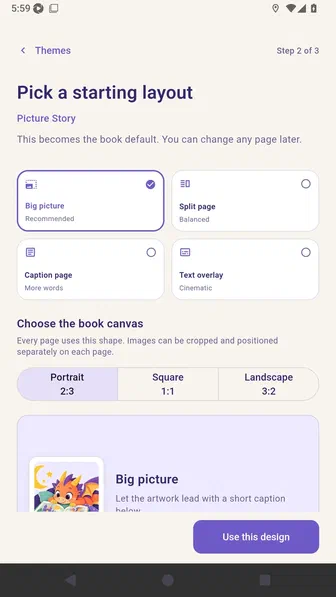
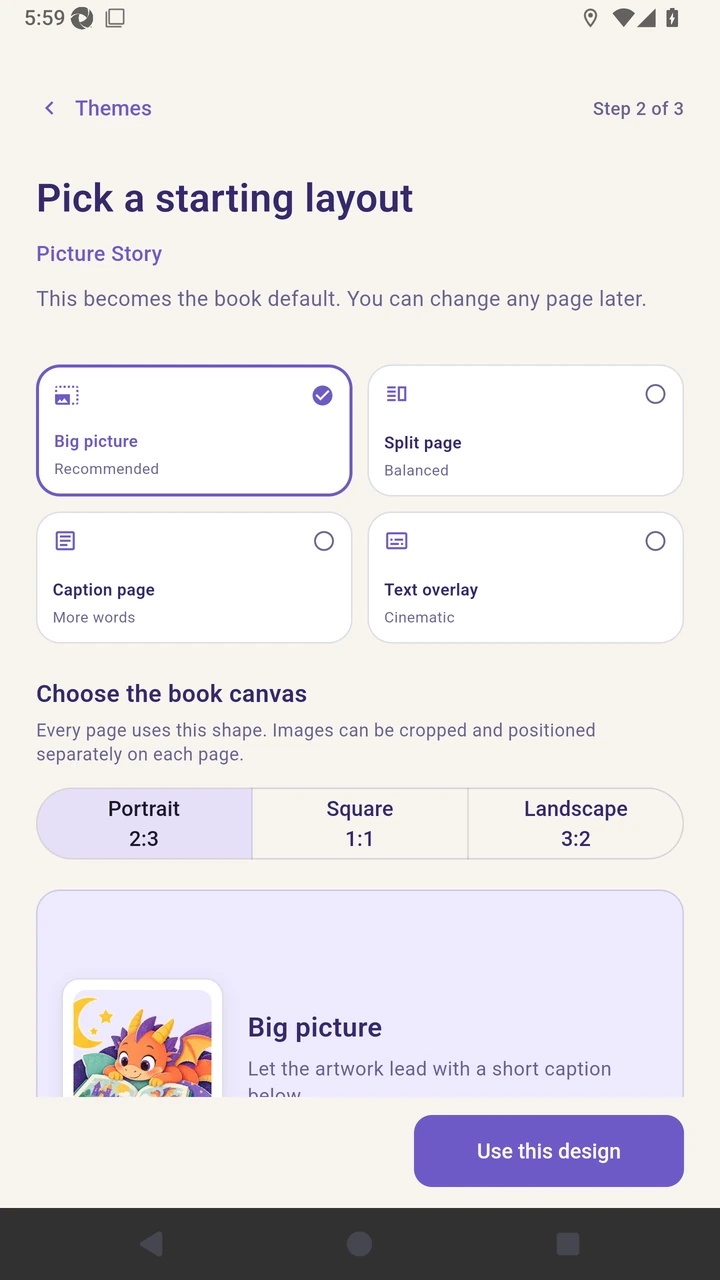
Select Big picture as the image-led starting layout.
Enter the title and choose the reading age, six pages, and a cozy story feel.
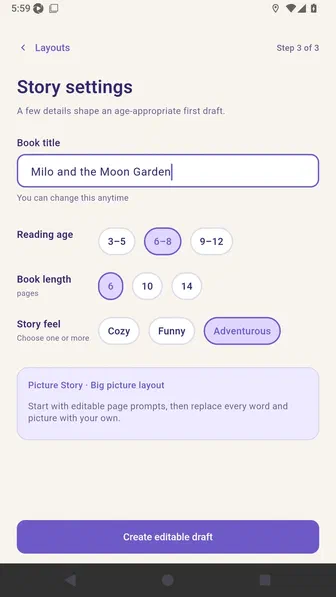
Choose Create editable draft to open the project in Story Builder.
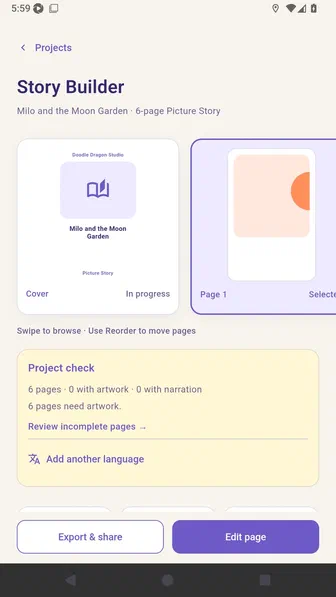
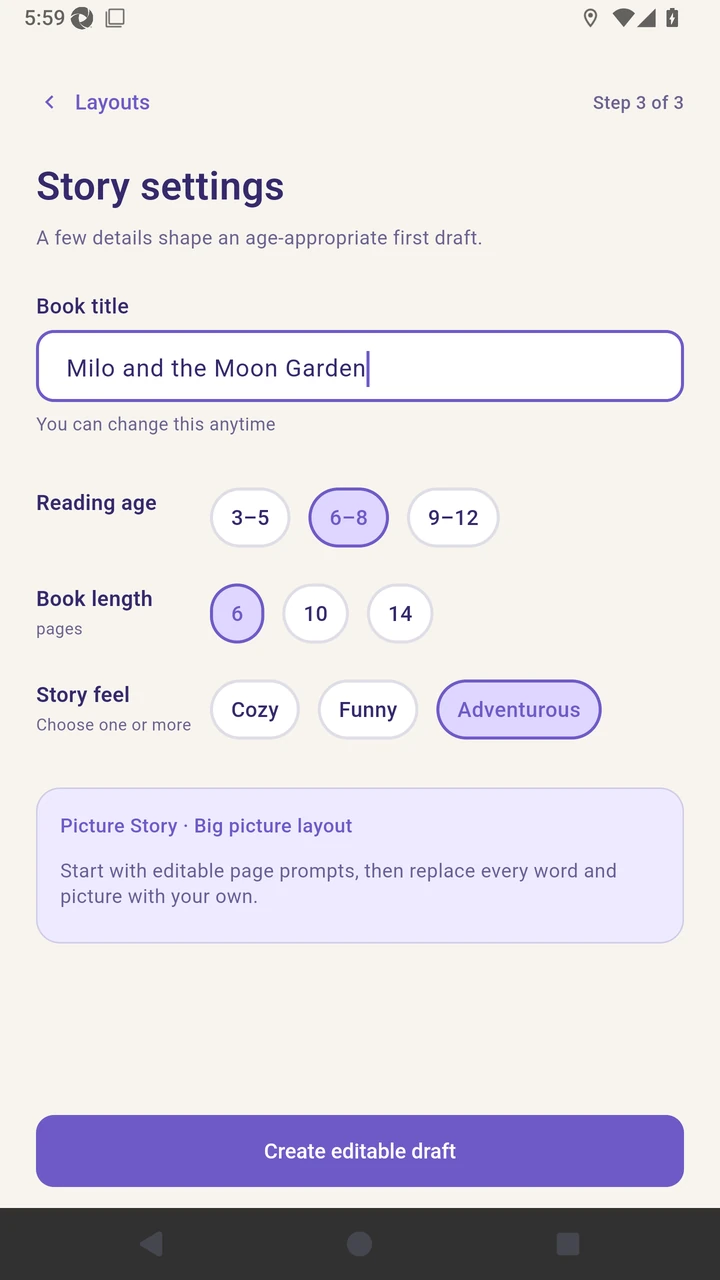
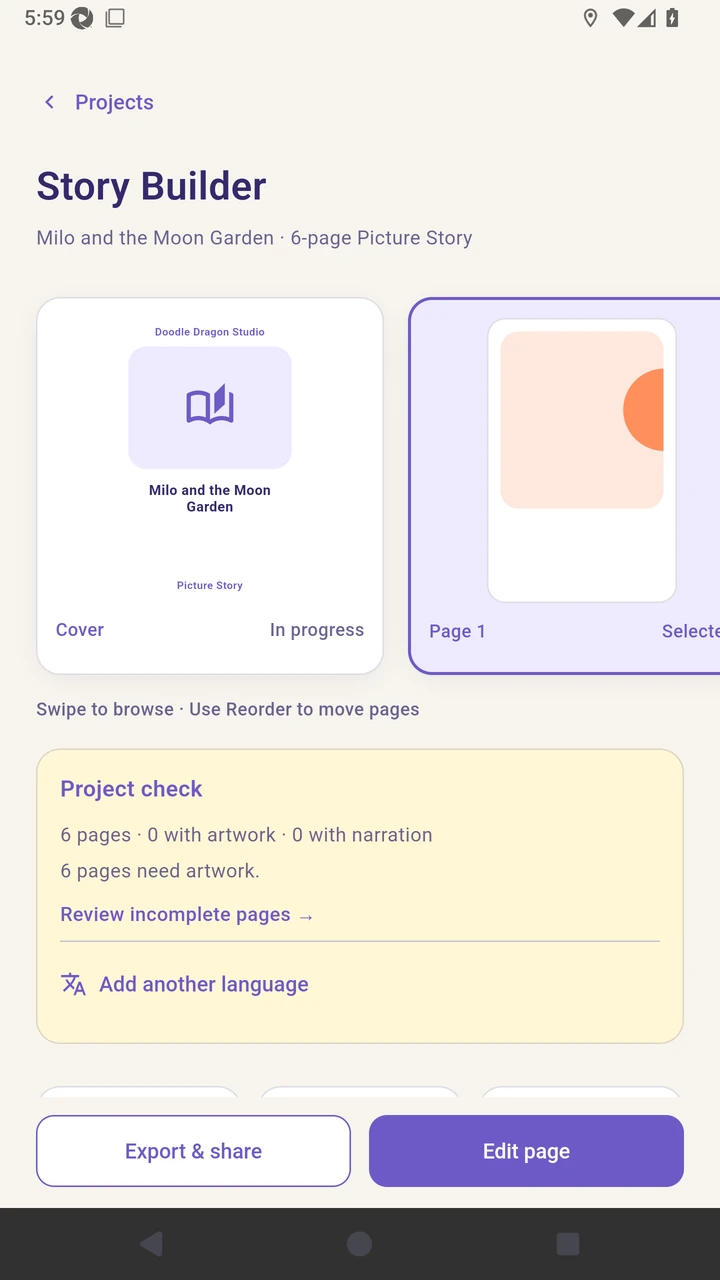
Result. Story Builder opens with the chosen theme, layout, title, reading age, page count, and story feel.
Read the narration transcript
Welcome to Doodle Dragon Studio Free, where this tutorial shows local media, text, sound, layouts, languages, page tools, preview, and export; on Projects, choose Create your first book. Select Picture Story and continue to layouts. Choose Big picture for an image-led starting design. Enter the title, reading age, six pages, and cozy feel. Choose Create editable draft to open Story Builder.