Free tutorial · Chapter 8 of 12
Add language narration
Attach separate local narration to a translated page.
Free Free on every plan
Before you start
- Add and review another story language.
- Prepare narration in that language.
Step by step
Open the reviewed French page and choose Add French narration.

Import or record narration for the selected language.
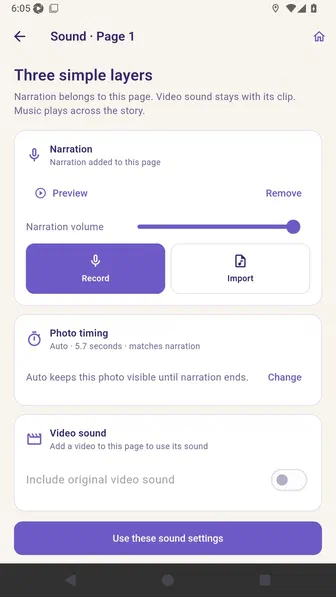
Save the sound settings and confirm the page now shows Narrated.
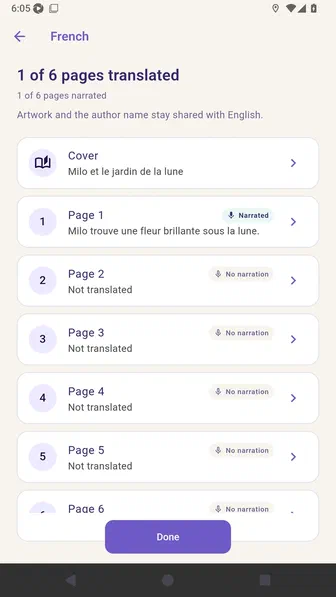
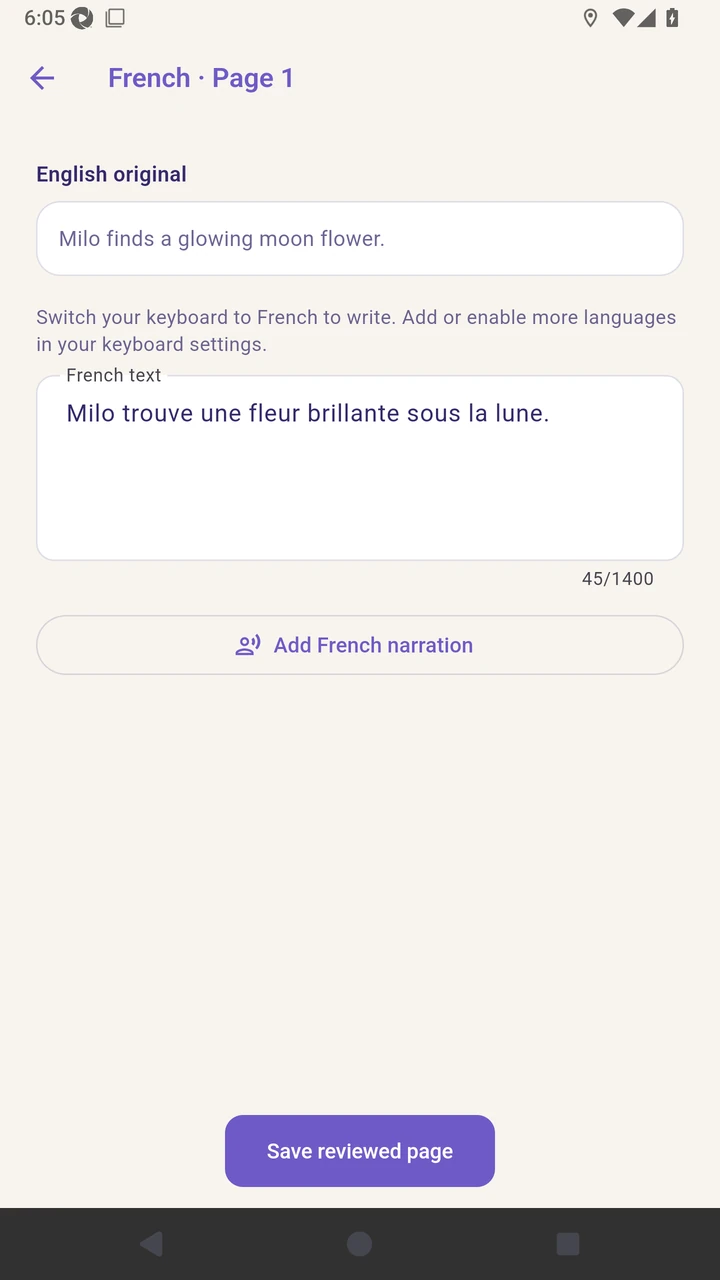
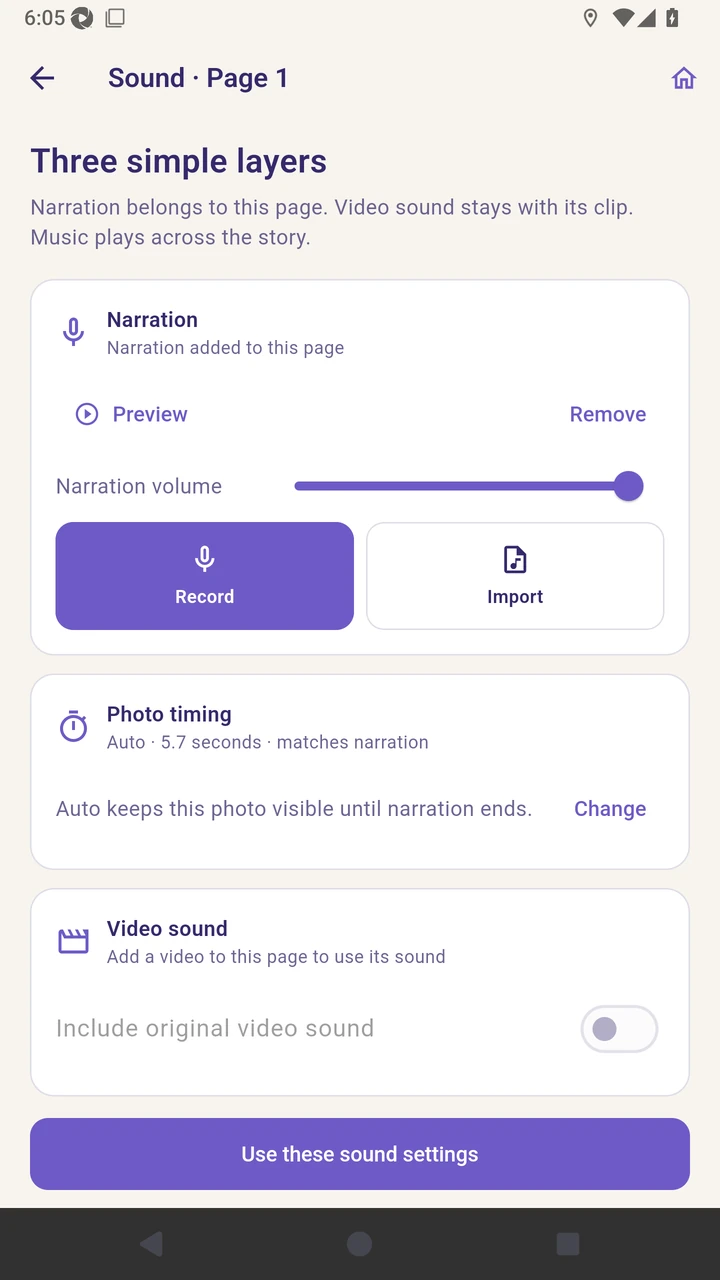
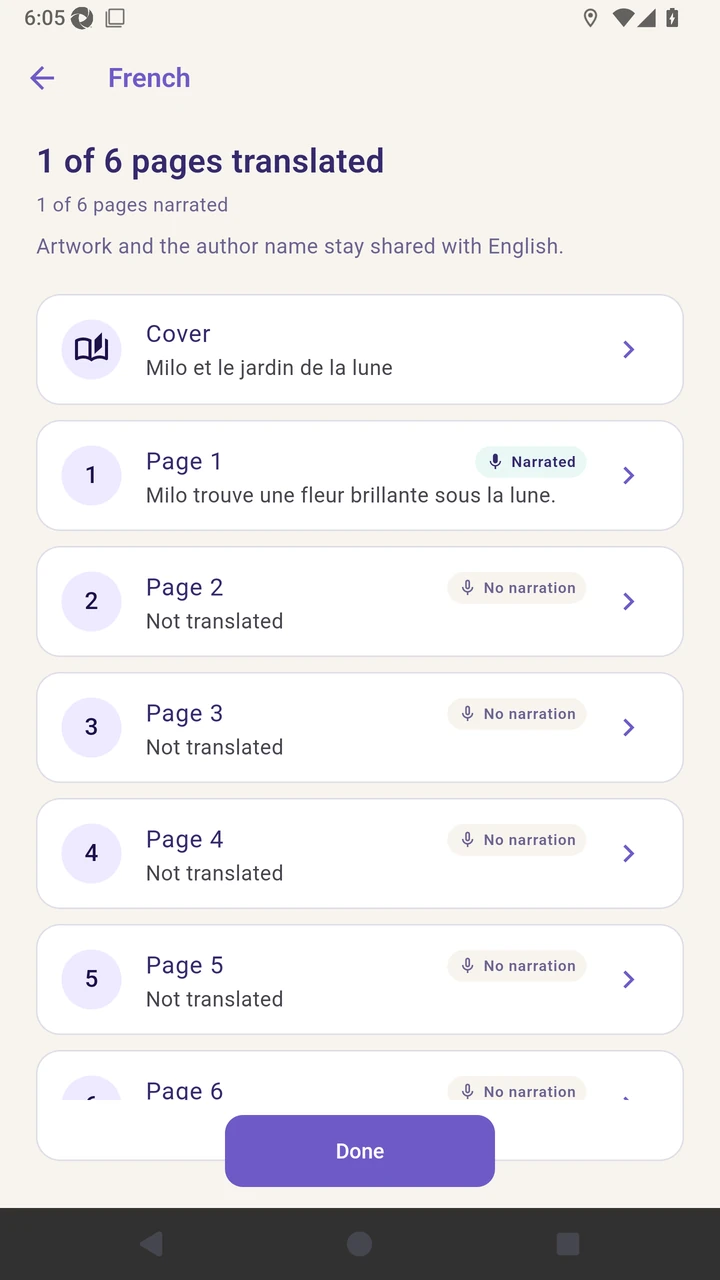
Result. The French page shows Narrated while other language audio remains independent.
Read the narration transcript
Open the translated page and choose Add French narration. Import a prepared recording, or record one now. Save the sound settings and confirm that the French page shows Narrated.