Free tutorial · Chapter 11 of 12
Preview a story
Review the cover and pages before export.
Free Free on every plan
Before you start
- Open the project in Story Builder.
Step by step
Choose Preview to open the book at its cover.
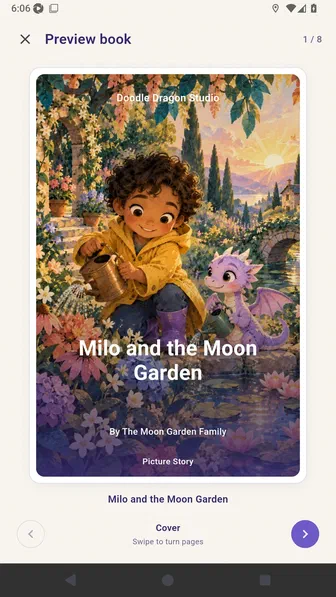
Choose Next page to review the story in reading order.
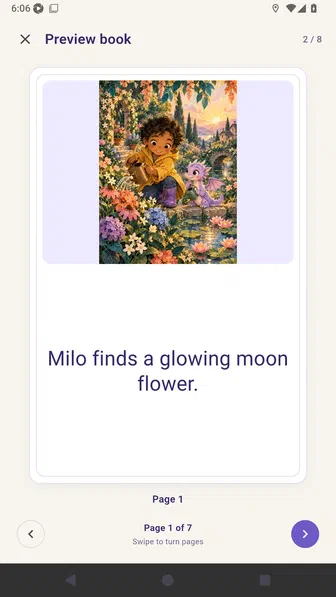
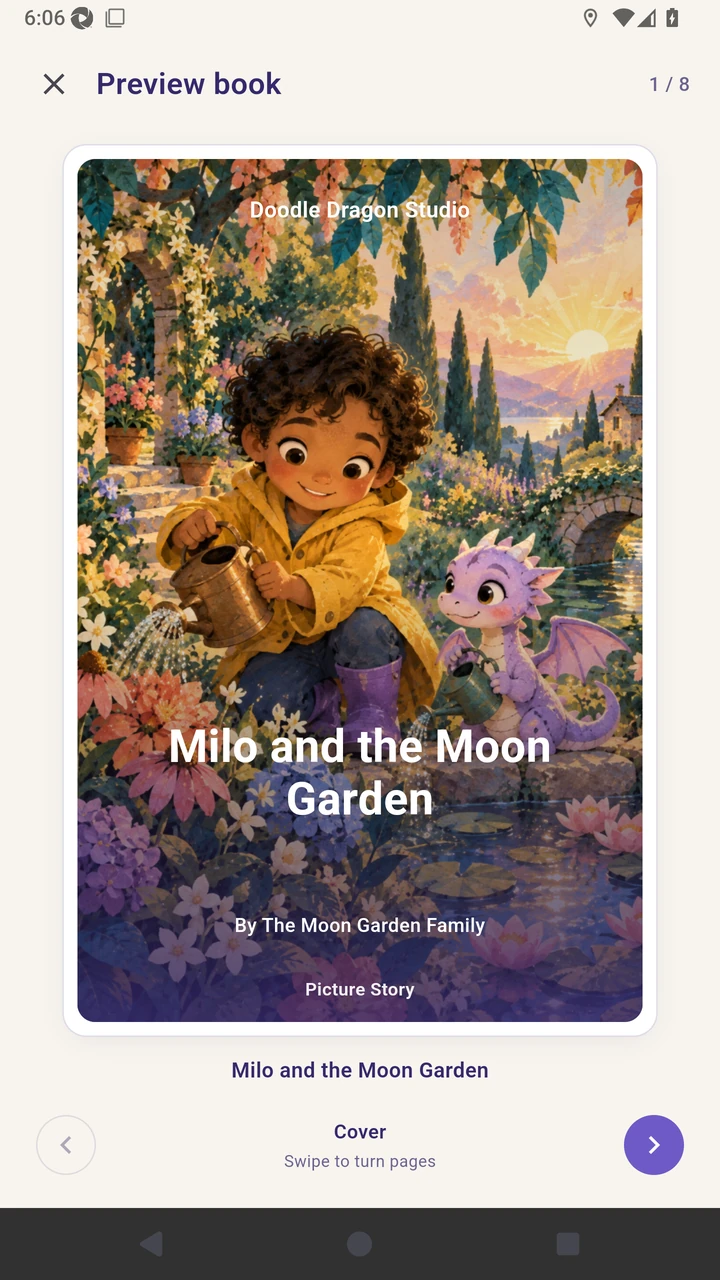
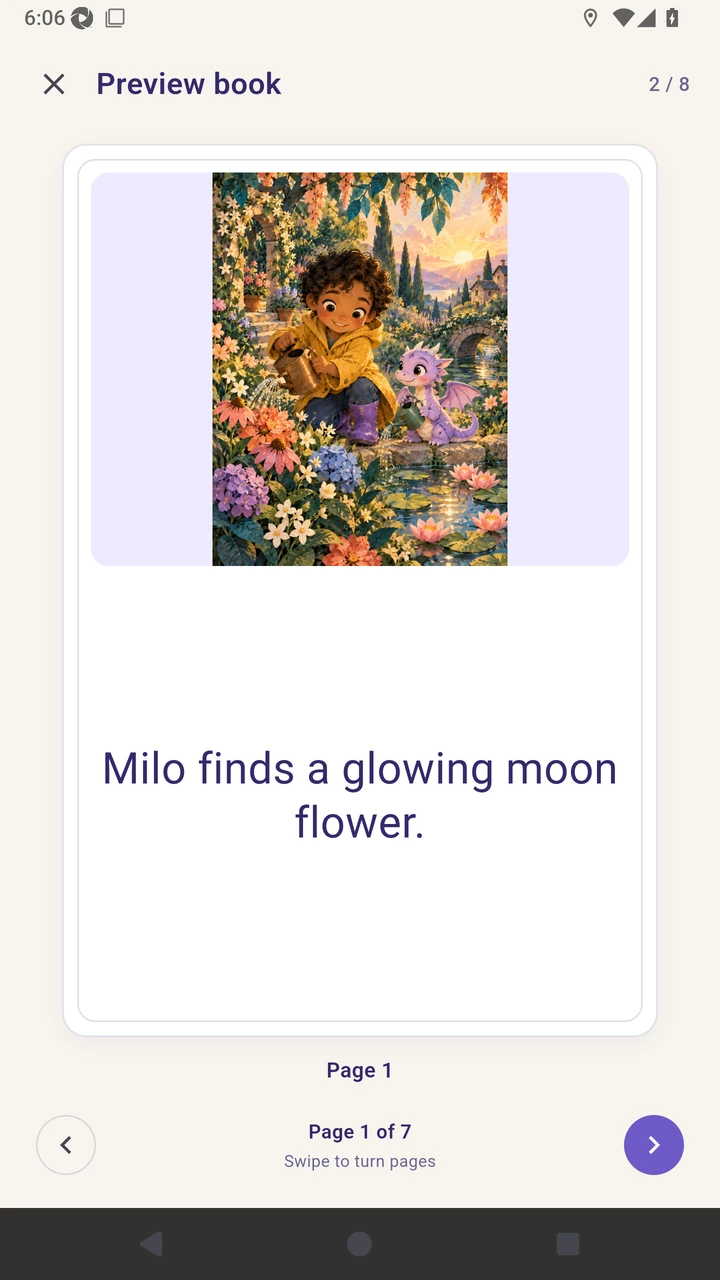
Result. Preview displays the cover and story pages in reading order.
Read the narration transcript
Choose Preview to open the cover. Go to the next page, then close Preview.