Free tutorial · Chapter 10 of 12
Reorder pages
Move an existing page to a different position.
Free Free on every plan
Before you start
- Use distinct page text or artwork so the movement is recognizable.
Step by step
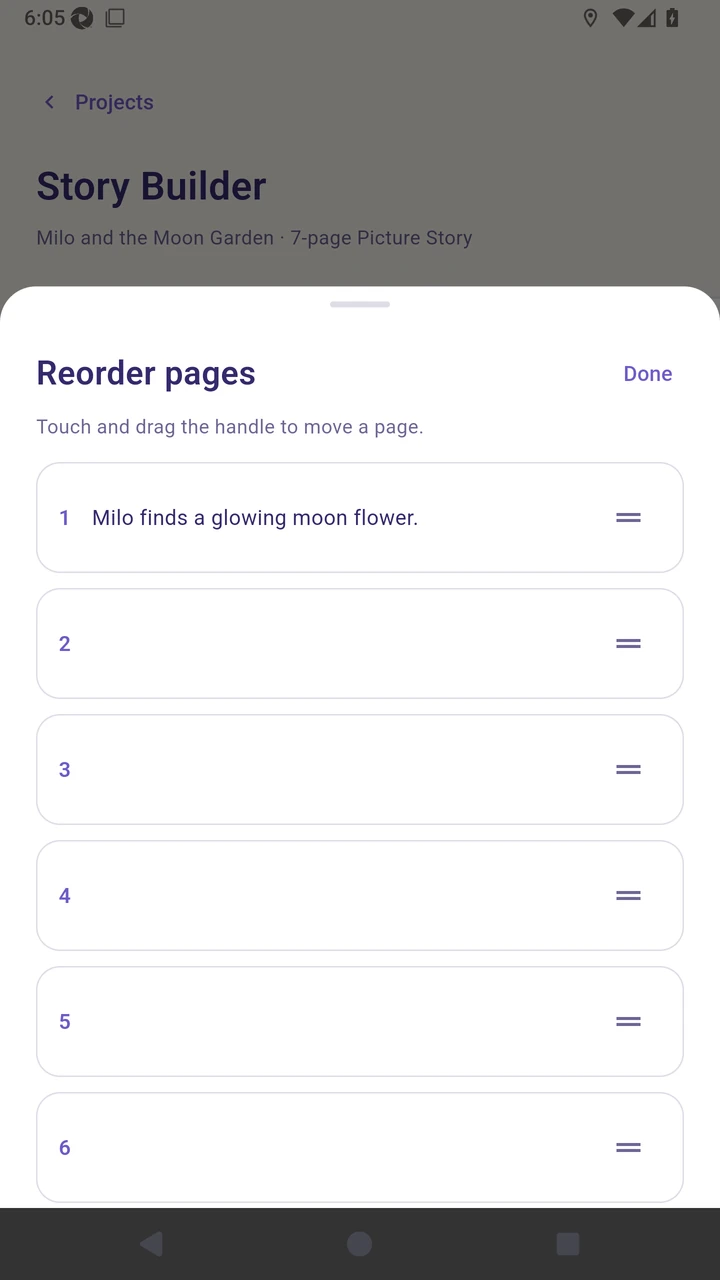
Choose Reorder to open the page list.
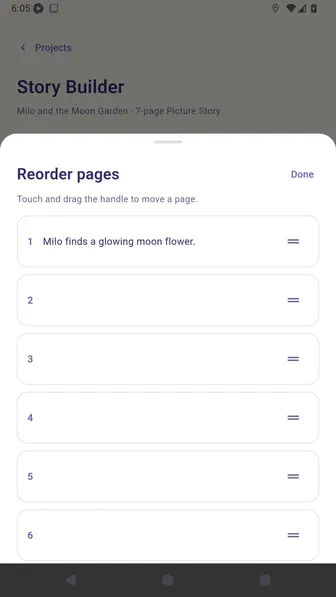
Drag page two by its handle to a new position.
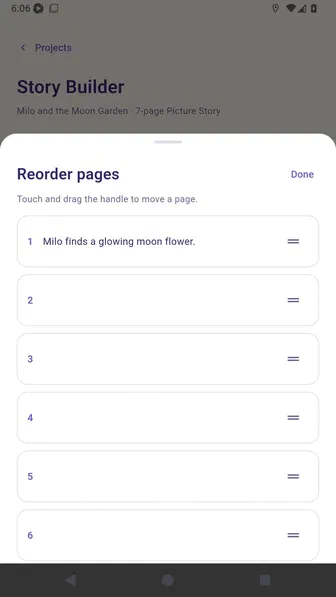
Choose Done to save the new reading order.
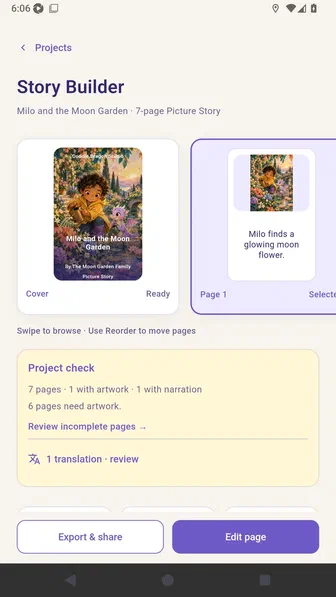
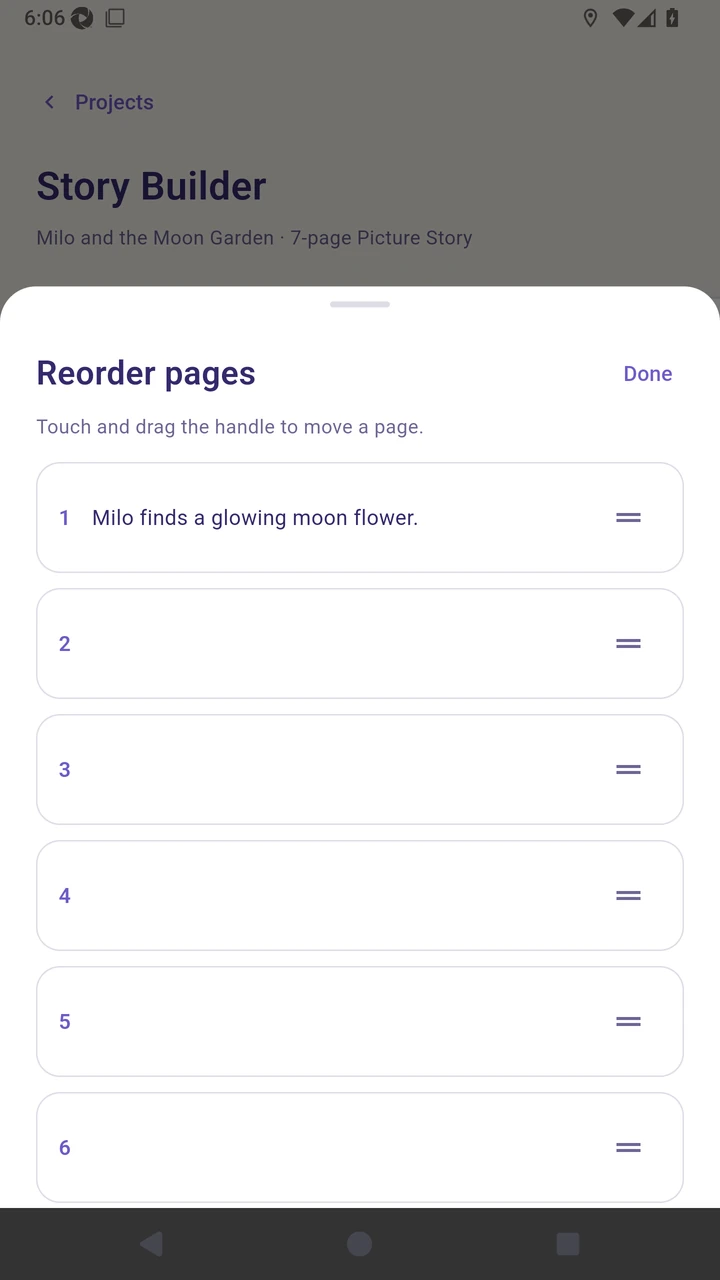
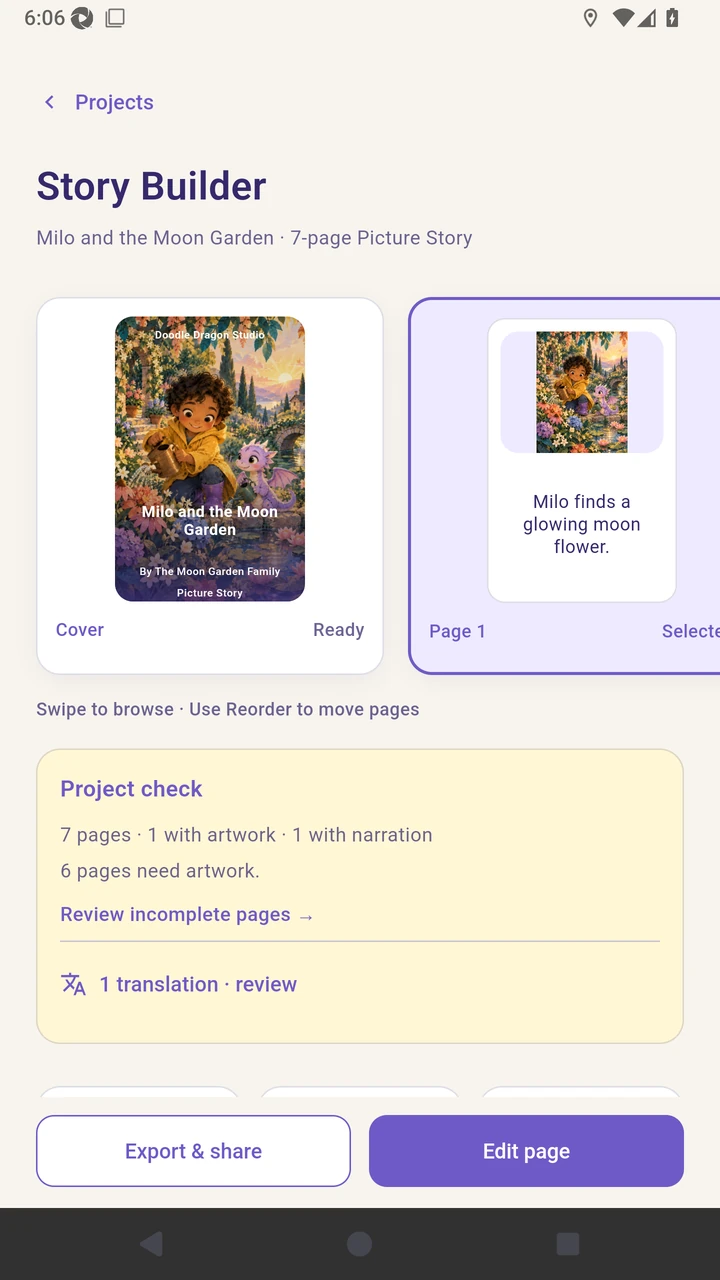
Result. Story Builder displays the pages in the saved order.
Read the narration transcript
Choose Reorder to open the page list. Press and hold page two’s drag handle, then move the page to a new position in the story. Choose Done to save your changes and confirm Story Builder displays the pages in the new reading order.