Studio Motion tutorial · Chapter 9 of 12
Manage a background page-video job
Submit a clip, keep editing while queued, review the result, and attach it.
Studio Motion Studio Motion only
Before you start
- Complete the page-video directions.
Step by step
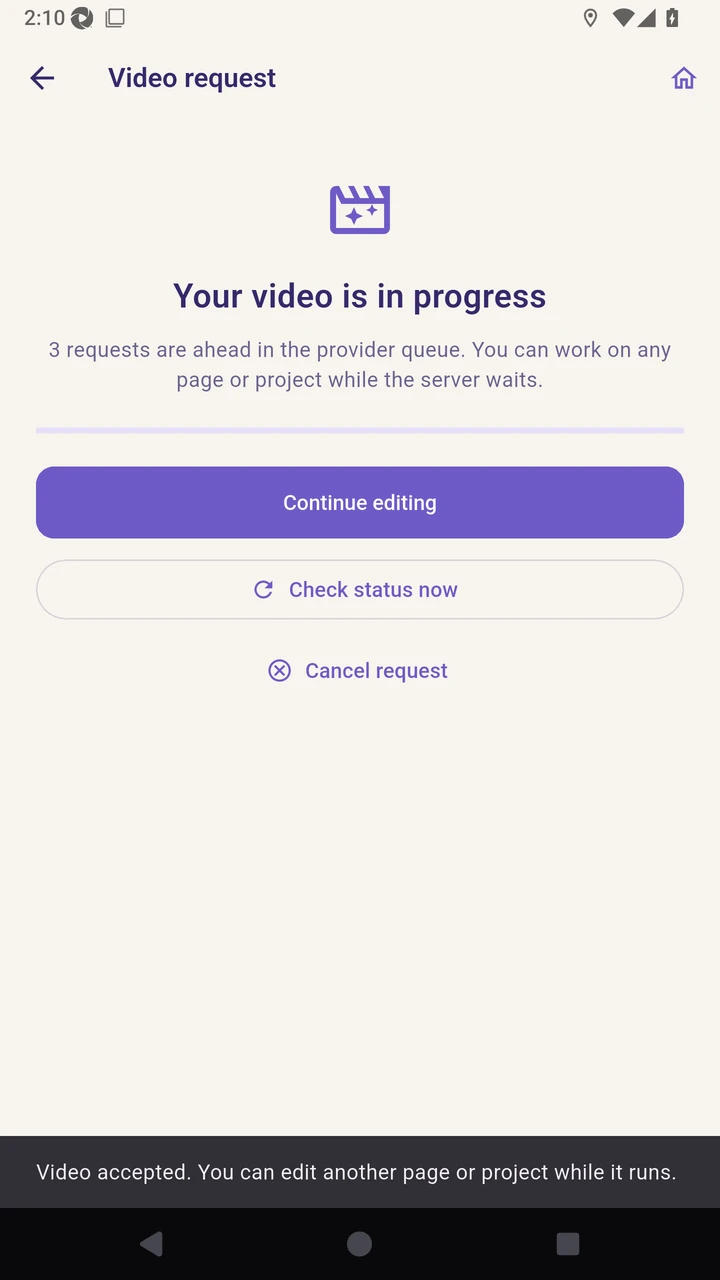
Start the page video and review its provider queue status.
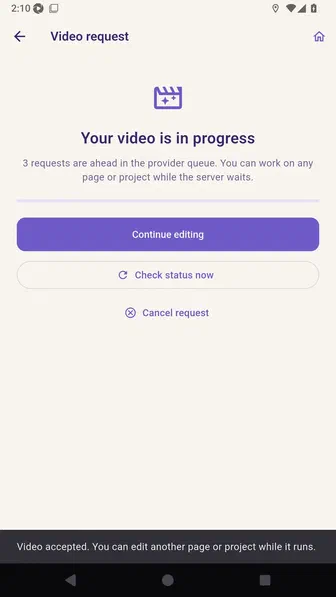
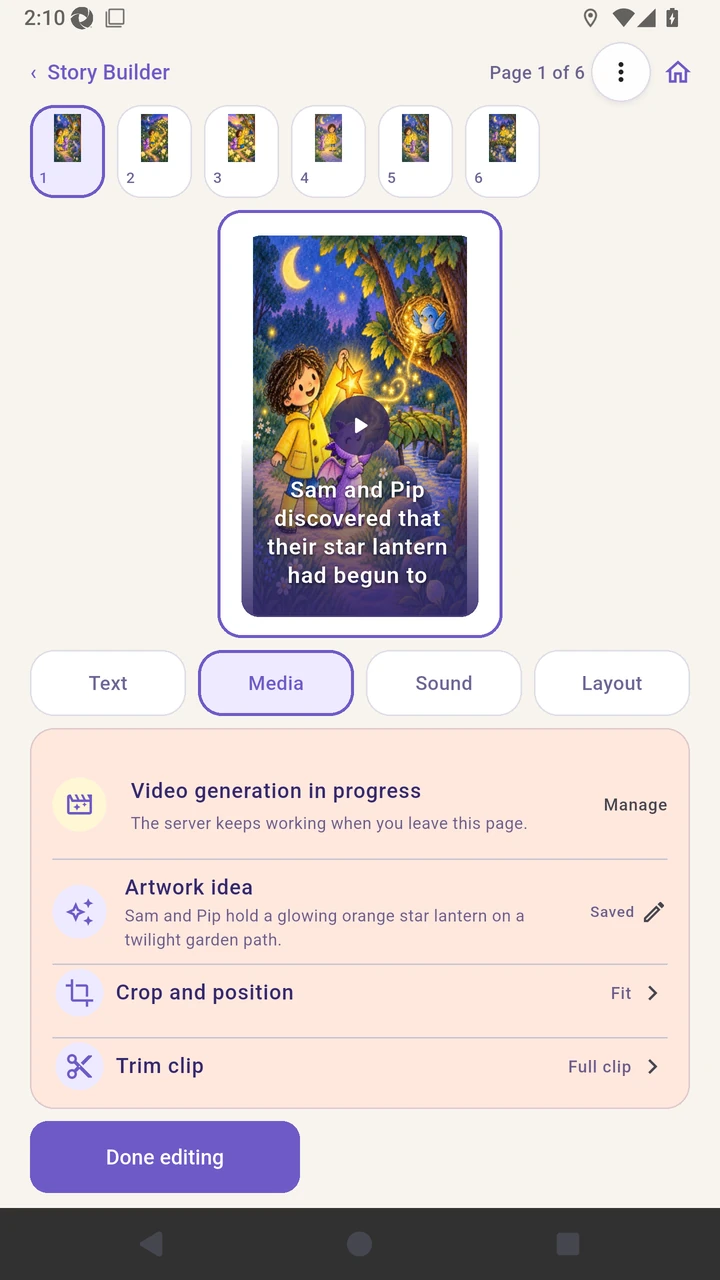
Choose Continue editing while the server keeps checking the saved request.
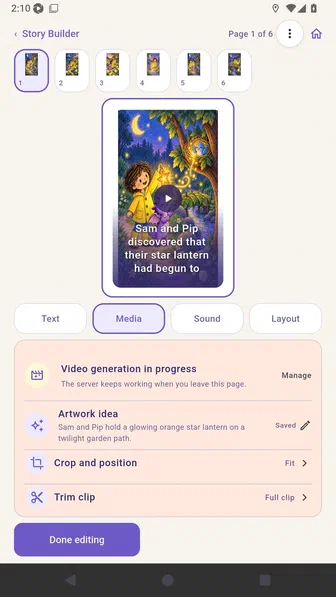
The page shows the durable in-progress request without blocking other editing.
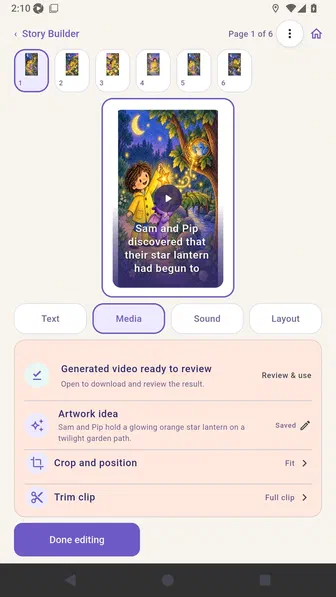
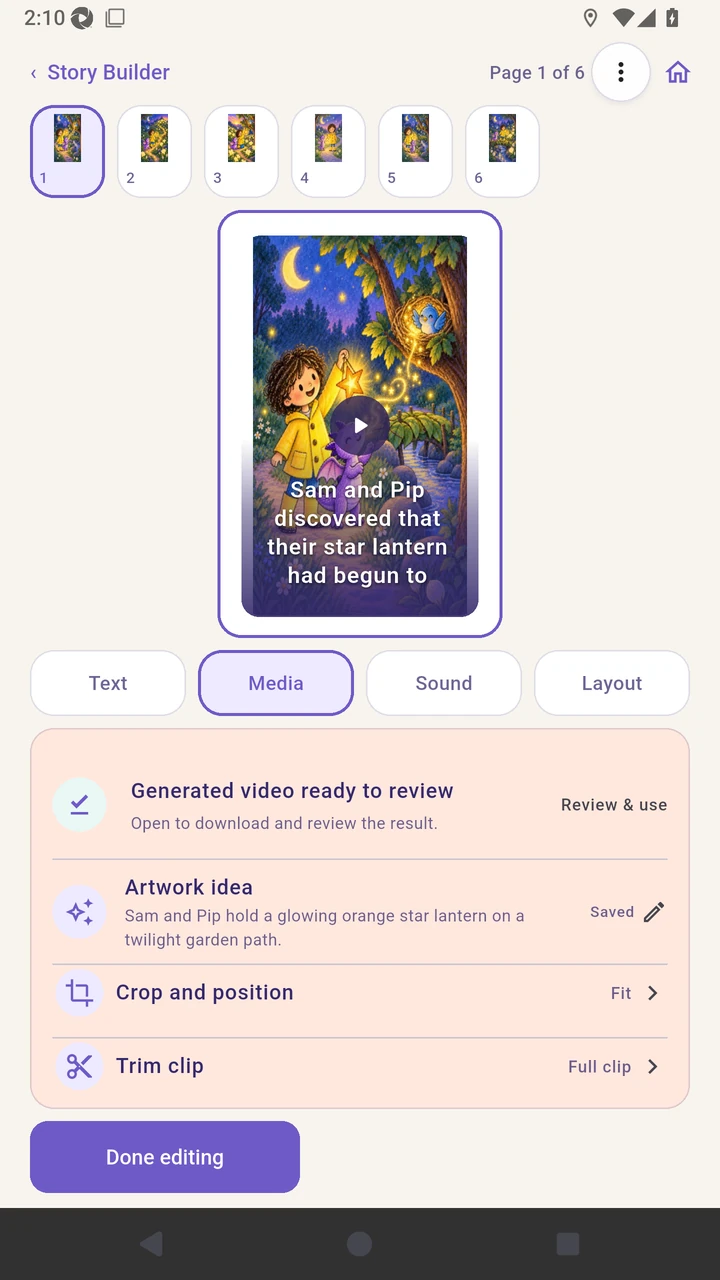
Open the ready result and review the generated clip before it replaces anything.

Use the reviewed video on the page.
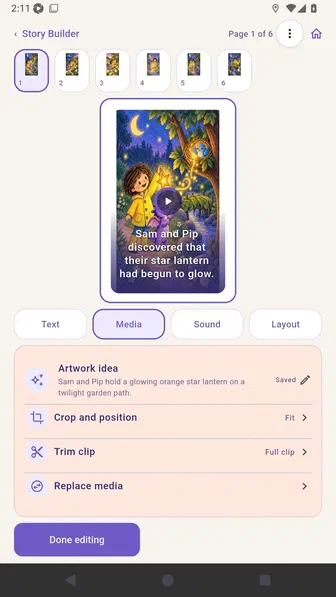
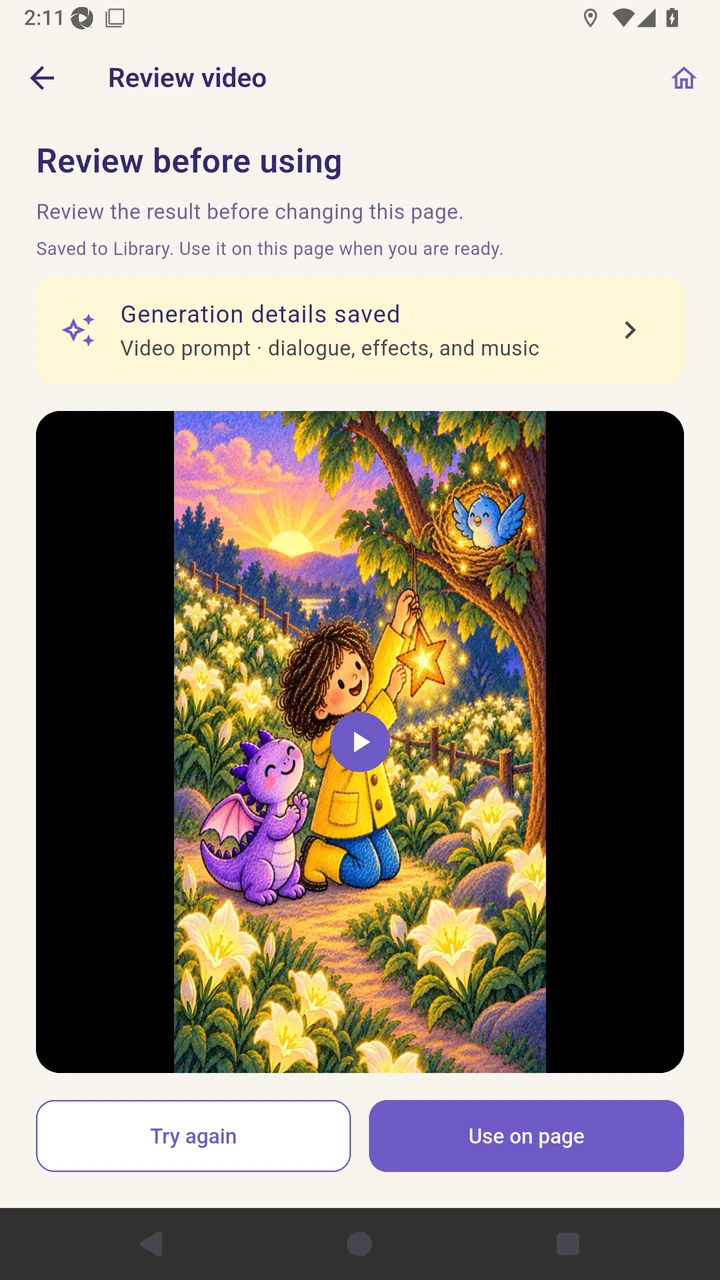
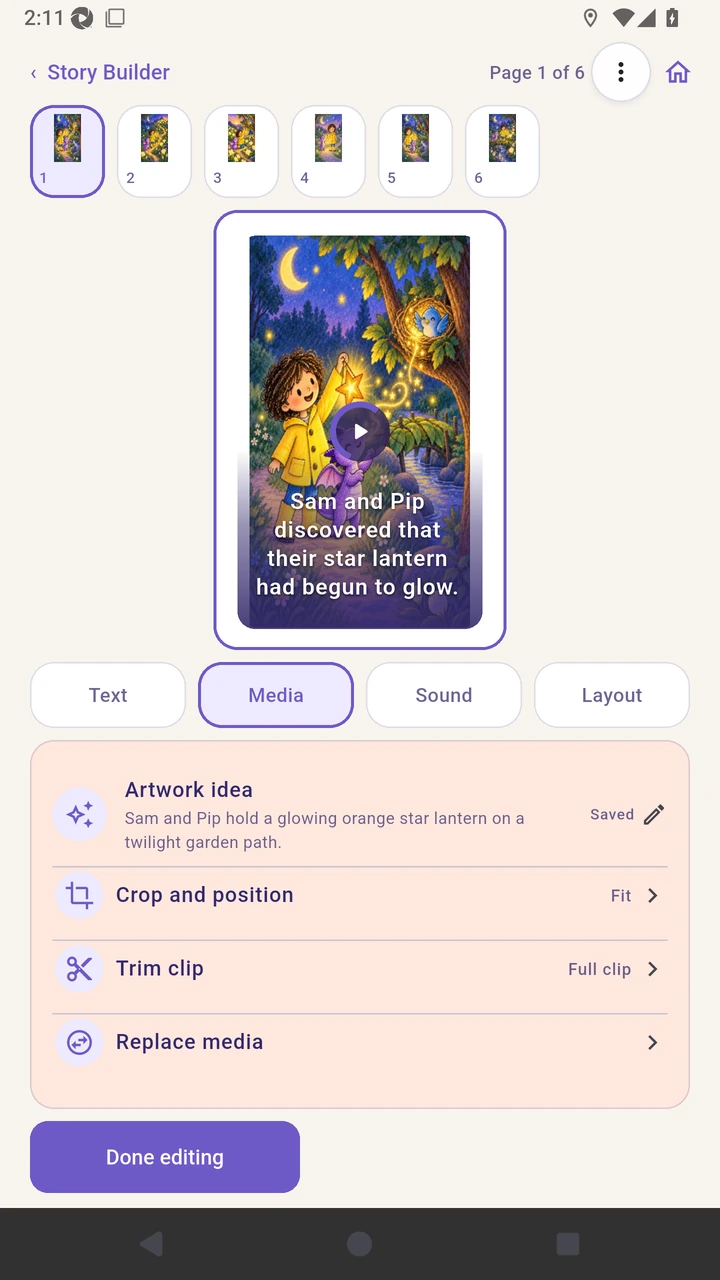
Result. The generated clip is reviewed and used on page one.
Read the narration transcript
Start the page video and review its provider queue status. Choose Continue editing while the server keeps checking the saved request. The page shows the durable in-progress request without blocking other editing. Open the ready result and review the generated clip before it replaces anything. Use the reviewed video on the page.