Studio Motion tutorial · Chapter 10 of 12
Cancel a video and retry a failure
Cancel queued work, preserve its directions, and recover a retryable failed request.
Studio Motion Studio Motion only
Before you start
- Page one has a reviewed generated video.
Step by step
On page two, use End on an image and start another video request.
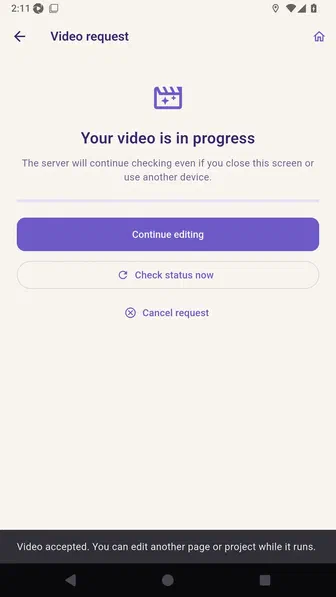
Open the cancellation confirmation before stopping the provider request.
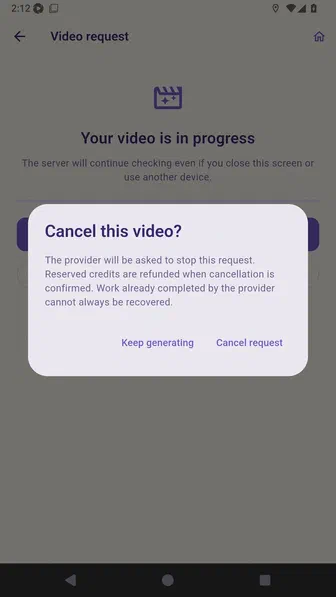
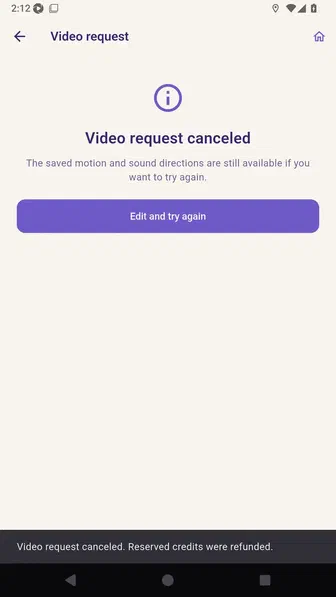
Confirm cancellation and keep the saved motion and sound directions for later.
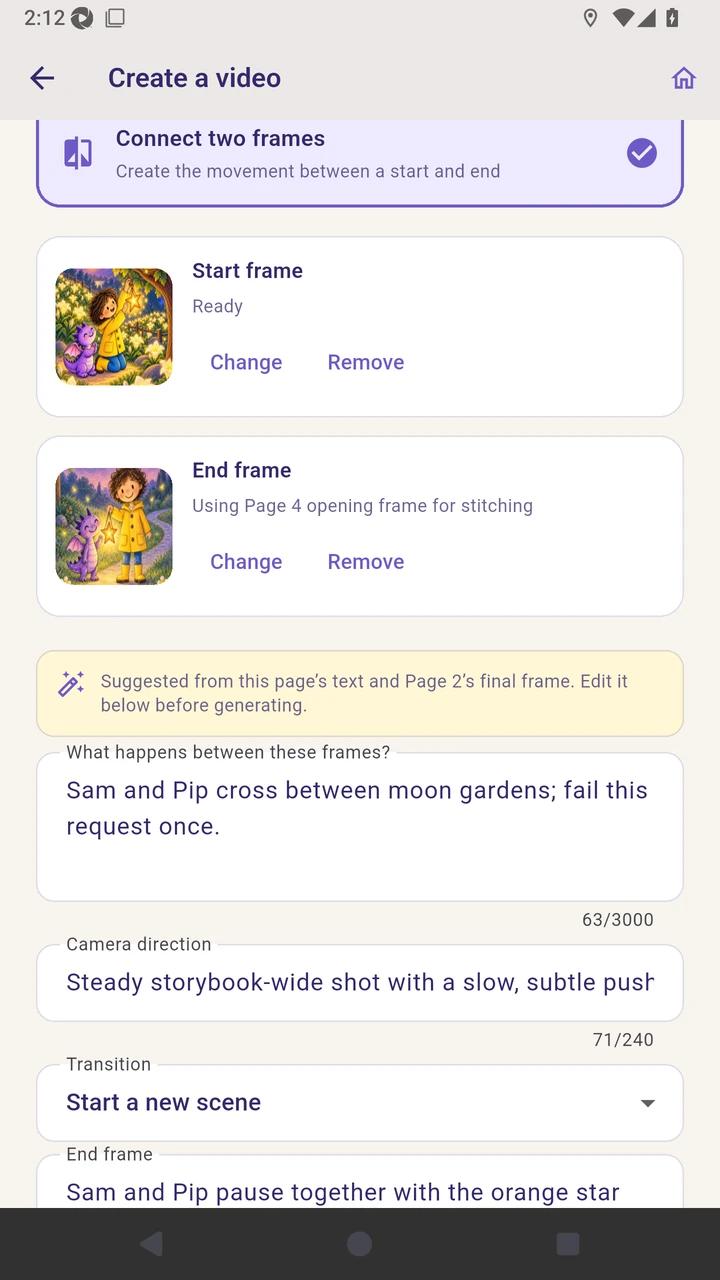
On page three, connect the current page artwork to the next page’s generated opening frame and submit the request.
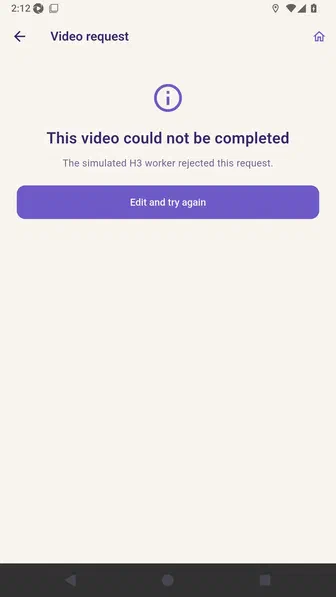
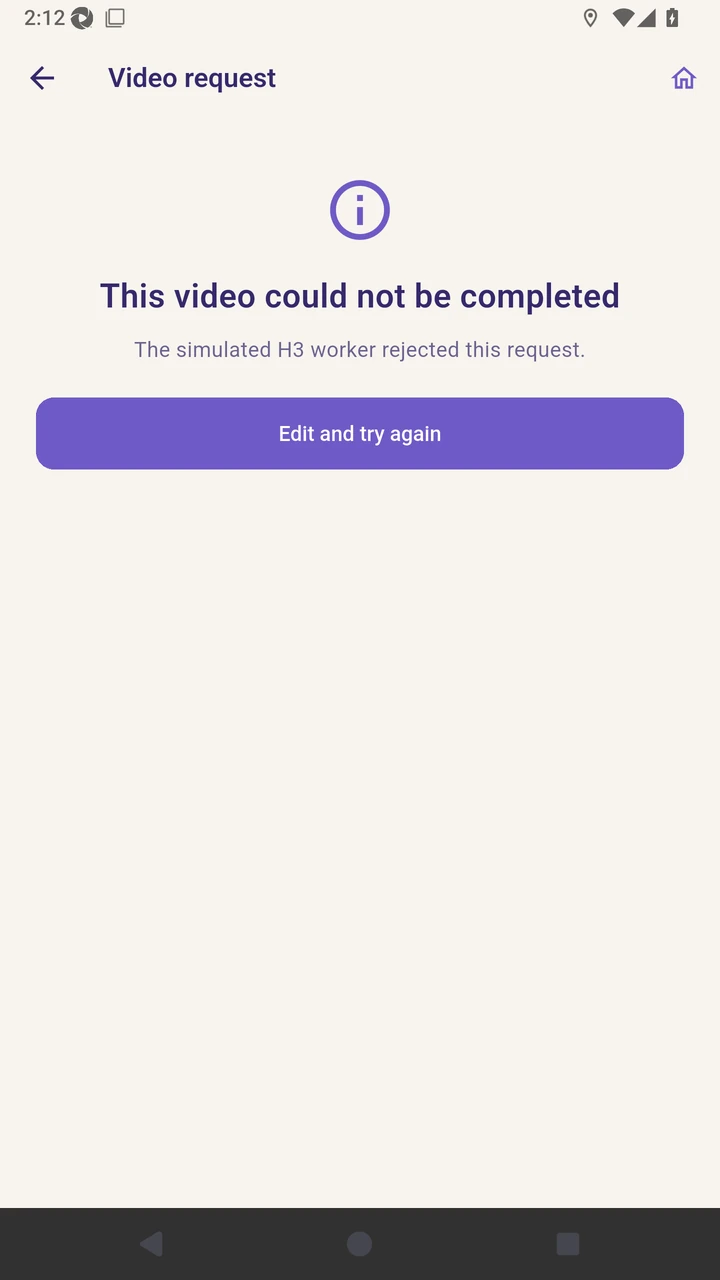
Review the retryable failure without losing the saved directions.
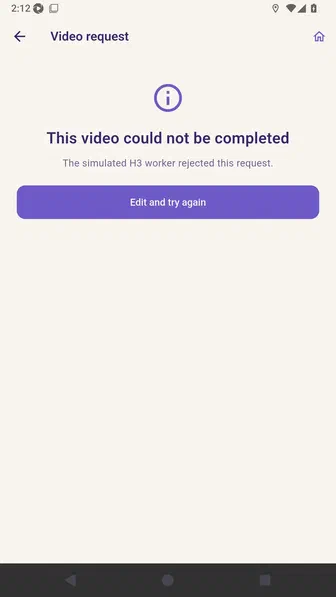
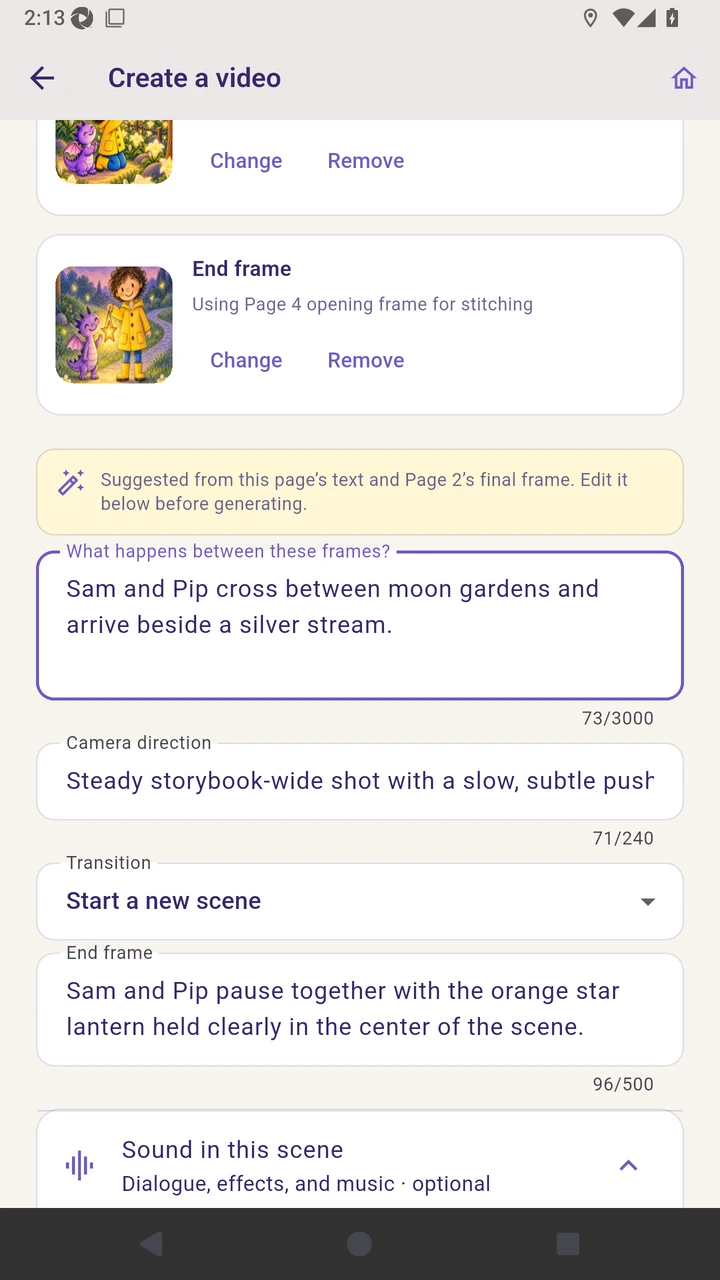
Choose Edit and try again, then confirm that the prior motion directions are restored.
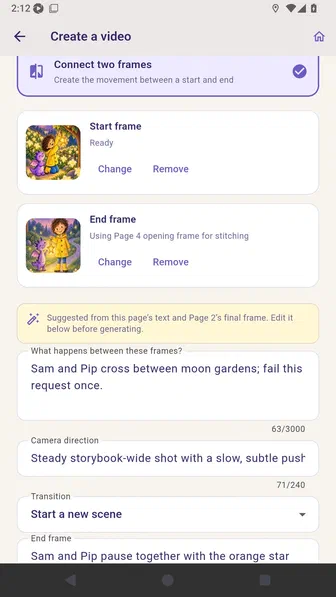
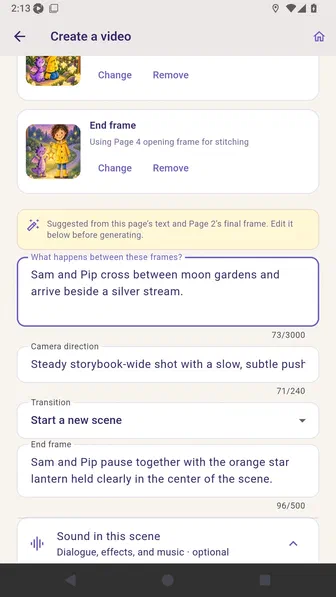
Revise the motion directions, then submit the corrected request.
Review the successful clip and use it on page three.
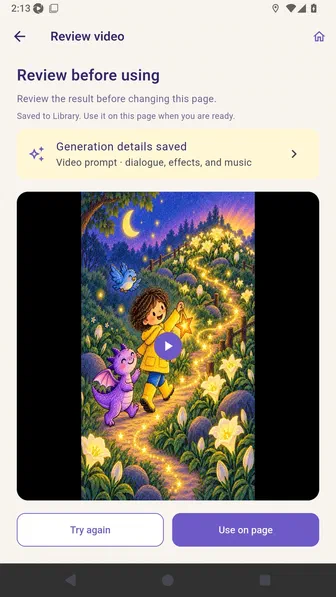
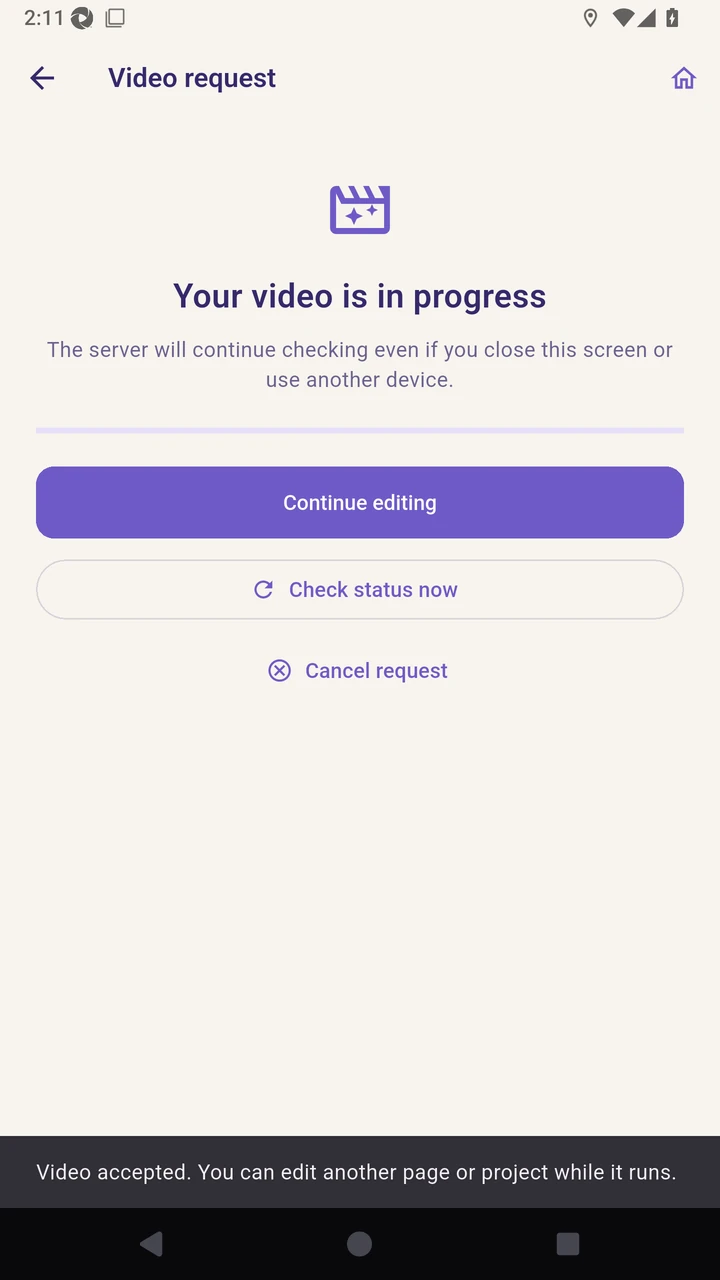
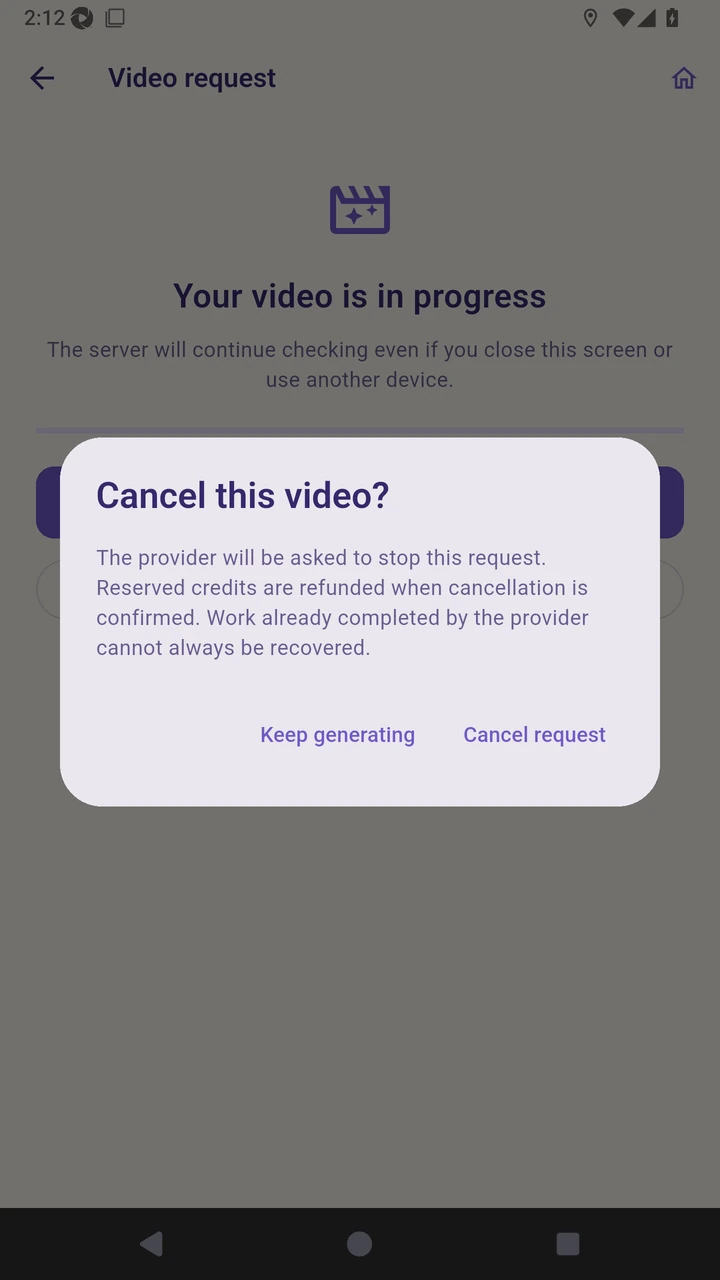
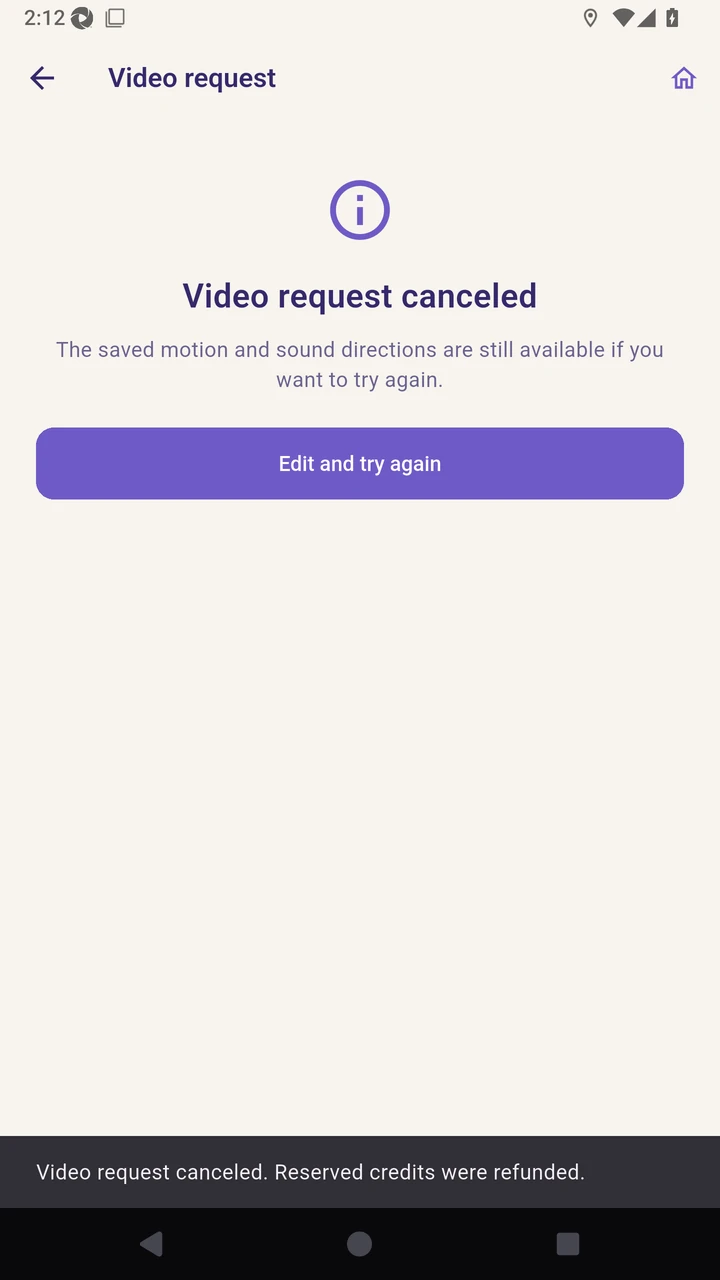
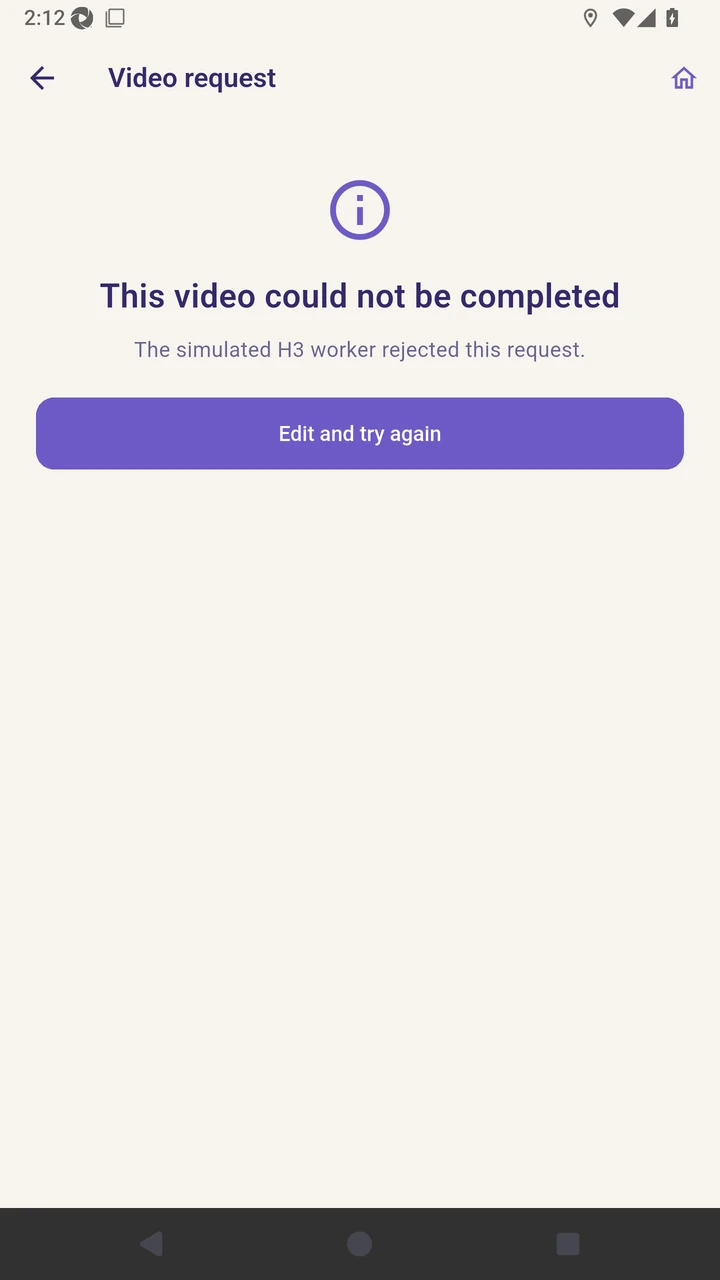
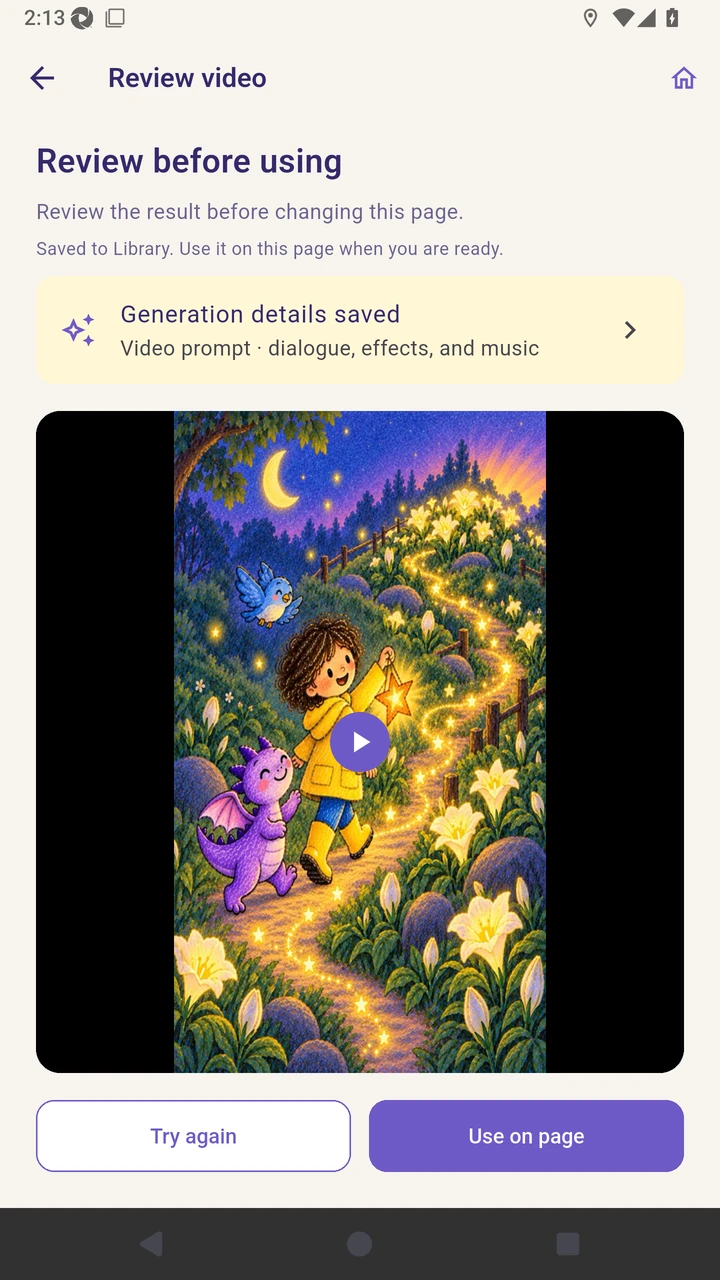
Result. A corrected two-frame video is attached to page three.
Read the narration transcript
On page two, use End on an image and start another video request. Open the cancellation confirmation before stopping the provider request. Confirm cancellation and keep the saved motion and sound directions for later. On page three, connect the current page artwork to the next page’s generated opening frame and submit the request. Review the retryable failure without losing the saved directions. Choose Edit and try again, then confirm that the prior motion directions are restored. Revise the motion directions, then submit the corrected request. Review the successful clip and use it on page three.