Studio Motion tutorial · Chapter 11 of 12
Continue the previous video scene
Carry a prior page’s final moment into the next Motion request.
Studio Motion Studio Motion only
Before you start
- The previous page has a generated video.
Step by step
On page four, open Create AI video and review the Continue previous scene choice.
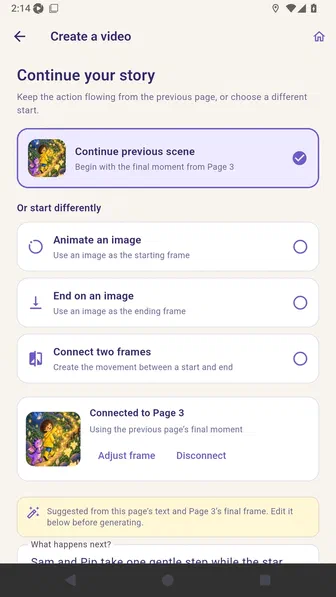
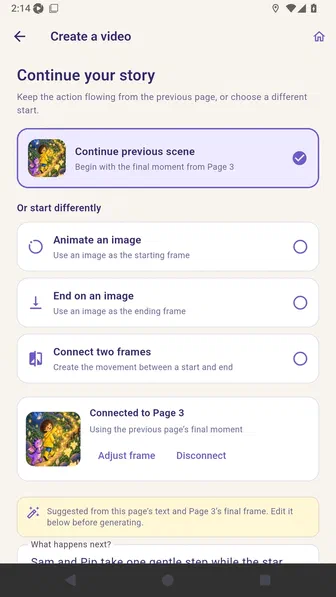
Select it to connect the prior page’s final moment, with controls to adjust or disconnect the frame.
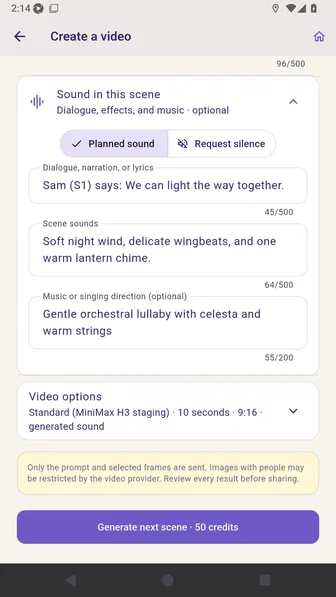
Review the saved visual continuity and Generate next scene action.
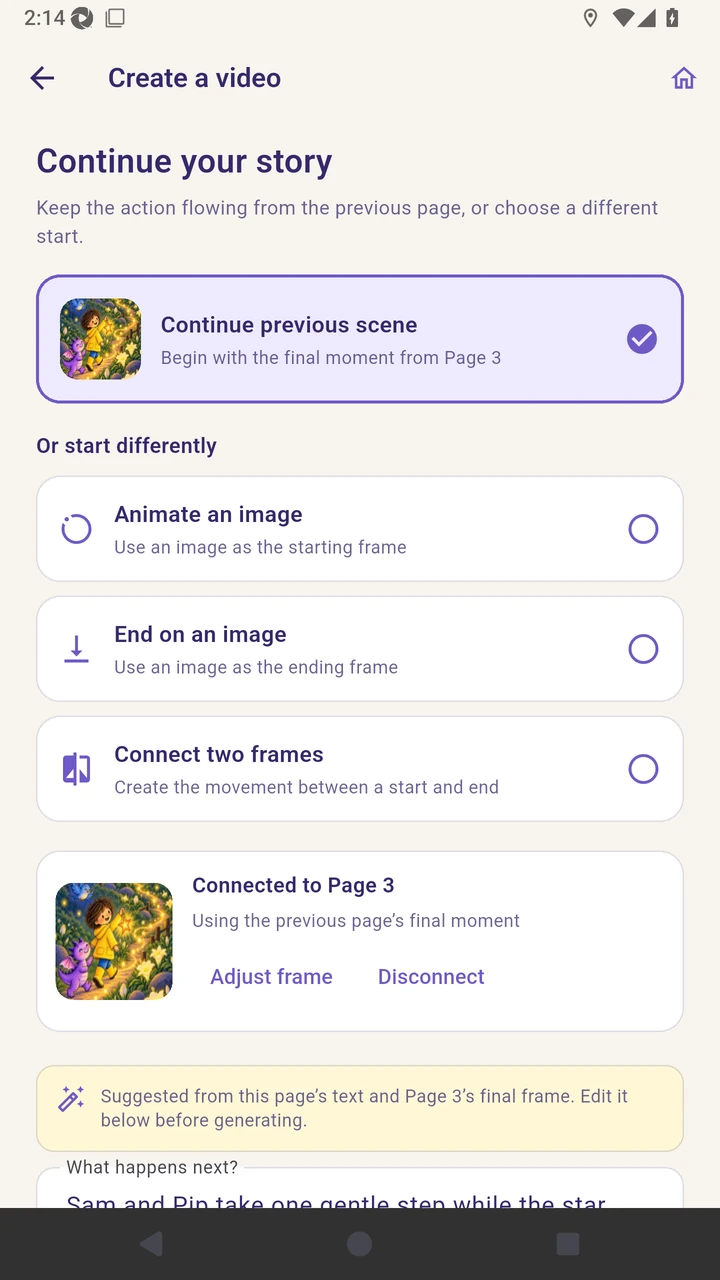
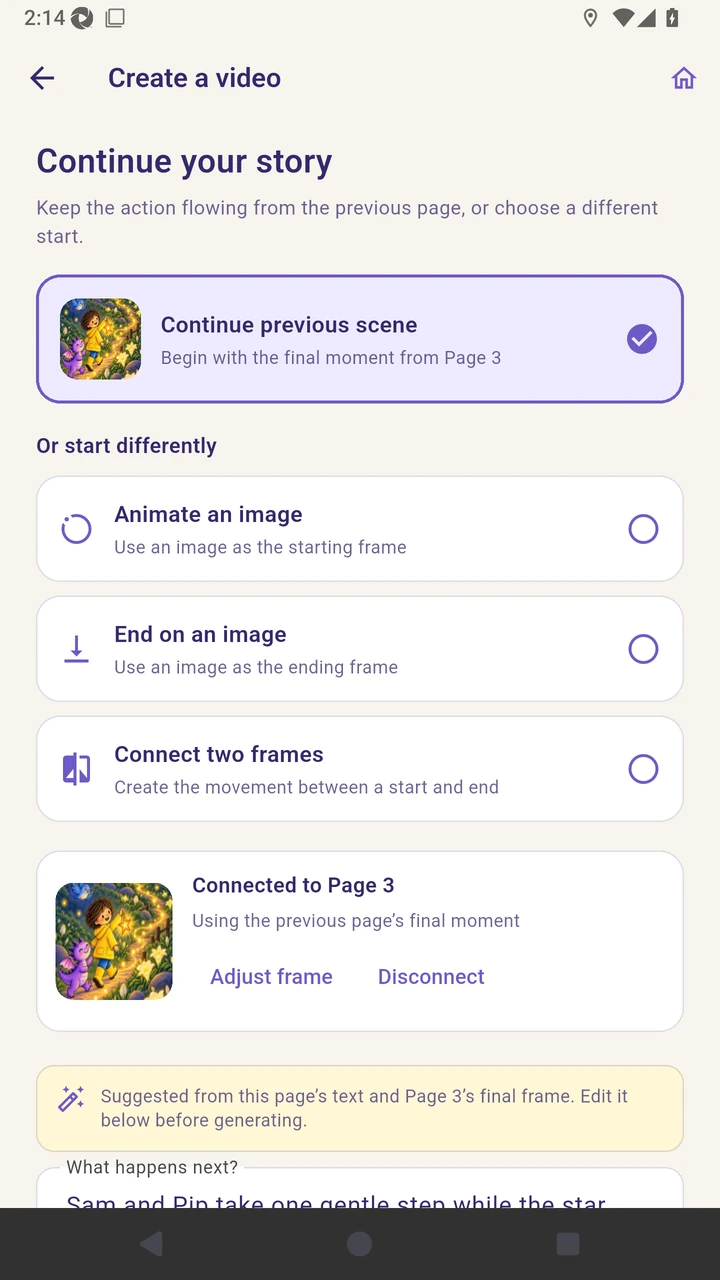
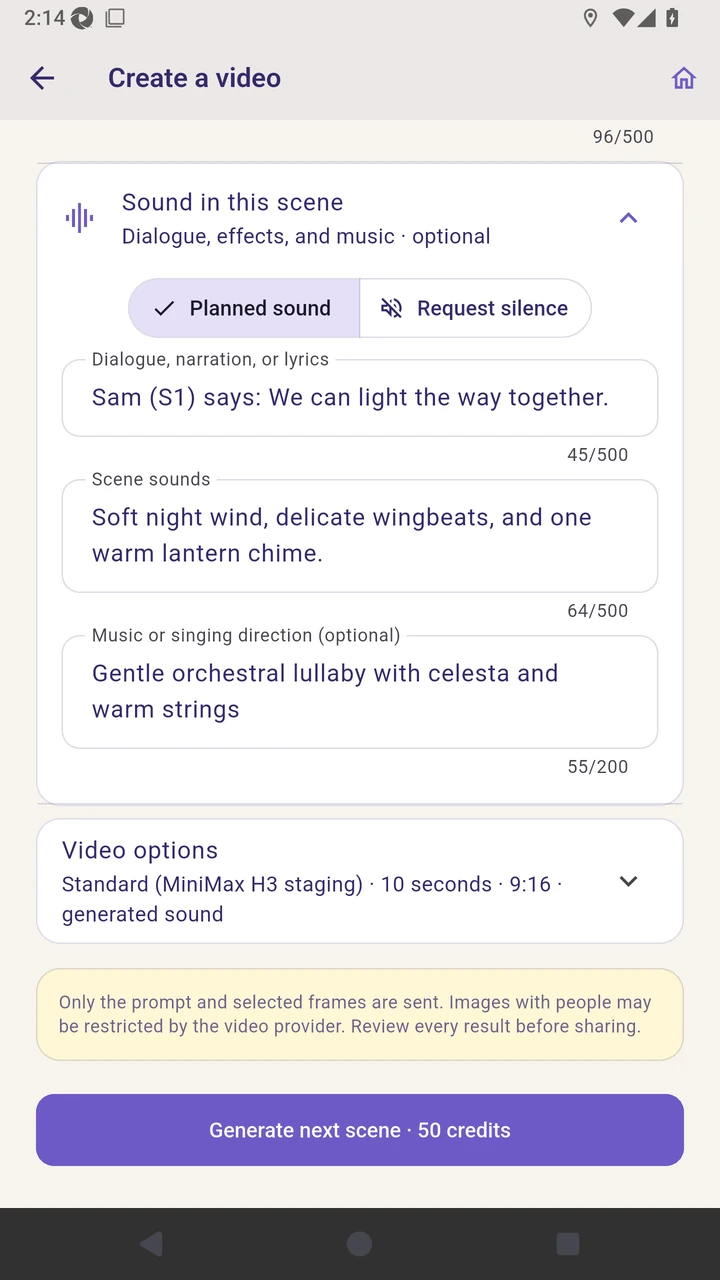
Result. The next page is configured to continue from the previous page’s final moment.
Read the narration transcript
On page four, open Create AI video and review the Continue previous scene choice. Select it to connect the prior page’s final moment, with controls to adjust or disconnect the frame. Review the saved visual continuity and Generate next scene action.