Studio Motion tutorial · Chapter 4 of 12
Review motion and sound for every page
Inspect editable story, image, motion, camera, transition, end-frame, and sound directions.
Studio Motion Studio Motion only
Before you start
- Complete the Motion story settings.
Step by step
Generate the six-page AI plan and review its editable summary.
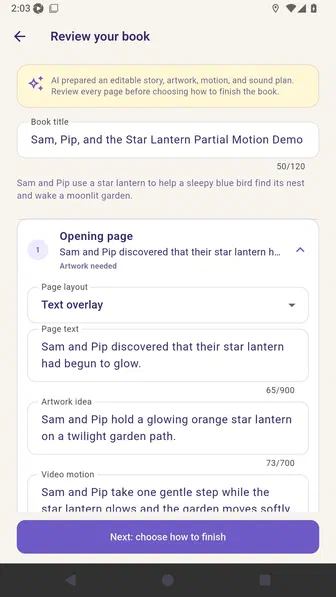
Expand the opening page and review the page text and artwork idea.
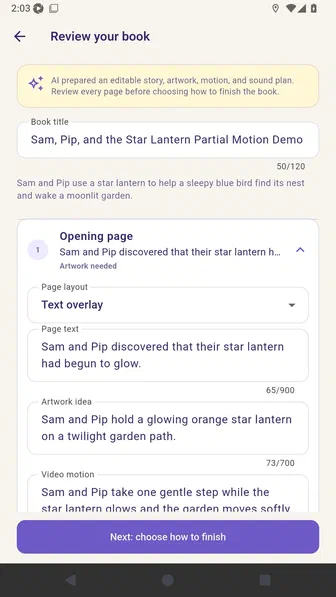
Review the video motion, camera direction, transition, and intended end frame.
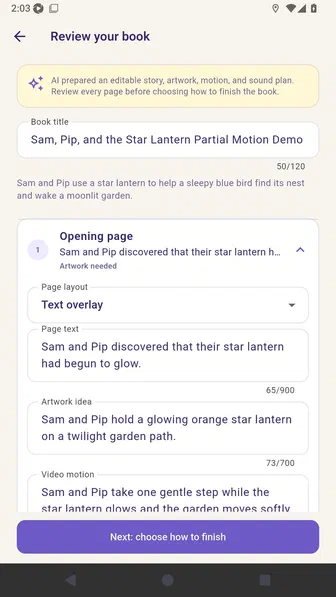
Open Voice in this clip. Choose whether a character speaks, an off-screen narrator speaks, or narration is added separately. Then choose generated ambience or a silent background.
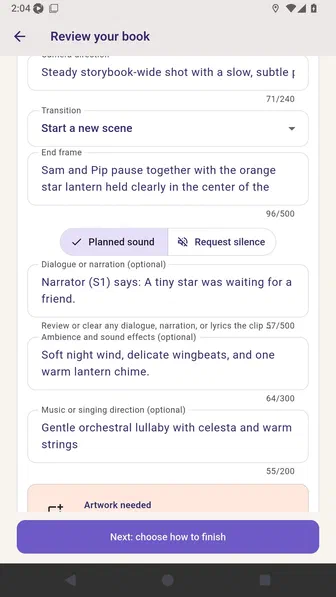
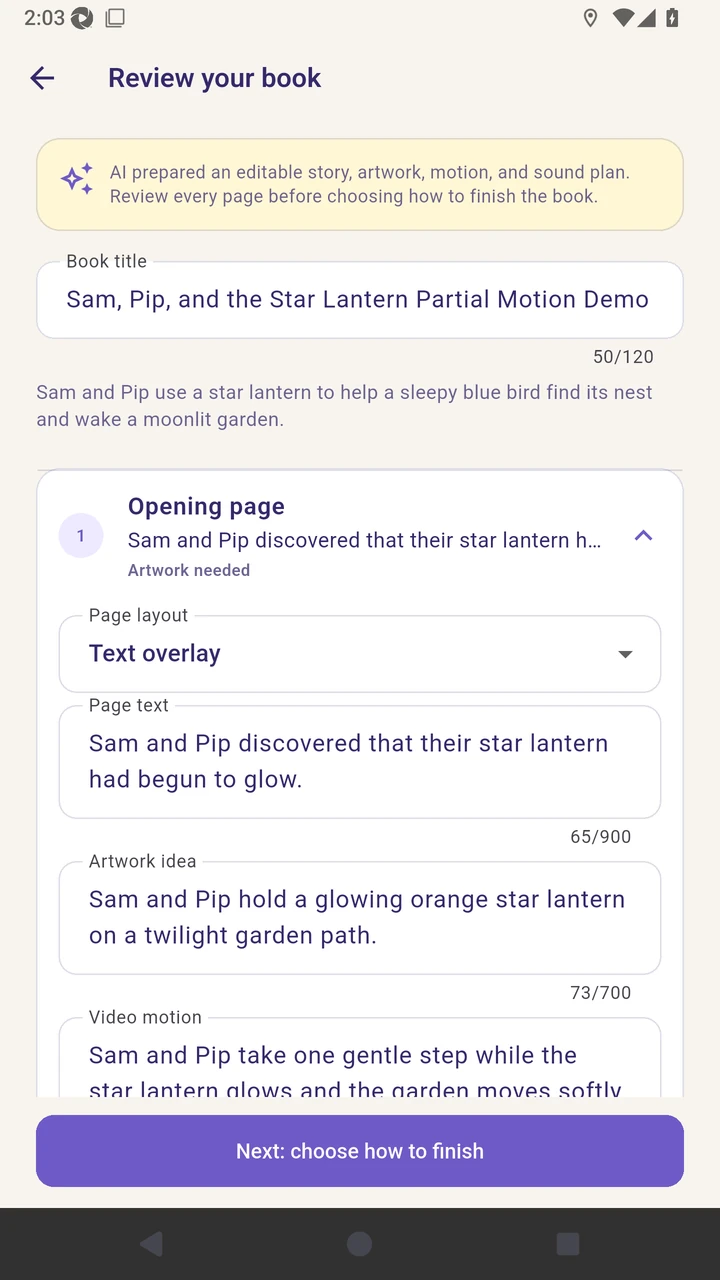
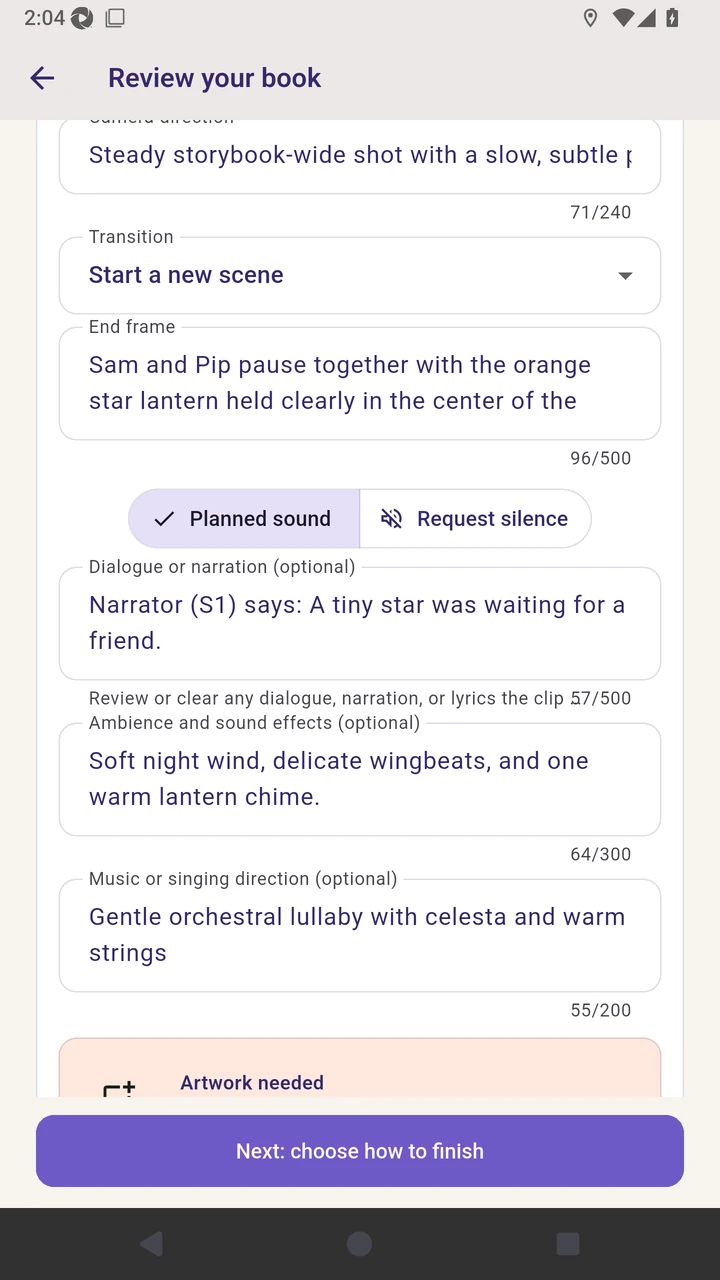
Result. The reviewed six-page plan contains complete movie directions.
Read the narration transcript
Generate the six-page AI plan and review its editable summary. Expand the opening page and review the page text and artwork idea. Review the video motion, camera direction, transition, and intended end frame. Open Voice in this clip and choose character speech, an off-screen narrator, or separate narration. Choose generated ambience or a silent background before continuing.