Sketch and photo to illustration
Draw on the canvas or photograph their drawing, then turn it into a finished illustration that still looks like theirs. Photos can become storybook art too.
How it worksStudio Plus turns a child's drawing or a family photo into finished illustrations. AI planning drafts the pages with you, the characters stay consistent from page to page, and AI voices narrate the book in each of its languages.
From $9.99 a month · 400 credits every month
Public release coming later. Sign in to the app to be considered for complimentary beta credits →
Includes everything in Free, including unlimited recording in your own voice.
Open one to watch it, read along, and see exactly how it was made.
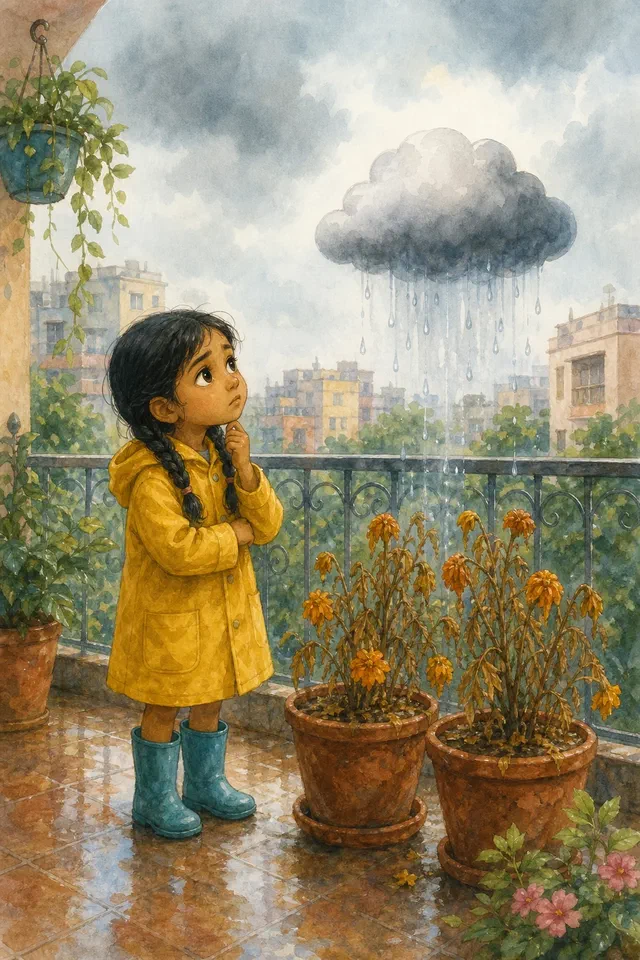
For bedtime
Mira found a shy silver cloud above her thirsty garden. A six-page picture story made in Studio Plus and narrated in English, French, and Telugu.
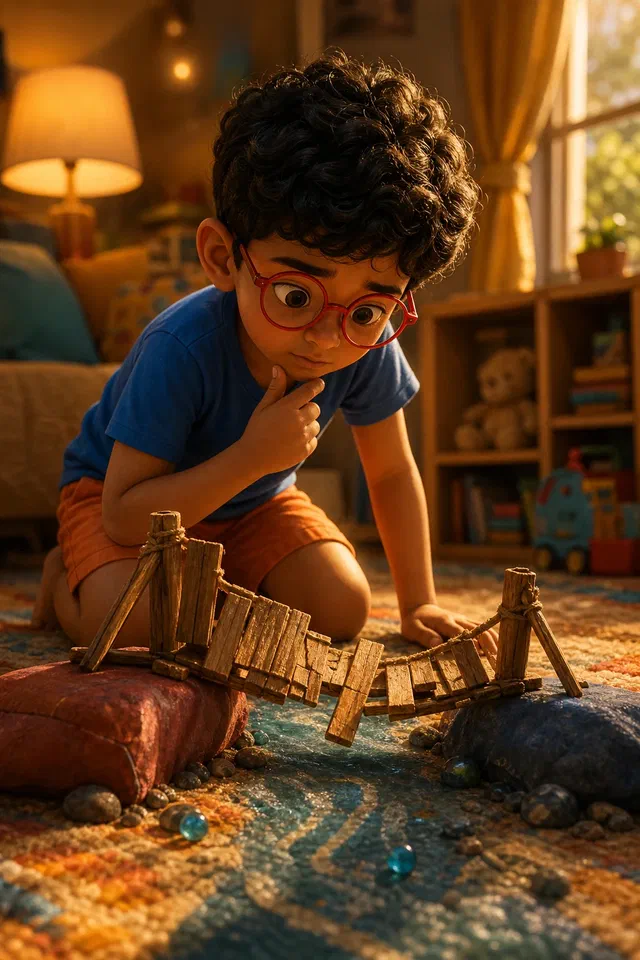
All about your child
Meet Ravi. He is seven years old, and he loves to look closely at how things work. A six-page little biography made in Studio Plus and narrated in English, French, and Telugu.
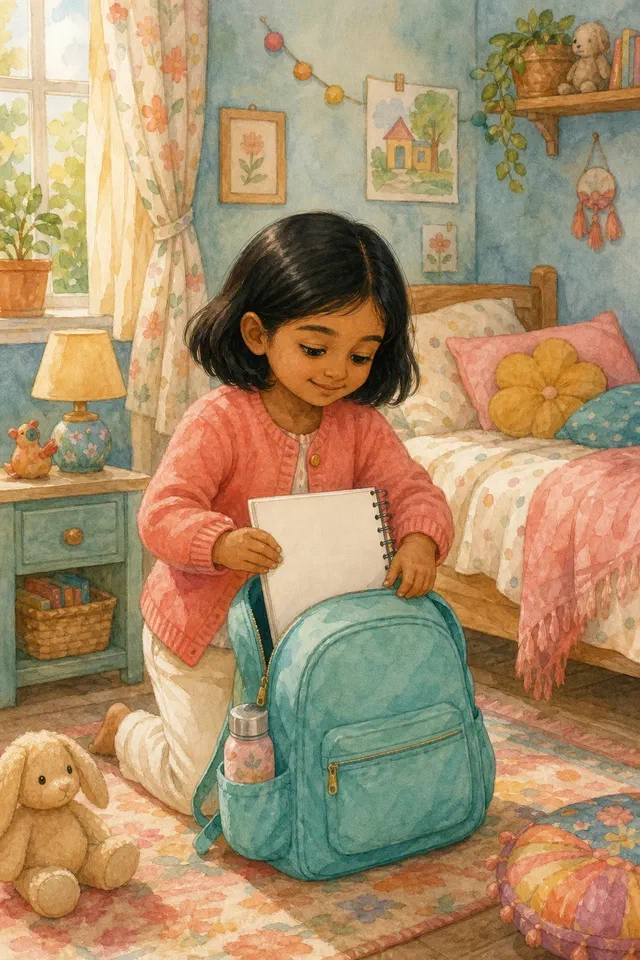
A first big journey
Anika packed her favorite sketchbook into her little turquoise backpack. A six-page travel diary made in Studio Plus and narrated in English, French, and Telugu.
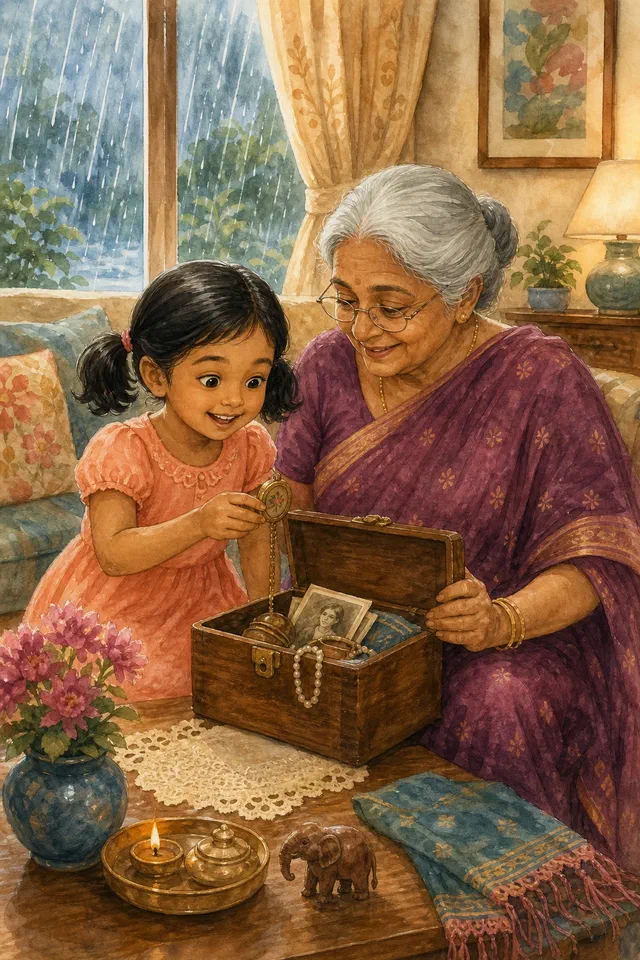
For grandparents, in their language
Rain tapped on the window as Maya and Grandma Leela opened a dusty wooden box filled with hidden treasures. A six-page family keepsake made in Studio Plus and narrated in English, French, and Telugu.
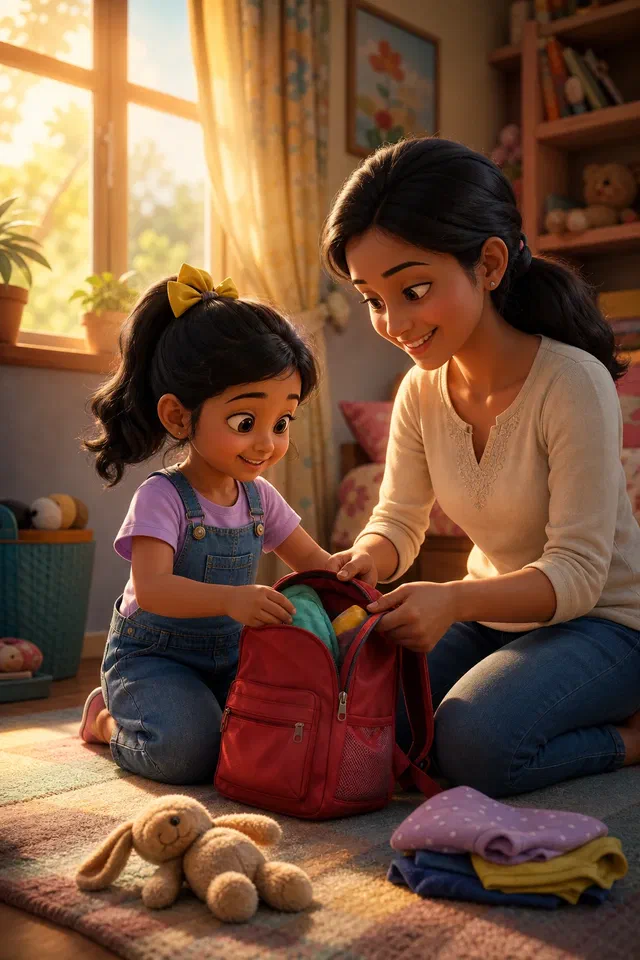
A first day at school
Tara packed her little red backpack with Mum. A six-page milestone book made in Studio Plus and narrated in English, French, and Telugu.
Draw on the canvas or photograph their drawing, then turn it into a finished illustration that still looks like theirs. Photos can become storybook art too.
How it worksDescribe the idea and get an editable plan: the words, the artwork idea, and the layout for every page. Change anything before a picture is made.
How it worksAttach one drawing as the story anchor. The same characters, clothes, and colours carry from page to page, and each new picture can continue from the one before.
How it worksTranslate the book into Spanish, French, Hindi, Japanese, and more, then give each language its own AI storyteller voice.
How it worksApprove the plan and the credit quote, and every illustration is generated in the background. You can close the app while the book is made.
How it worksBack projects up privately and restore them on another phone, so a lost device is not a lost recording.
How it worksEleven short narrated videos: plan a storybook with AI, attach a child's drawing as the story anchor, generate consistent pictures, narrate in English and French, and export.
Studio Plus includes 400 credits every month. The app shows the exact cost on the button before anything is sent.
| Action | Credits |
|---|---|
| AI story plan, any length | 5 |
| Illustration | 10 |
| AI narration, per page | 3 |
| Translation, per page or cover | 1 (5 to 15 per request) |
A six-page storybook with a plan and six new illustrations is about 65 credits, before optional narration or translation. See how credits work.
Join the free beta on Android through Google Play or on iOS through TestFlight. Make your first story and tell us what worked. Interested in AI creation? Sign in to the app to be considered for complimentary Plus or Motion beta credits.