Studio Plus tutorial · Chapter 4 of 11
Add a child-drawn story anchor
Attach a simple sketch and review the visible details AI will use.
Studio Plus Studio Plus and Studio Motion
Before you start
- Complete the AI story settings.
Step by step
Open Story anchor and choose a picture.
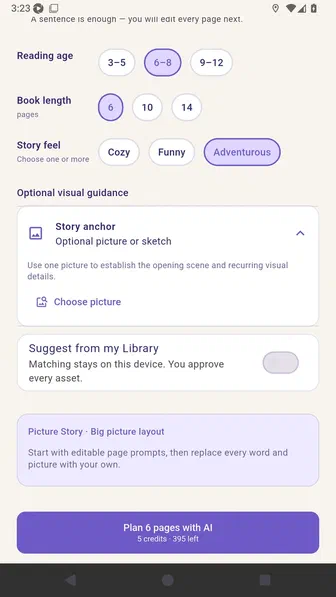
Review the Library, phone, camera, and drawing sources for a story anchor.
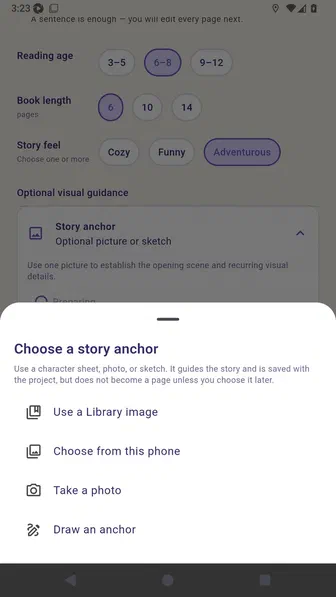
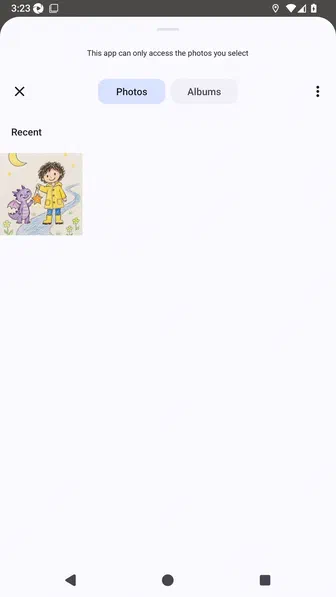
In the Android photo picker, tap the child-drawn Sam and Pip sketch.
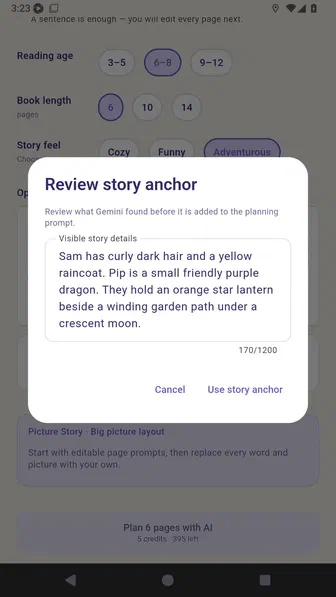
Review the visible details found in the selected sketch.
Confirm that the selected sketch and reviewed description are attached.
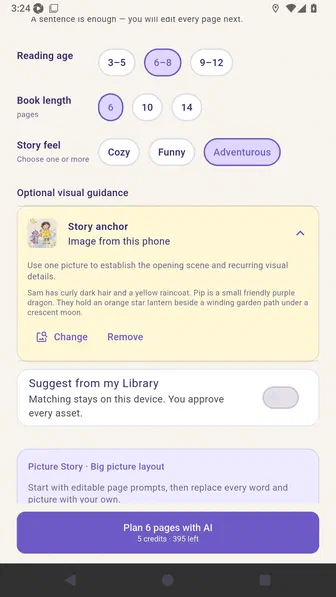
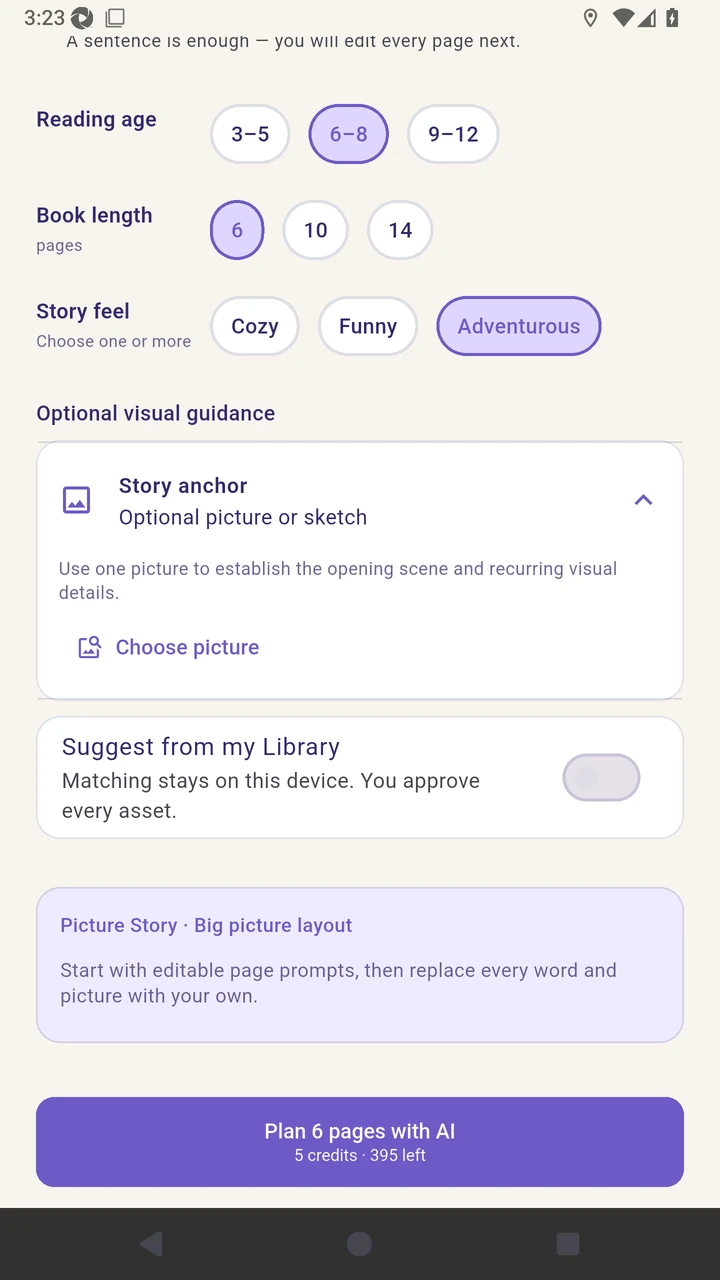
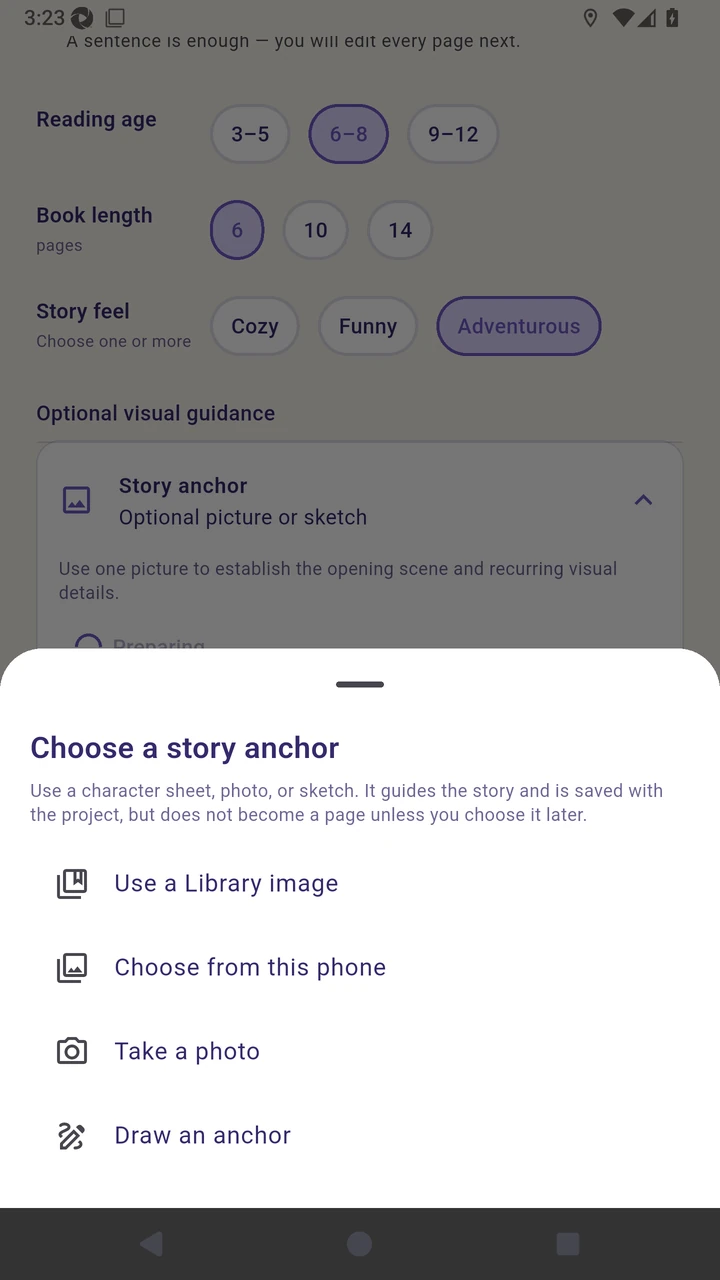
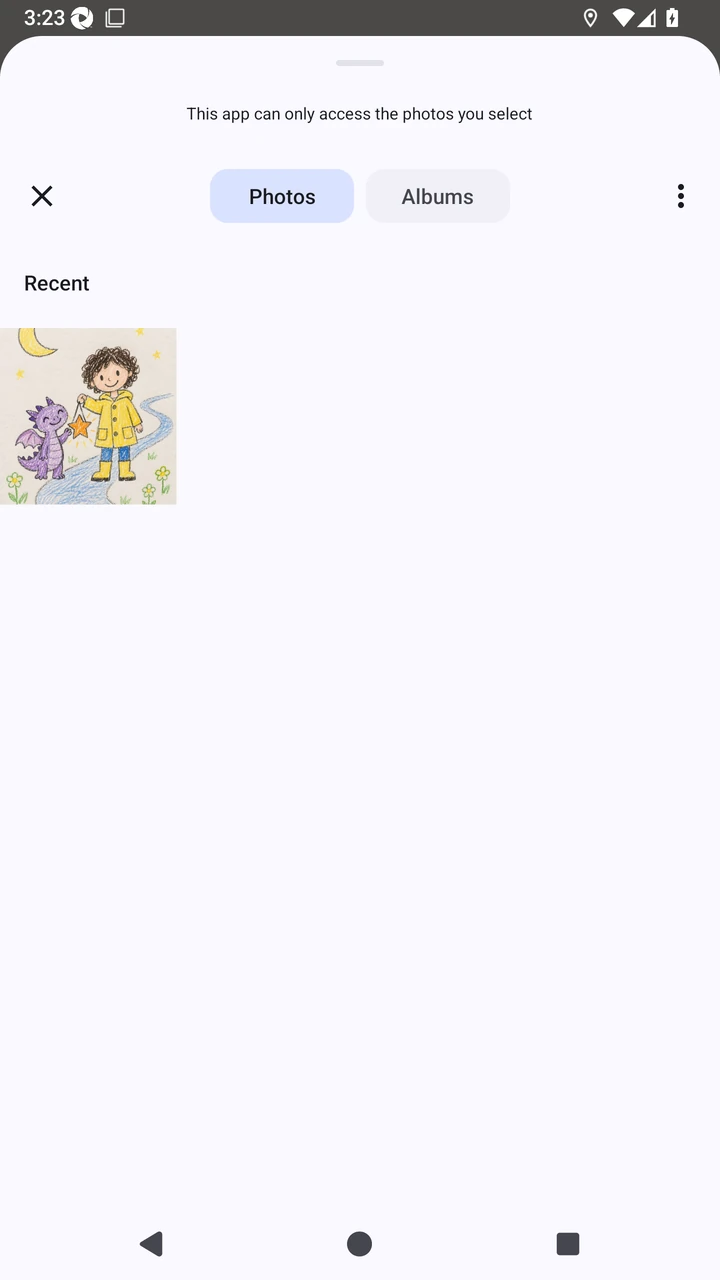
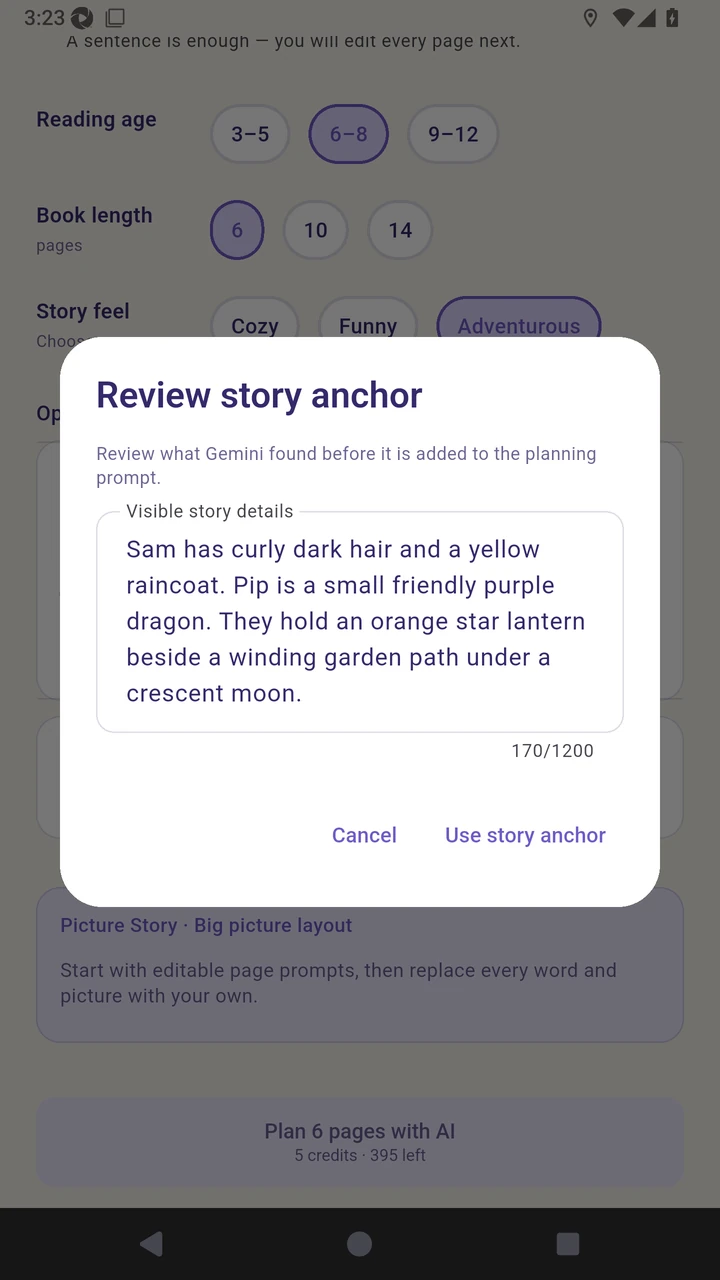
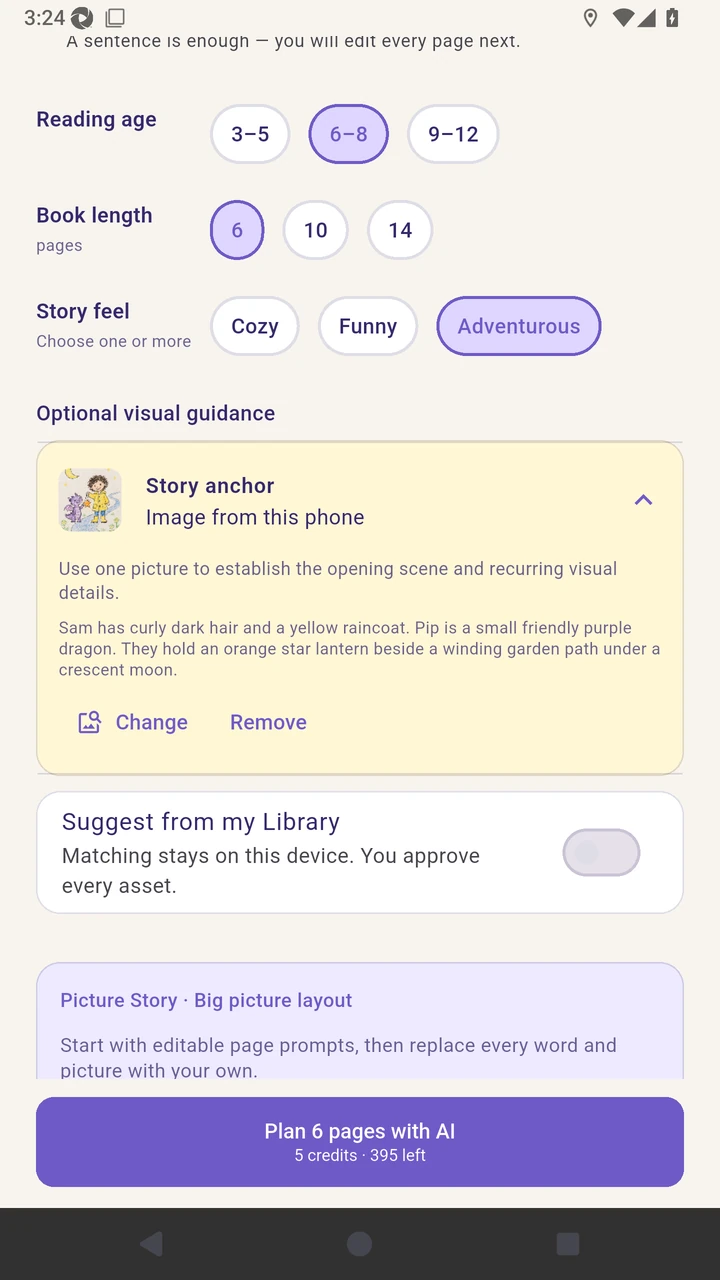
Result. The childlike Sam and Pip sketch is attached as the project story anchor.
Read the narration transcript
Open Story anchor and choose a picture. Choose the phone as the anchor source. In the Android photo picker, tap the Sam and Pip sketch. Review the visible characters, colors, lantern, and path before using the anchor. Confirm that the selected sketch and reviewed description are attached.