Studio Plus tutorial · Chapter 8 of 11
Create AI narration
Generate a voice-over from page text and save it on the page.
Studio Plus Studio Plus and Studio Motion
Before you start
- Open a generated story page in the editor.
Step by step
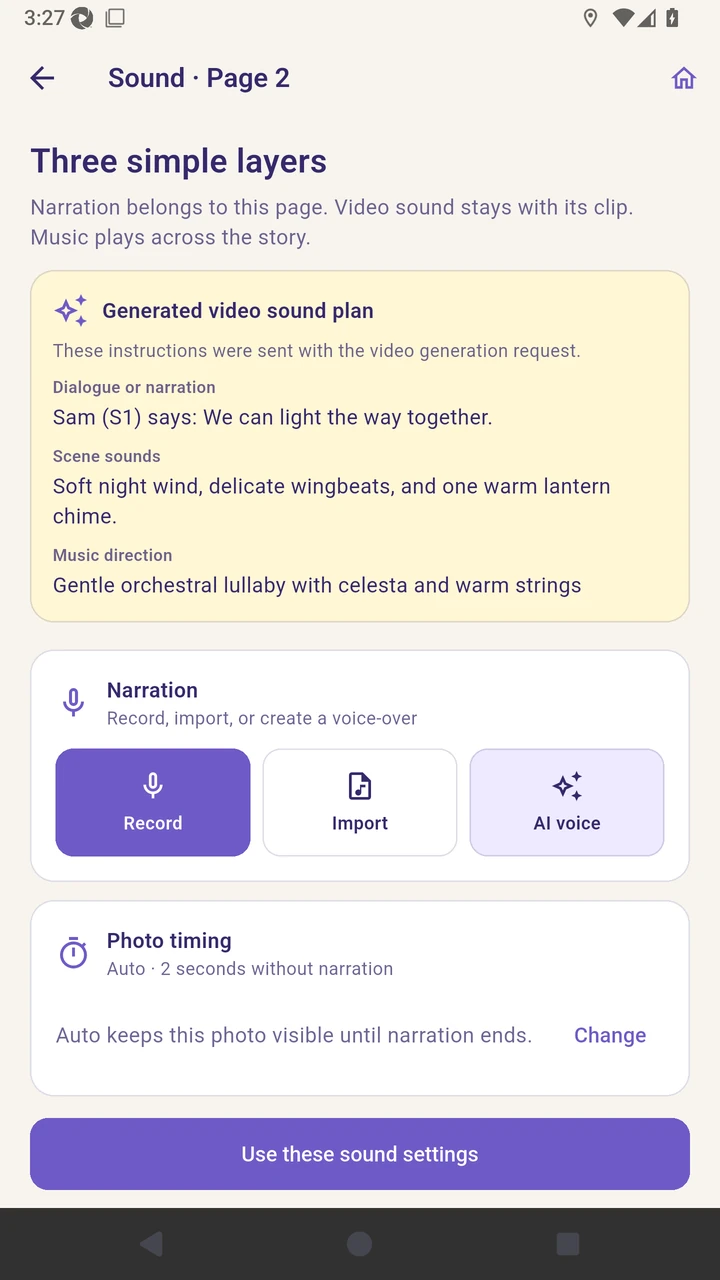
Open Sound and choose AI voice.
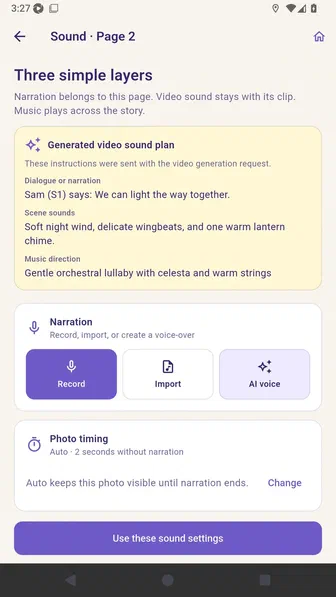
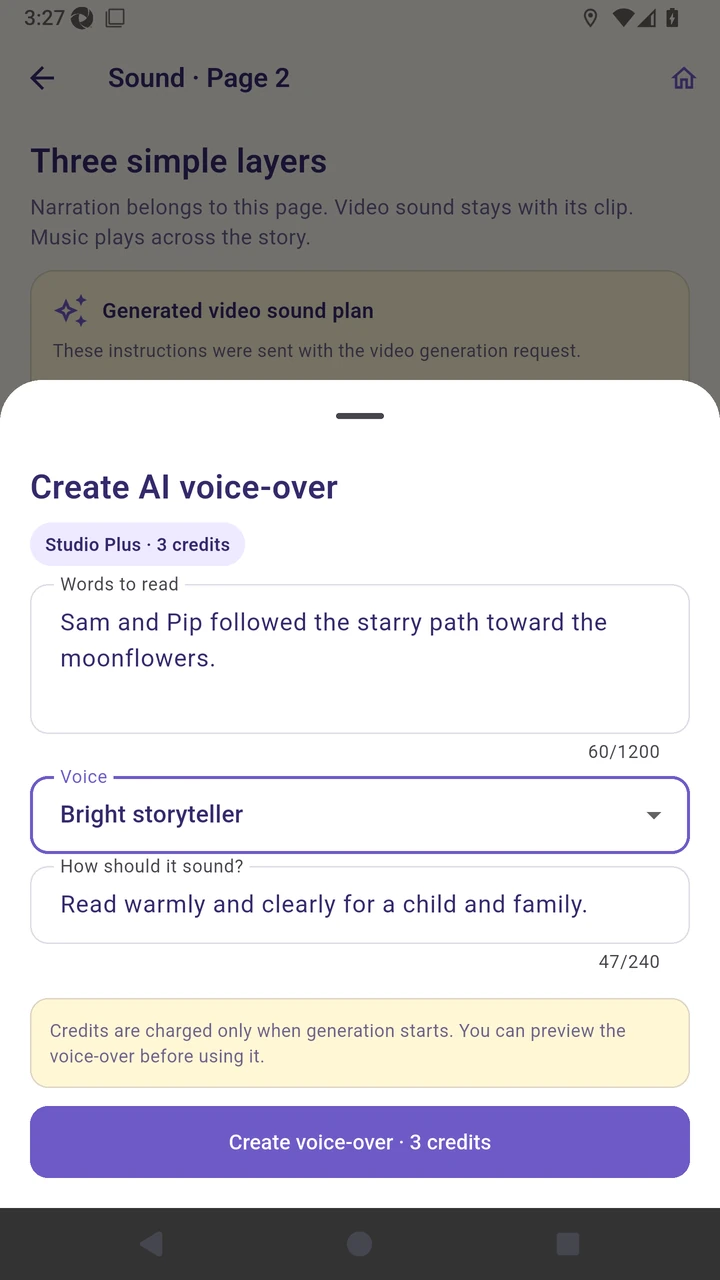
Review the words and choose a storyteller voice.
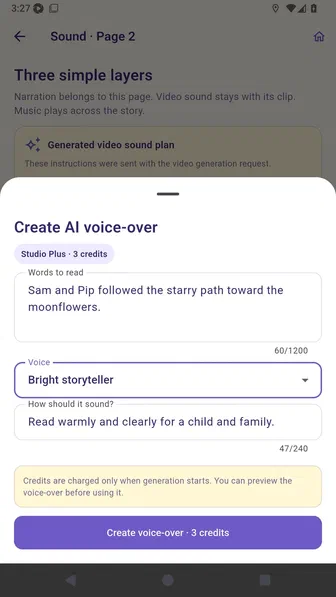
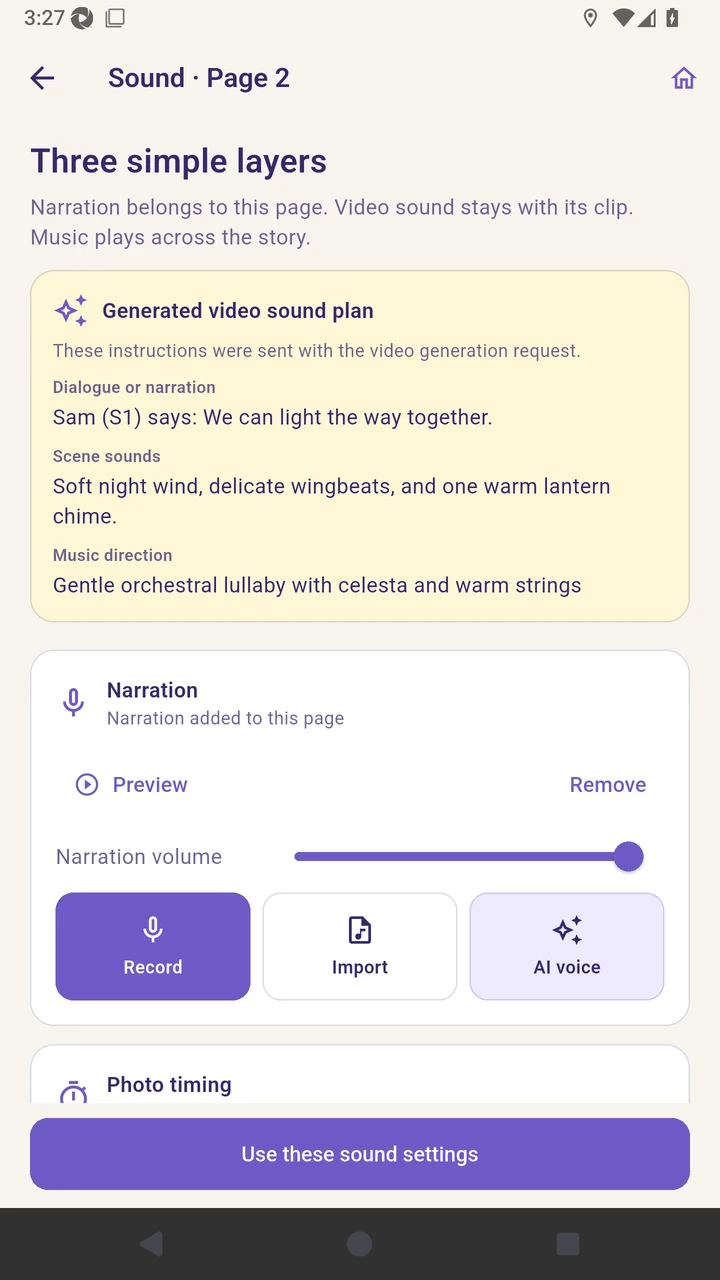
Create the voice-over and wait for it to be added.
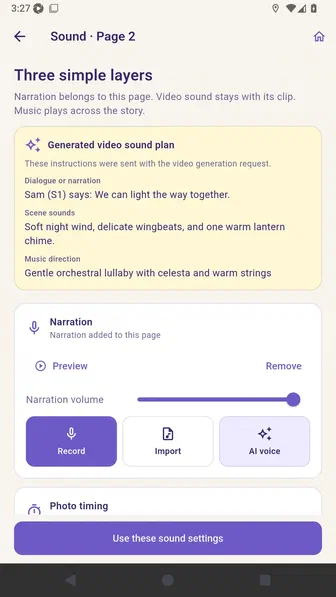
Save the sound settings on the page.
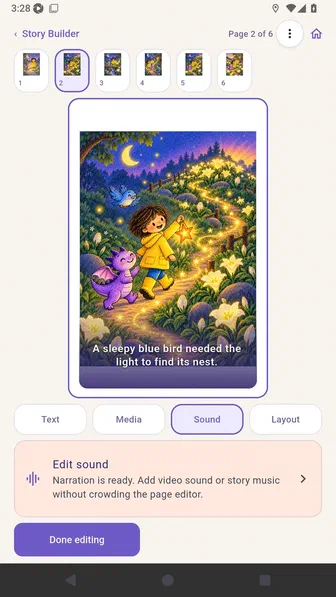
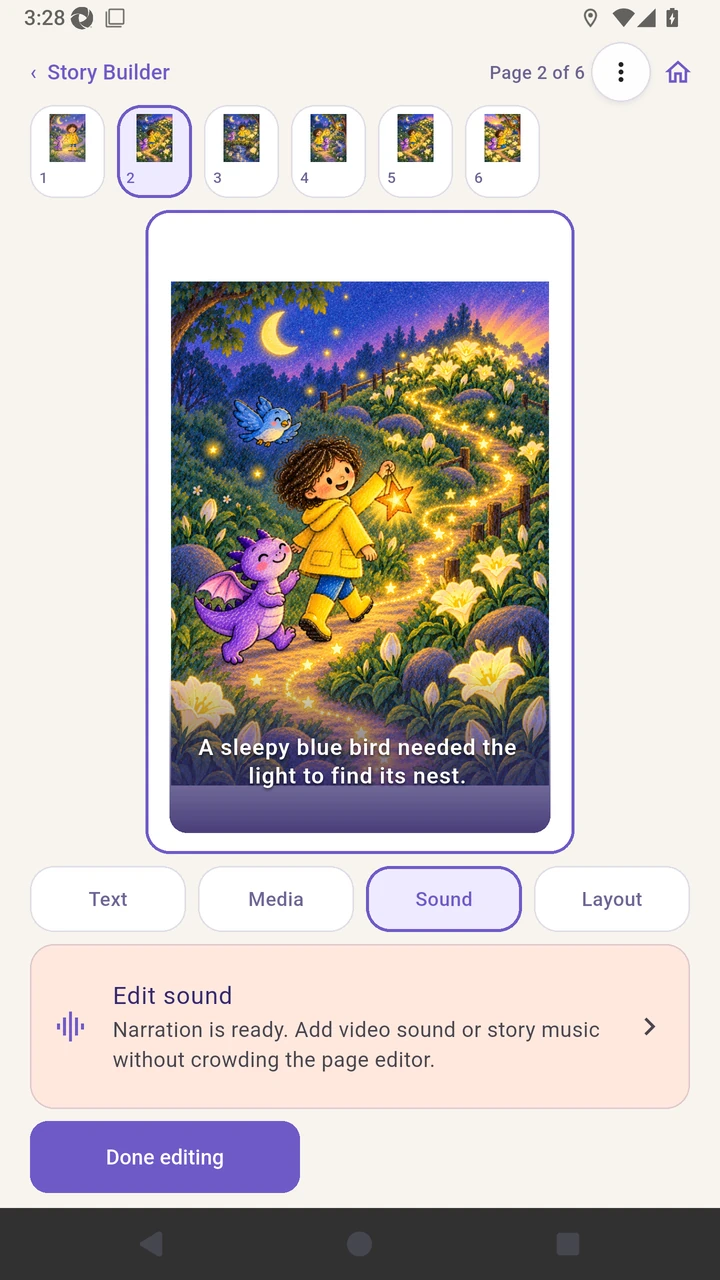
Result. The page contains the generated Studio Plus narration track.
Read the narration transcript
Open Sound and choose AI voice. Review the words and choose a storyteller voice. Create the voice-over and wait for it to be added. Save the sound settings on the page.