Studio Plus tutorial · Chapter 6 of 11
Generate the planned pictures
Review the credit quote, start background image generation, and open the finished book.
Studio Plus Studio Plus and Studio Motion
Before you start
- Review every page in the AI story plan.
Step by step
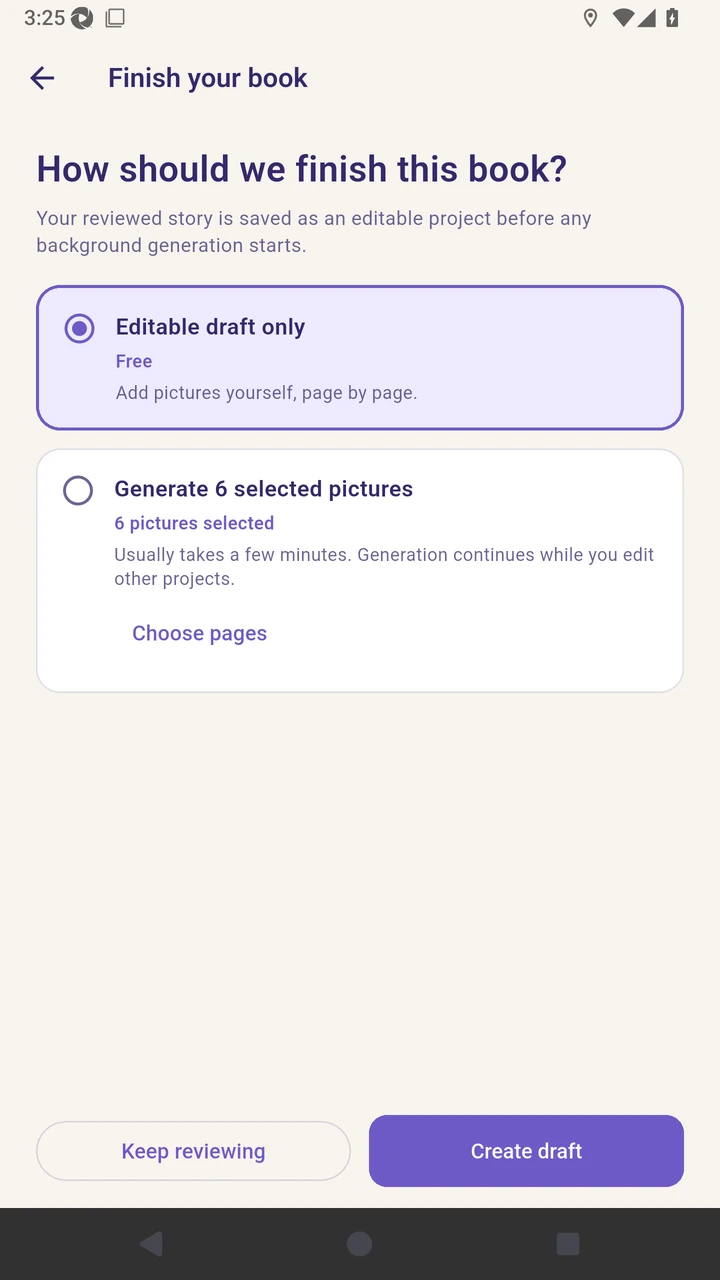
Continue to the finish screen and choose generated pictures.
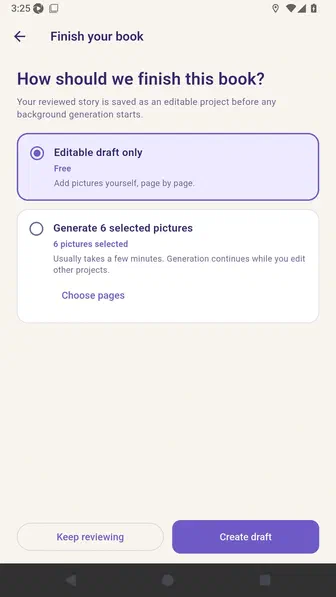
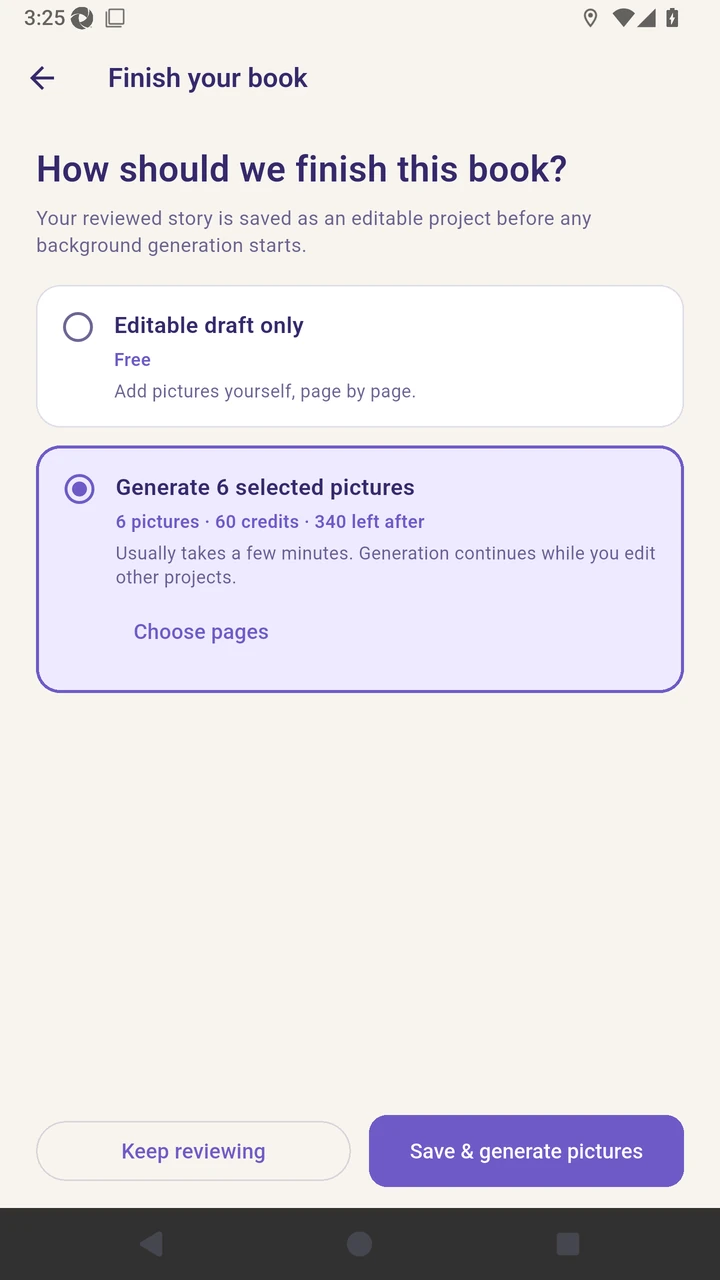
Review the six selected pages and the current picture-generation credit quote.
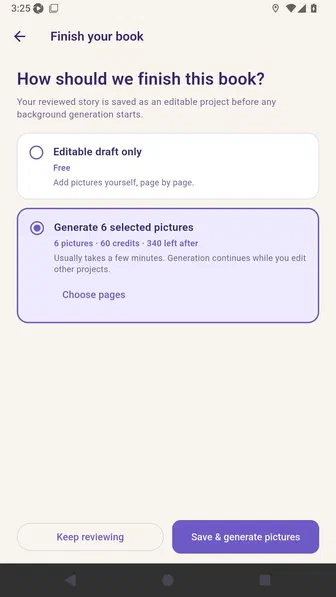
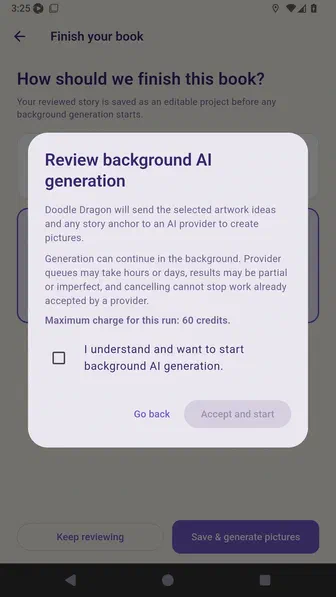
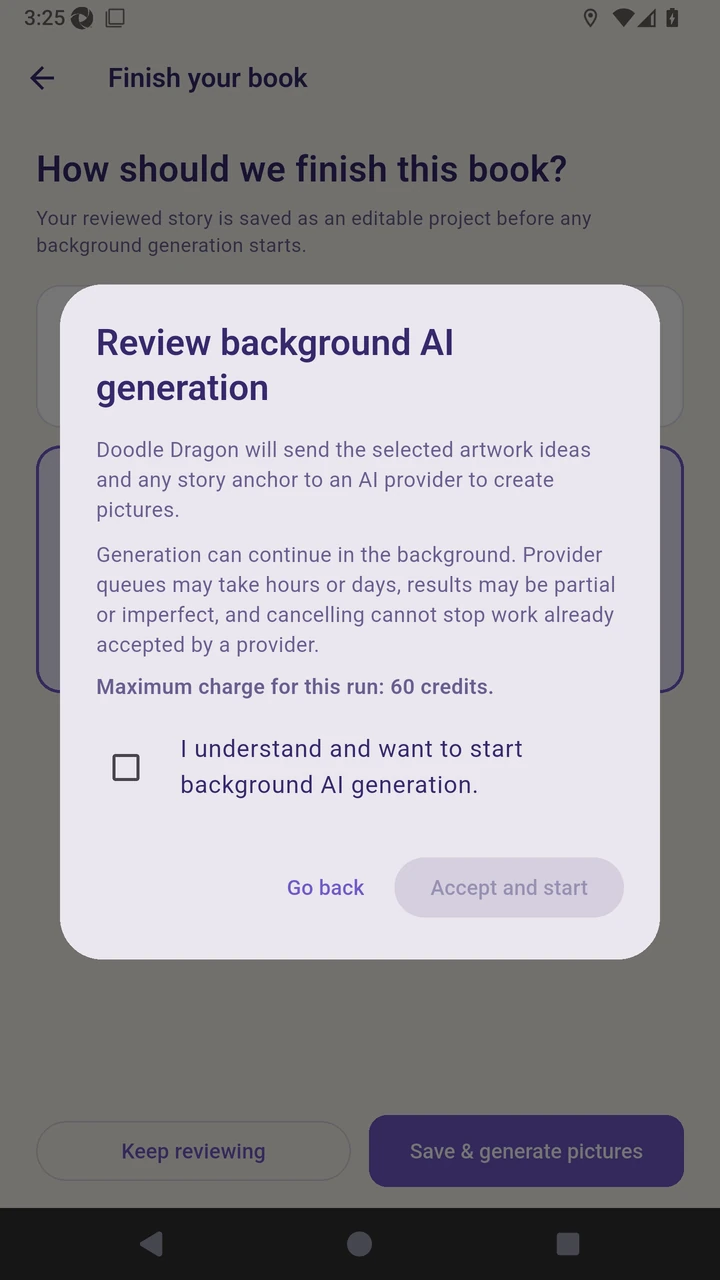
Review the background-generation disclosure and maximum charge.
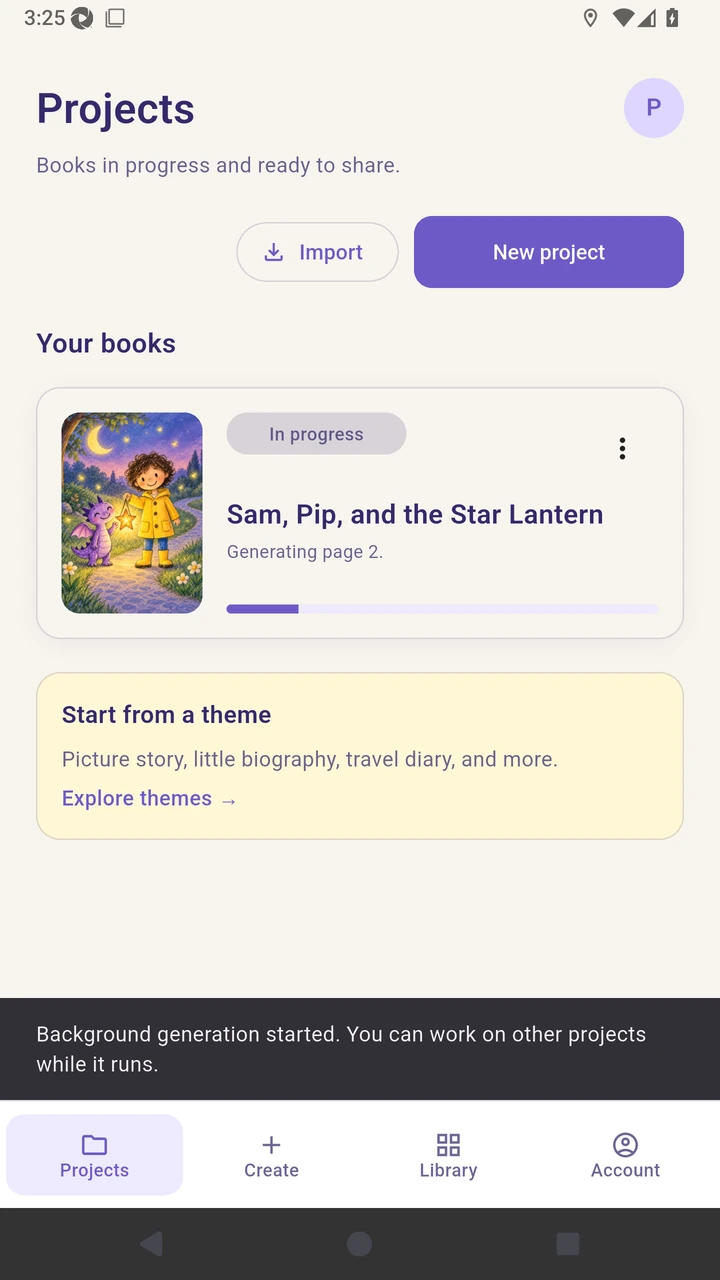
Save the project and start background picture generation.
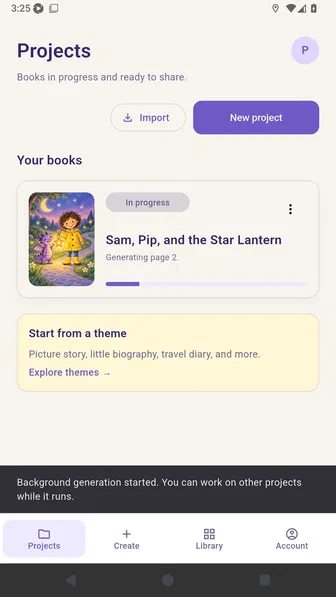
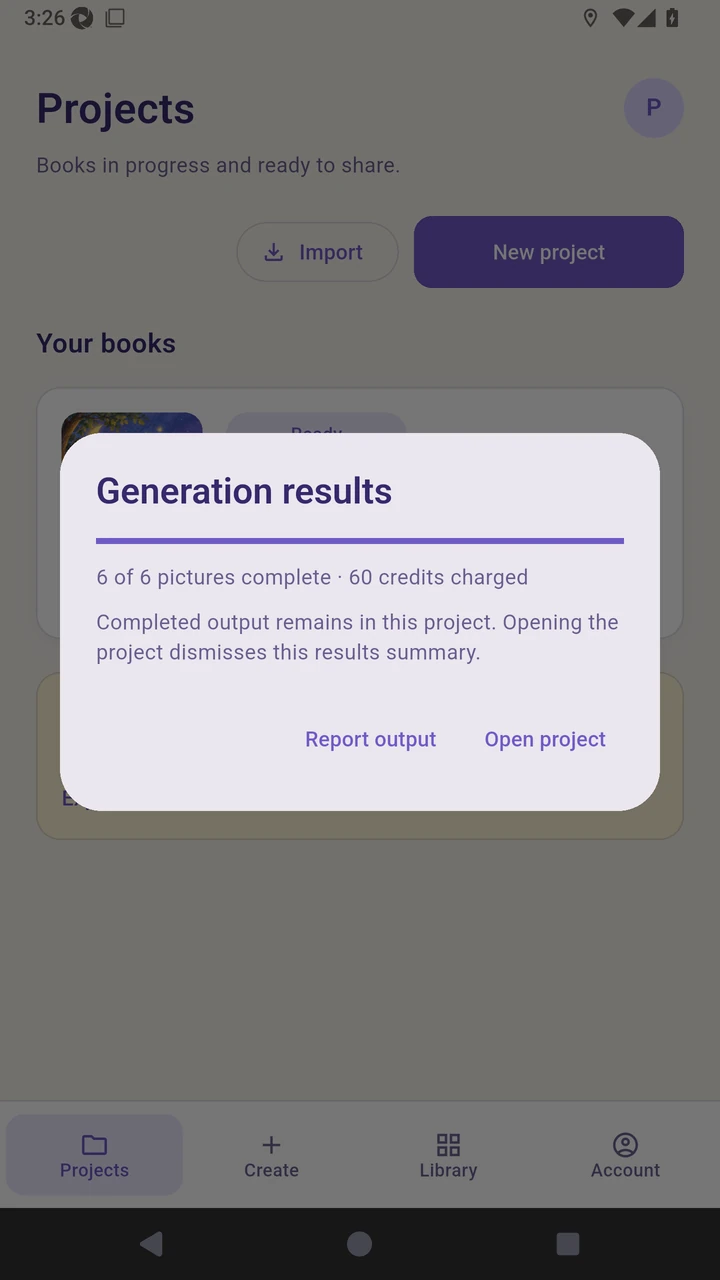
Open the completed generation results and review the charged picture count.
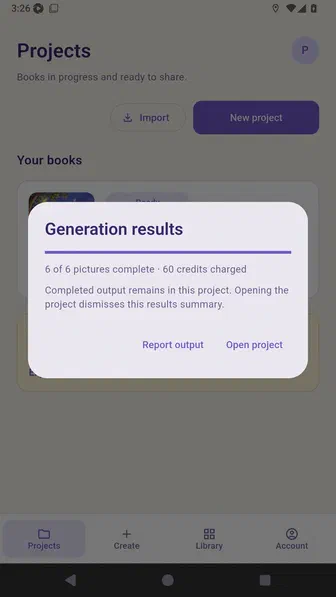
Open the project to review the coordinated pictures in Story Builder.
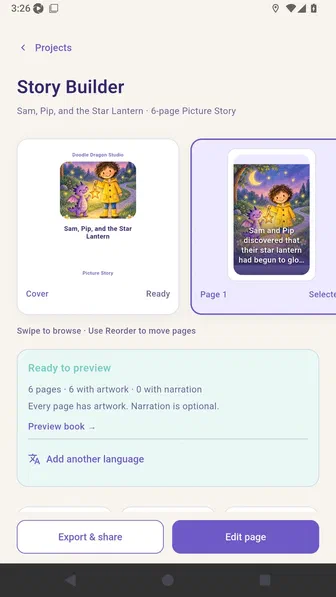
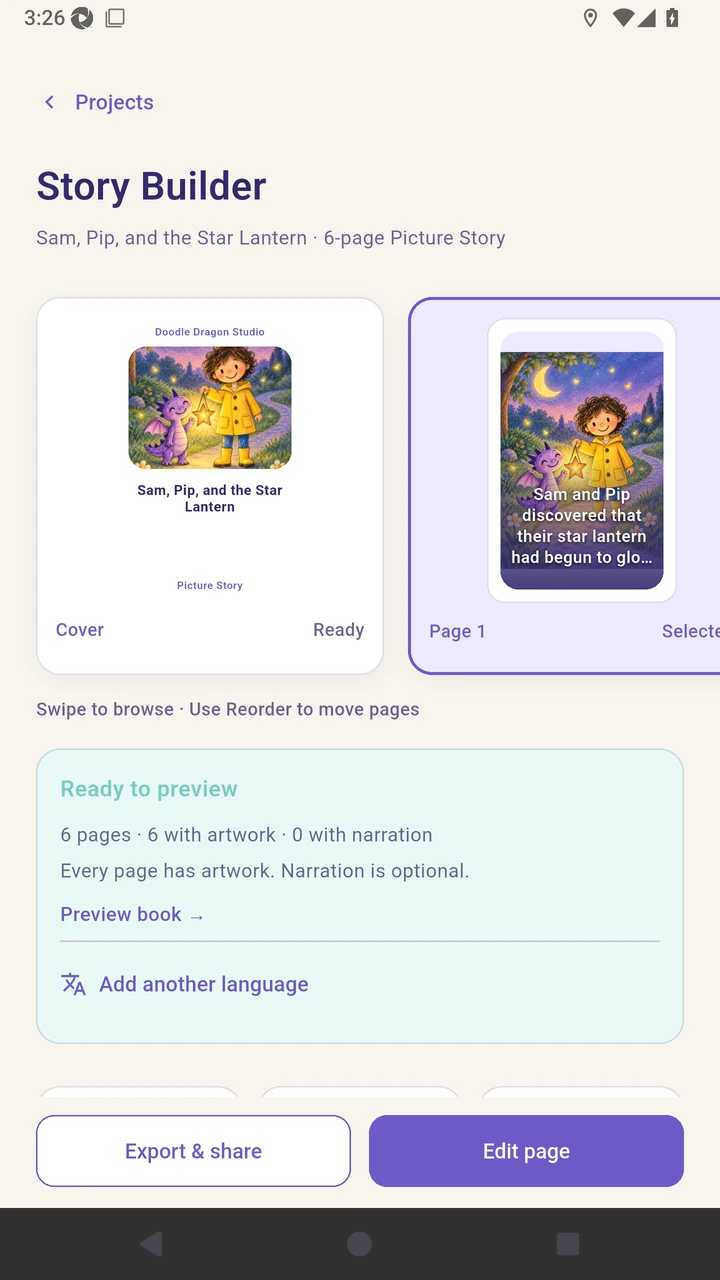
Result. Story Builder opens with six coordinated AI-created illustrations.
Read the narration transcript
Continue to the finish screen and choose generated pictures. Review the selected page count and credit quote. Review the background AI disclosure and maximum charge. Accept the disclosure and start background generation. Open the completed generation results. Open the project to review the coordinated pictures.