Studio Plus tutorial · Chapter 10 of 11
Add narration in the translated language
Review a French page and generate an independent French narration track.
Studio Plus Studio Plus and Studio Motion
Before you start
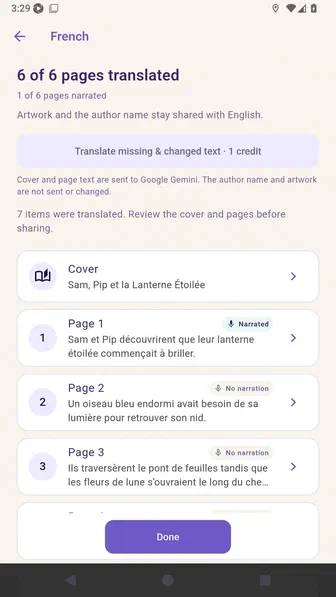
- Translate the French cover and all six story pages.
Step by step
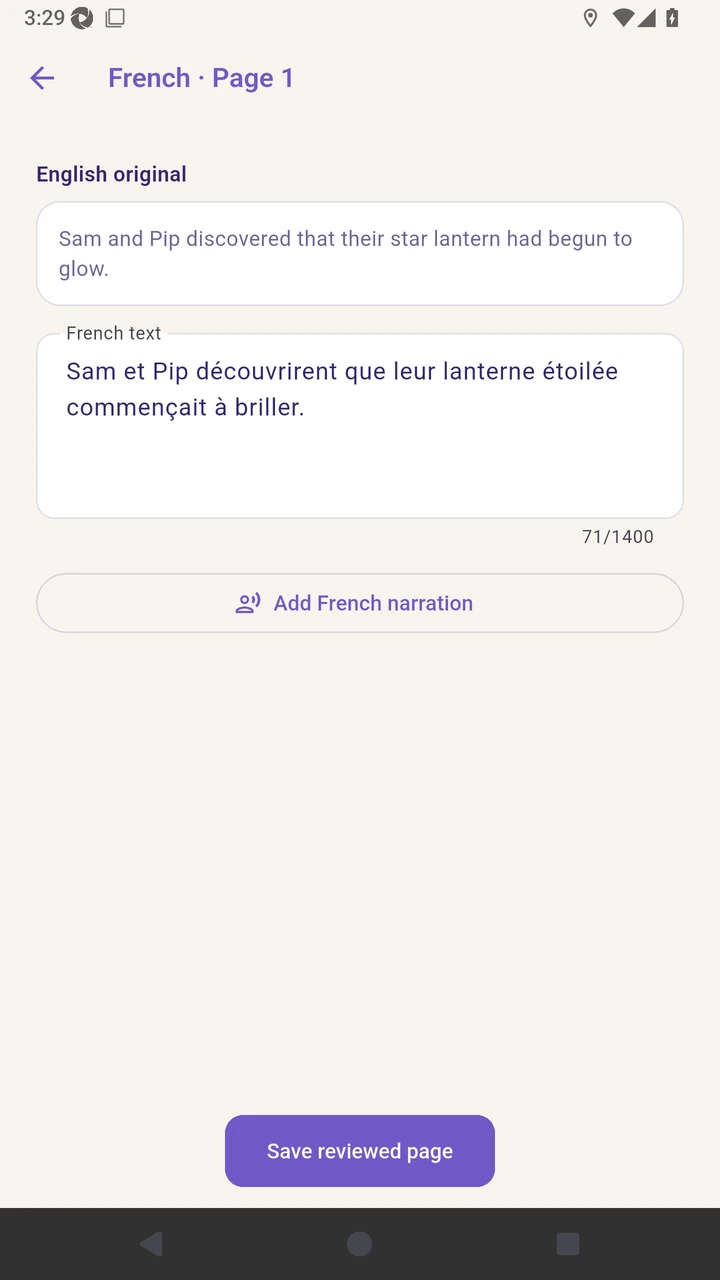
Open the first French page and review it beside the English original.
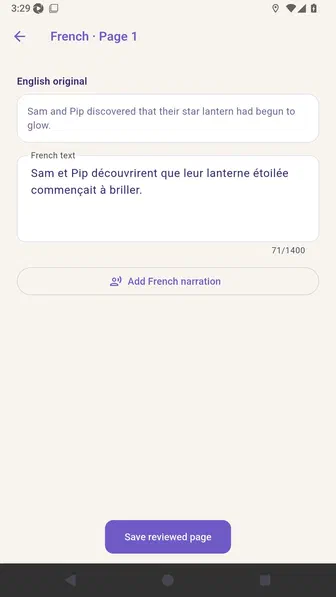
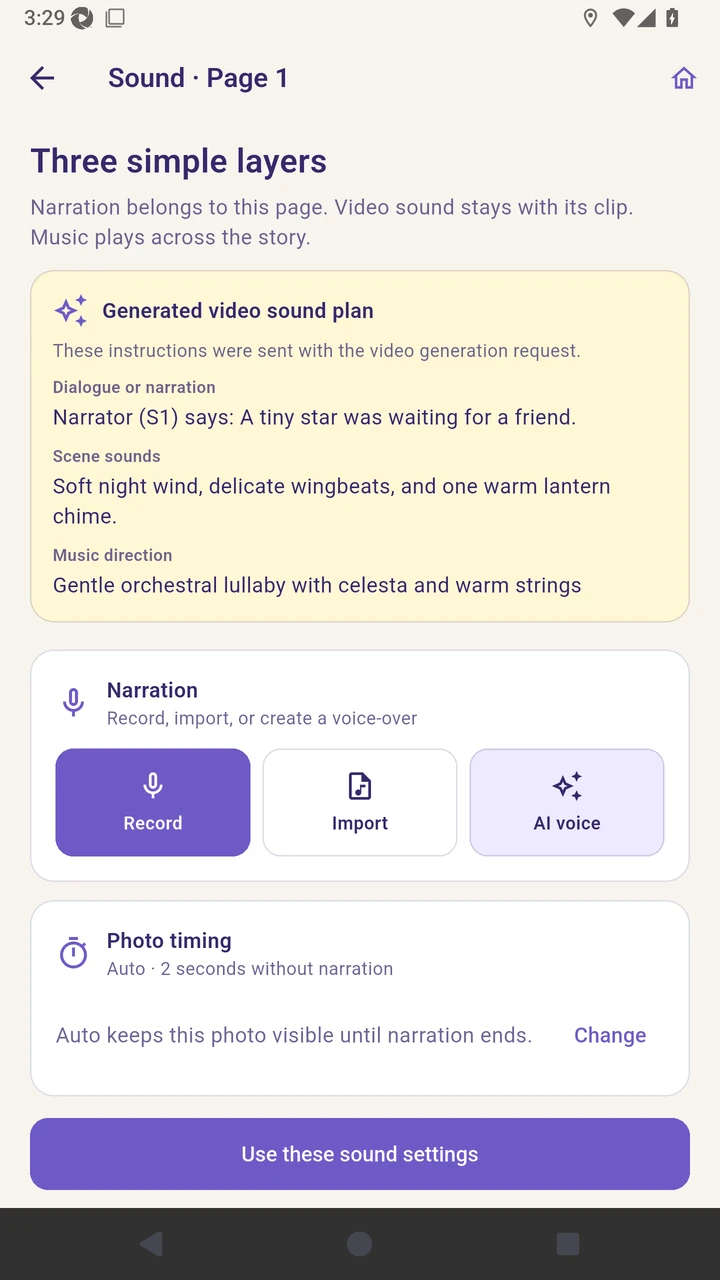
Add French narration and choose AI voice.
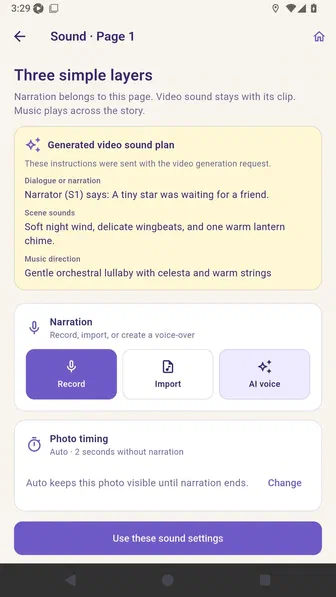
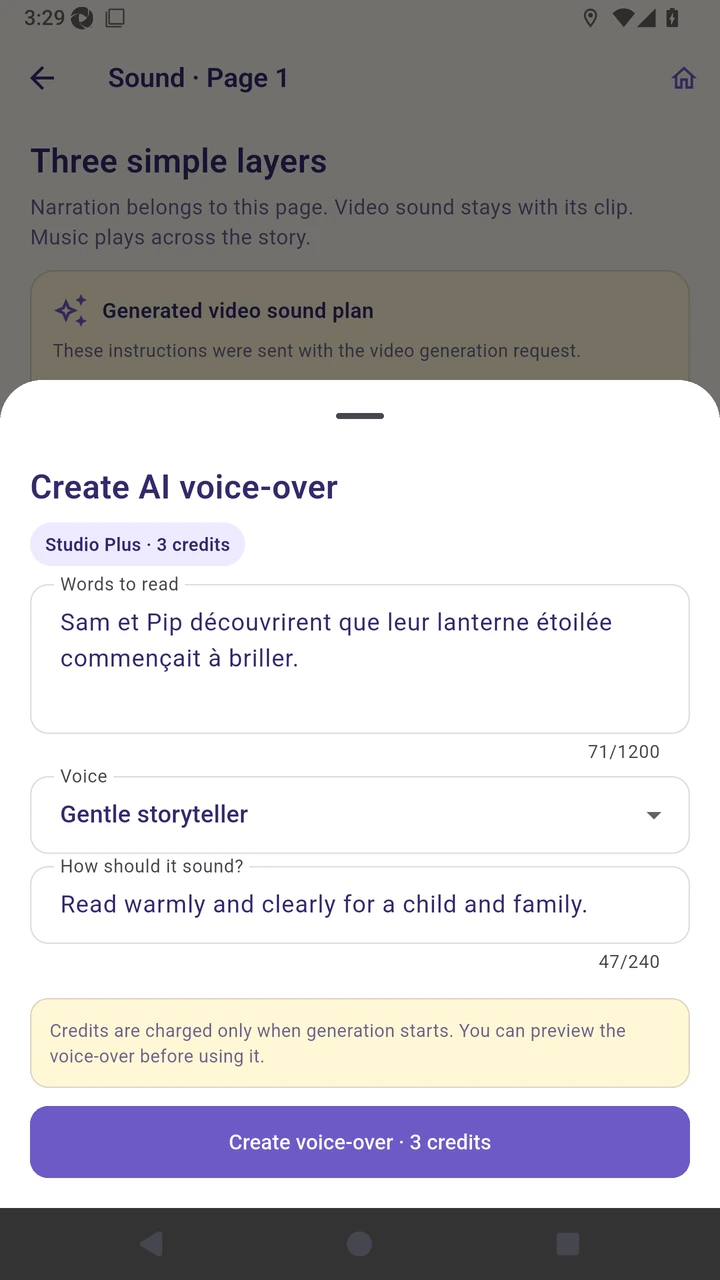
Review the French words and storyteller voice before generation.
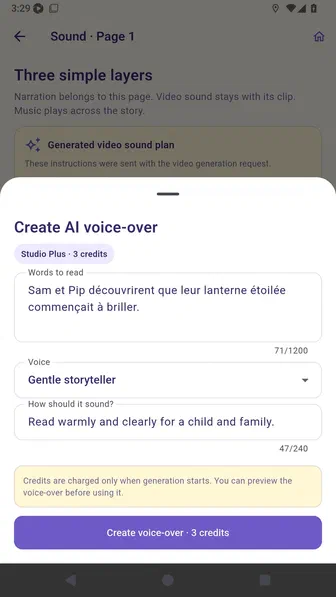
Create the French voice-over and wait for it to be added.
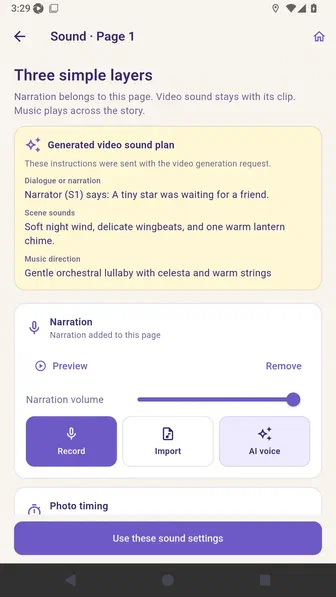
Confirm that one French page now has its own narration.
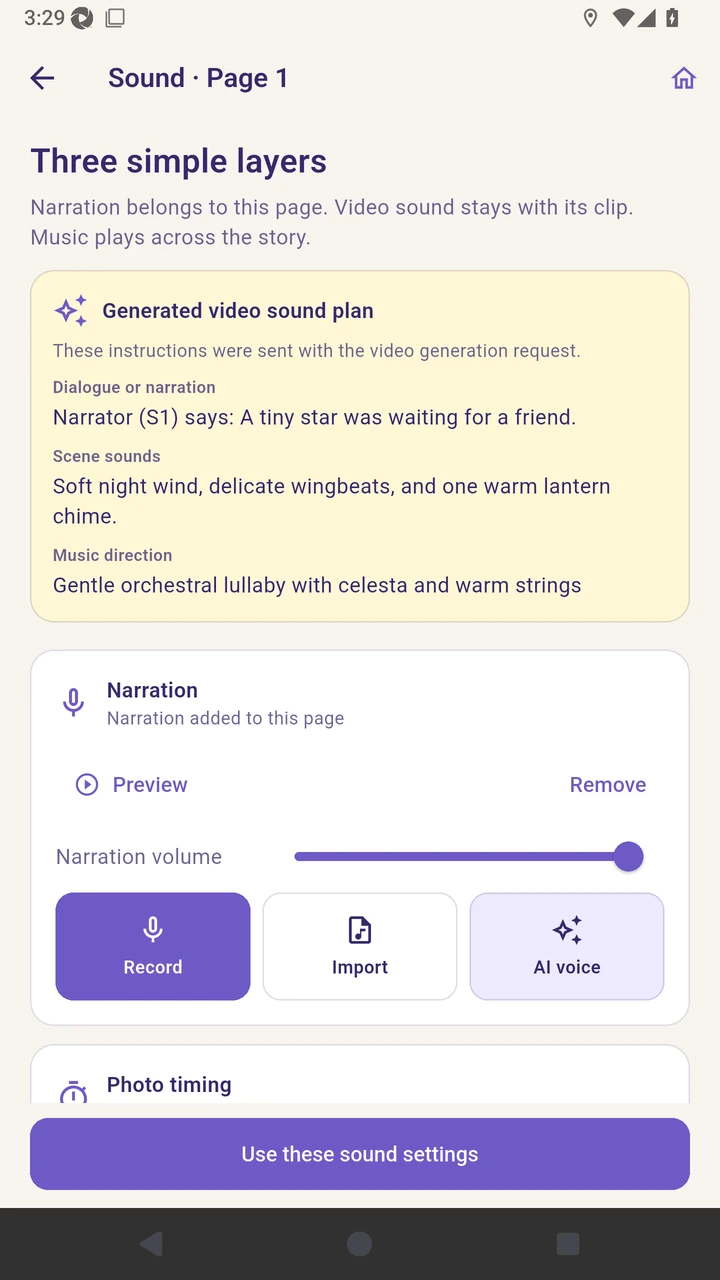
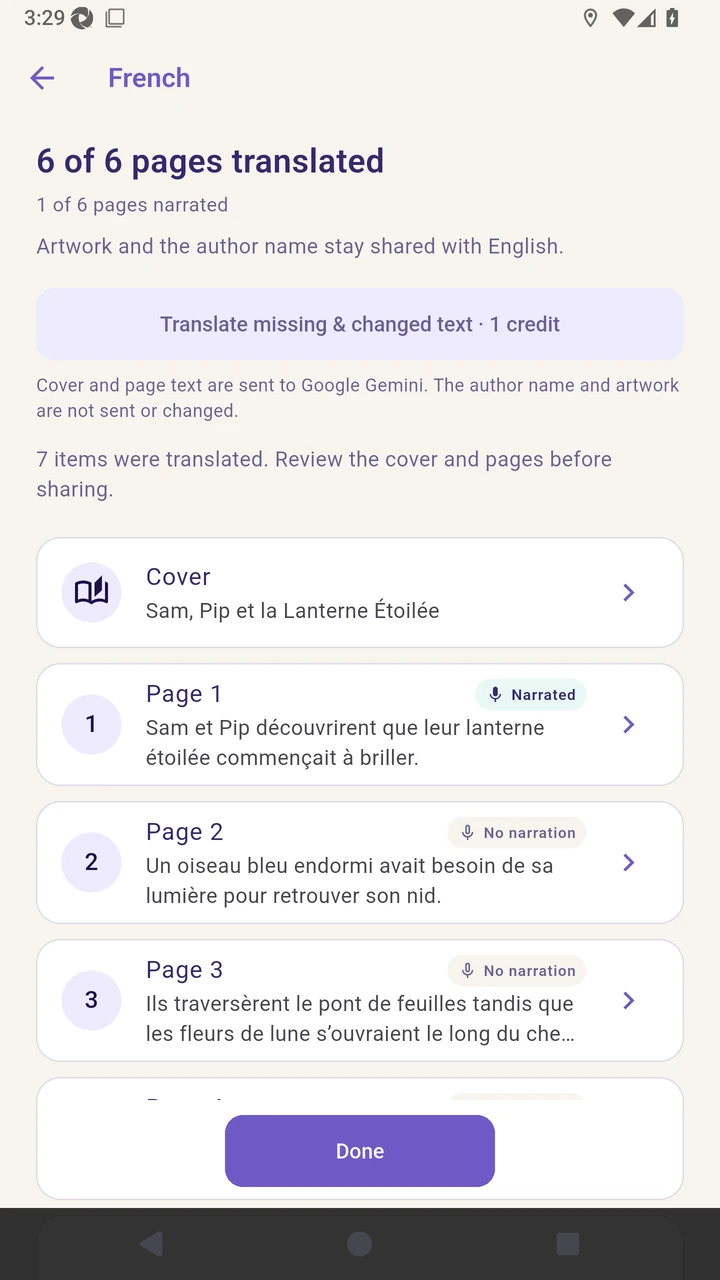
Result. The first French page has its own reviewed AI narration.
Read the narration transcript
Open the first French page and review it beside the English original. Add French narration and choose AI voice. Review the French words and voice before generation. Create the French voice-over and wait for it to be added. Confirm that one French page is narrated.