Studio Plus tutorial · Chapter 1 of 11
Launch Studio Plus and review sign-in
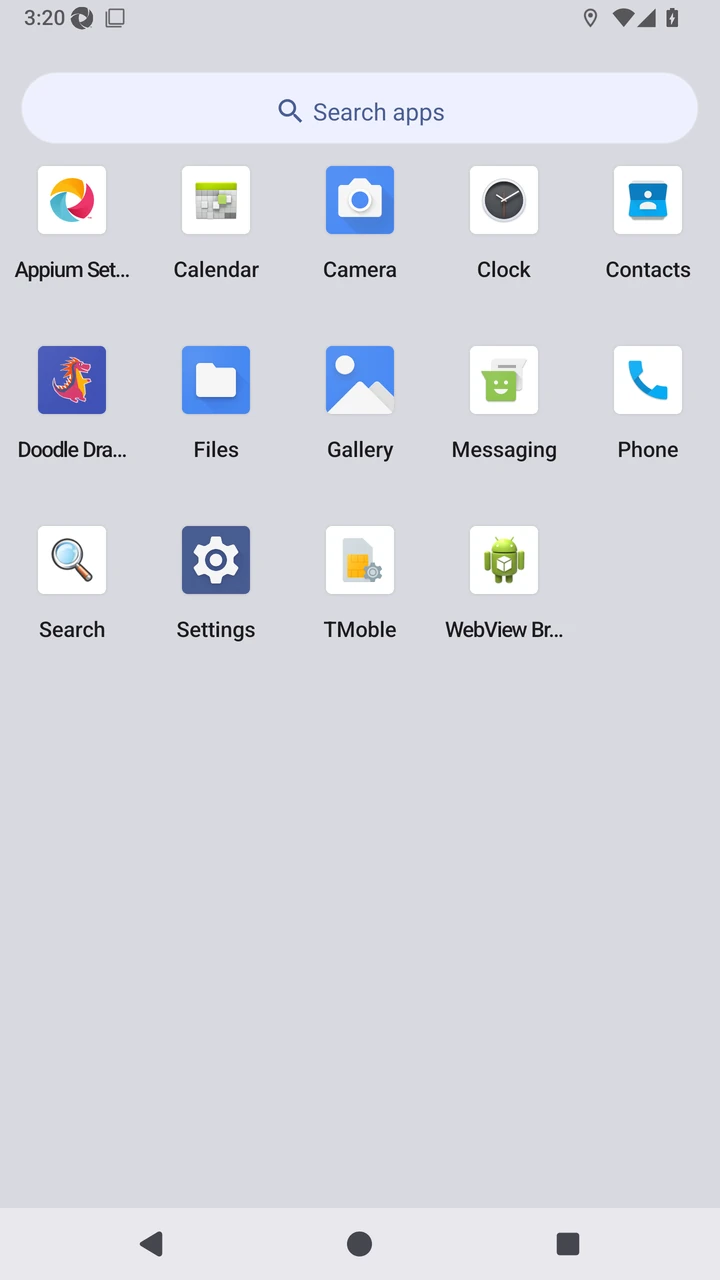
Open Doodle Dragon, review the first-launch welcome, and choose a parent sign-in provider.
Studio Plus Studio Plus and Studio Motion
Before you start
- Install the protected staging build on a disposable emulator.
Step by step
Welcome to Doodle Dragon Studio Plus.
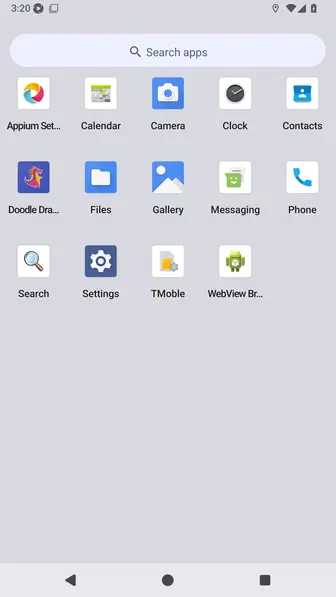
In this demonstration, use a child’s sketch as a story anchor, create and refine an illustrated story with AI, add French text and narration, then preview and export the finished book.
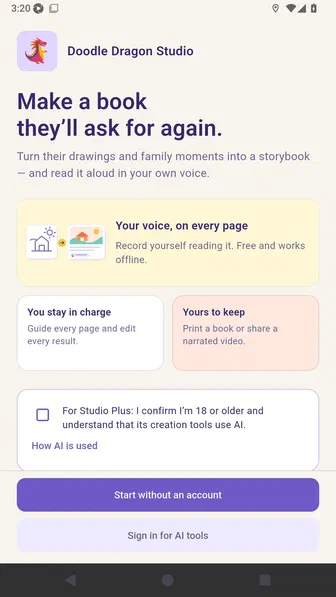
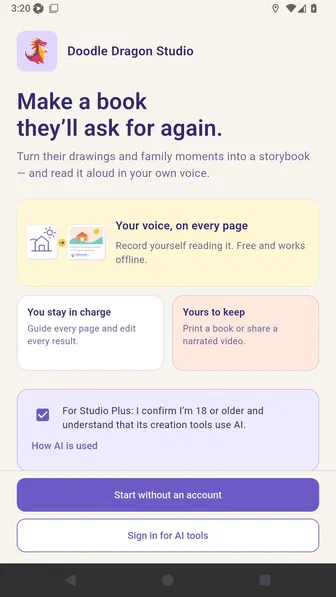
Confirm that an adult is using the Studio Plus AI tools.
Choose a parent sign-in provider to continue into the protected demonstration profile.
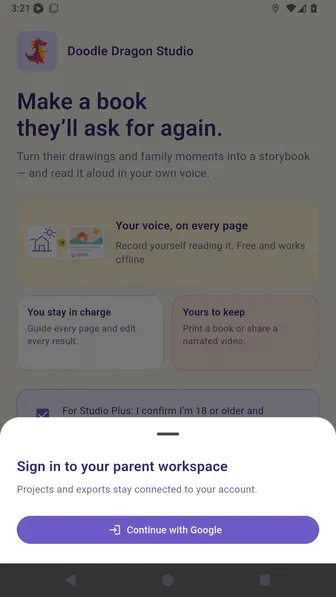
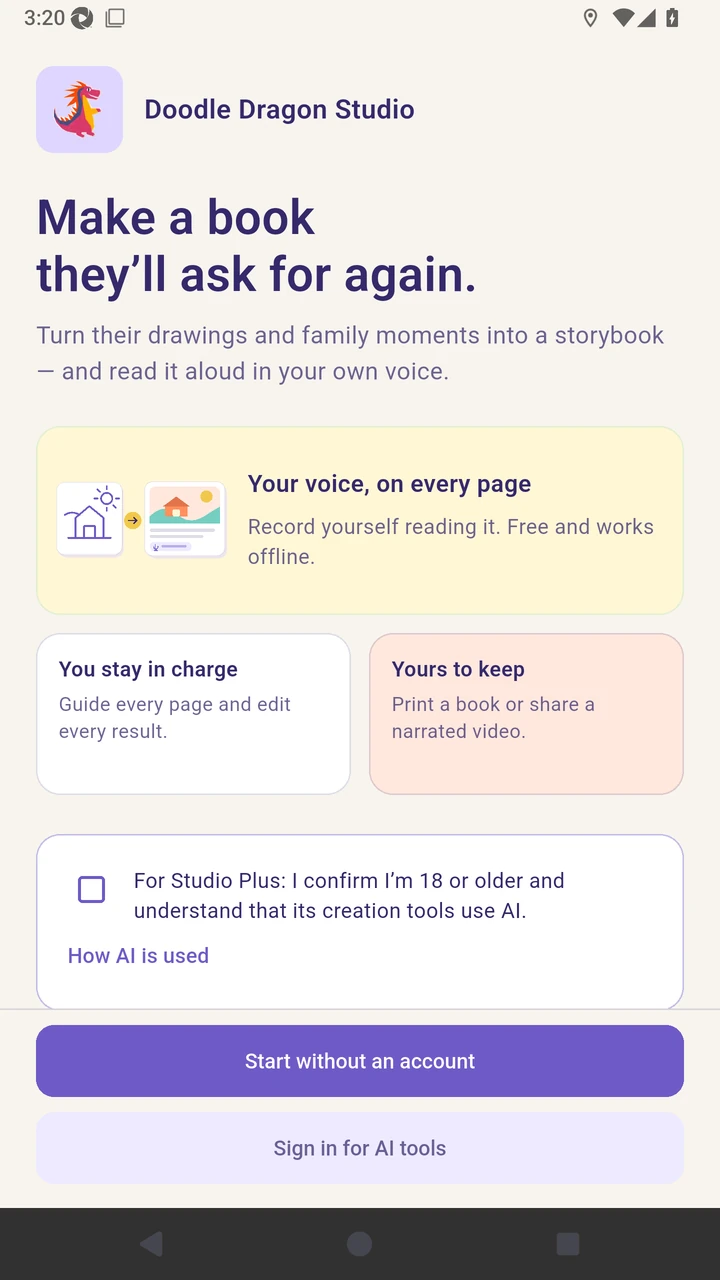
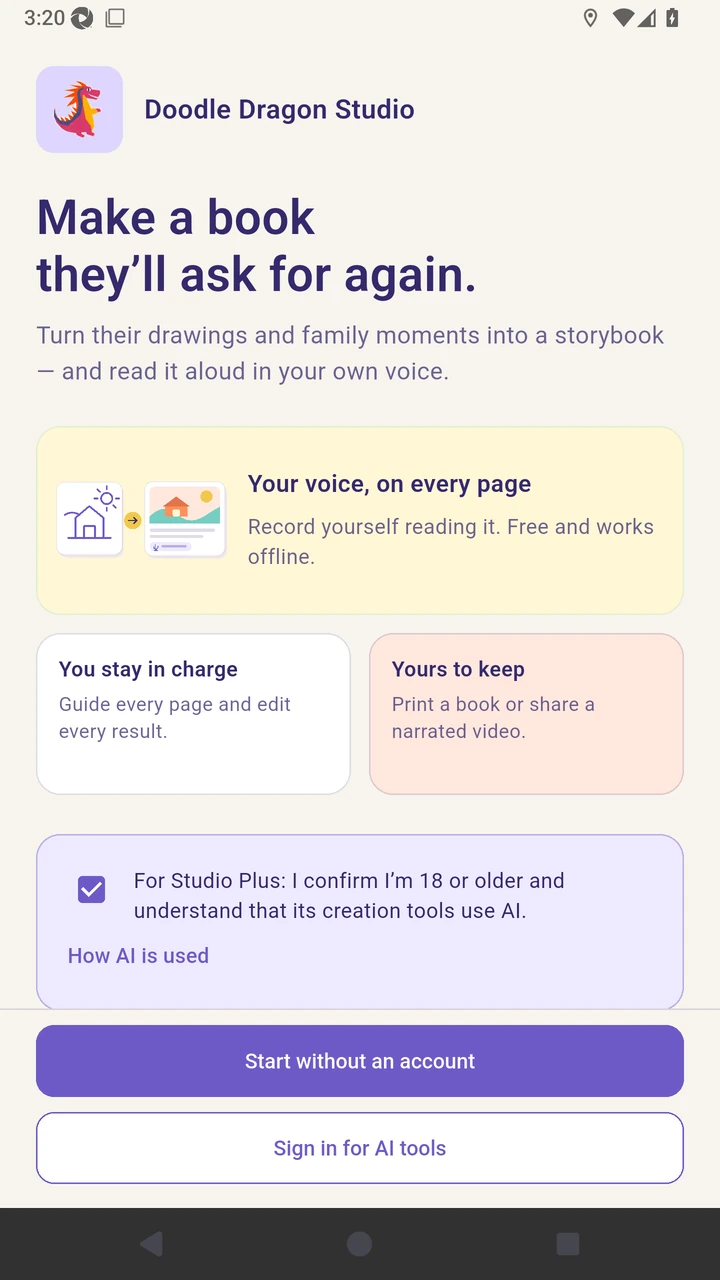
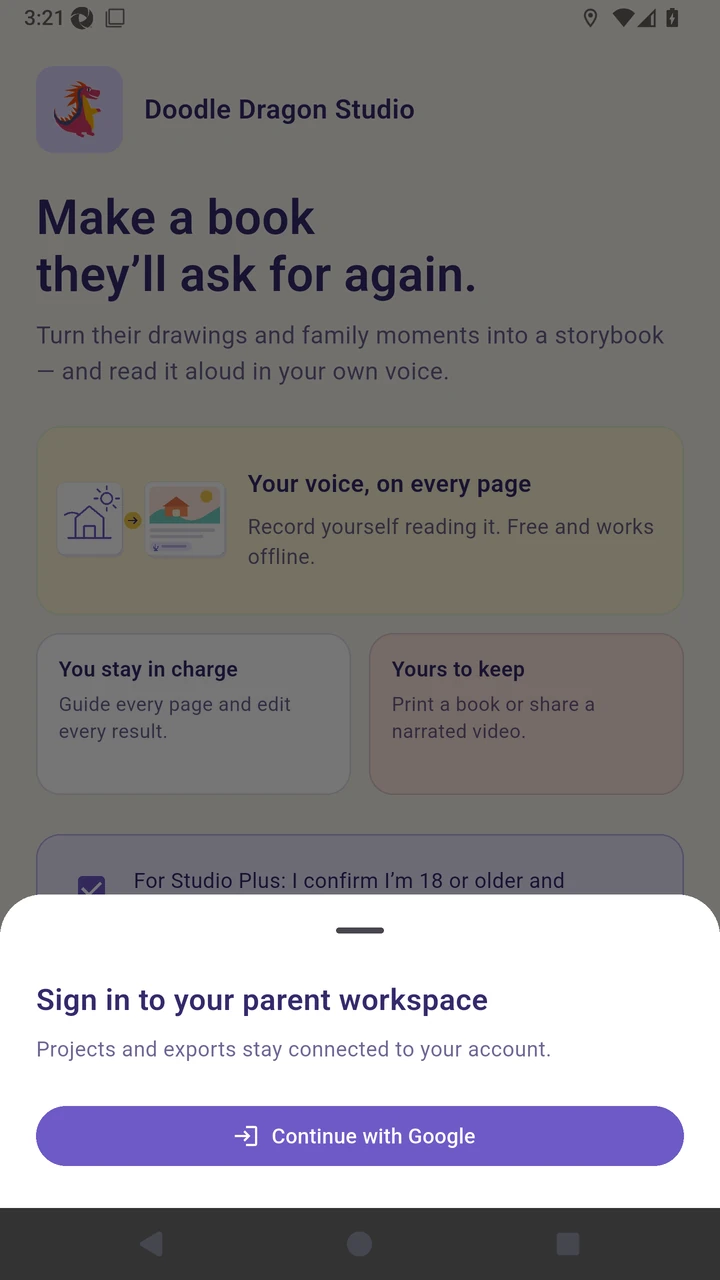
Result. The protected Studio Plus documentation profile opens without exposing an account chooser or credentials.
Read the narration transcript
Welcome to Doodle Dragon Studio Plus. In this demonstration, we use a child’s sketch as a story anchor, create and refine an illustrated story with AI, add French text and narration, then preview and export the finished book. Review the first-launch welcome and confirm that an adult is using the AI tools. Choose a parent sign-in provider to continue into the protected demonstration profile.