Studio Plus tutorial · Chapter 11 of 11
Preview and export the AI-assisted story
Inspect the finished pages and create validated PDF and video outputs.
Studio Plus Studio Plus and Studio Motion
Before you start
- Save the generated pictures and narration.
Step by step
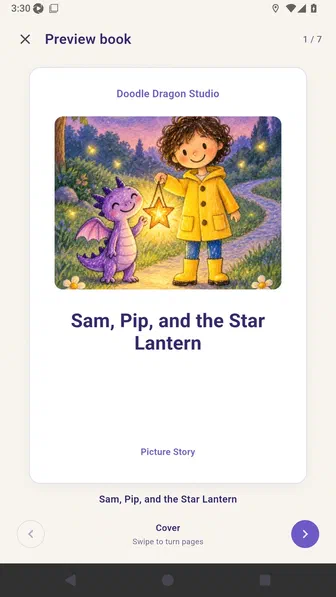
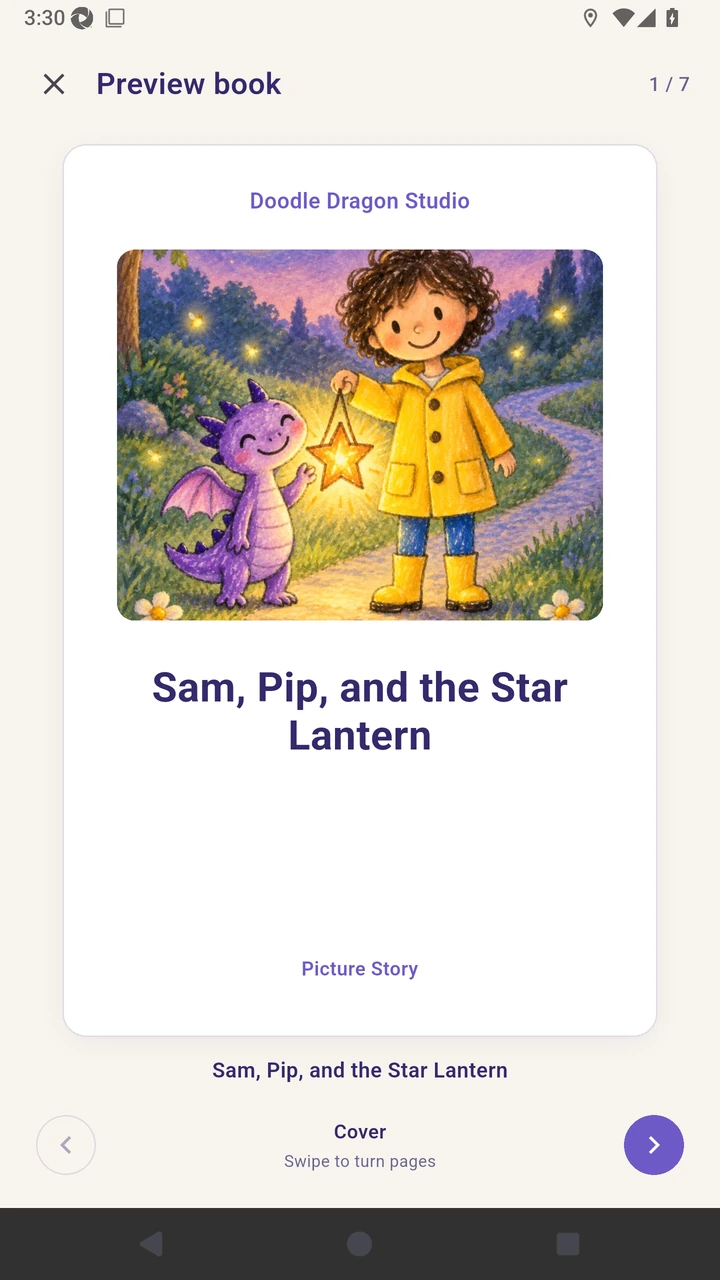
Open Preview at the book cover.
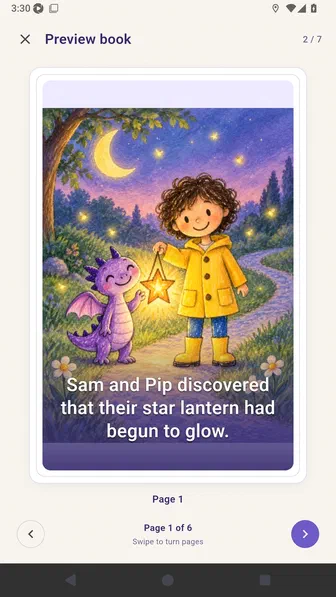
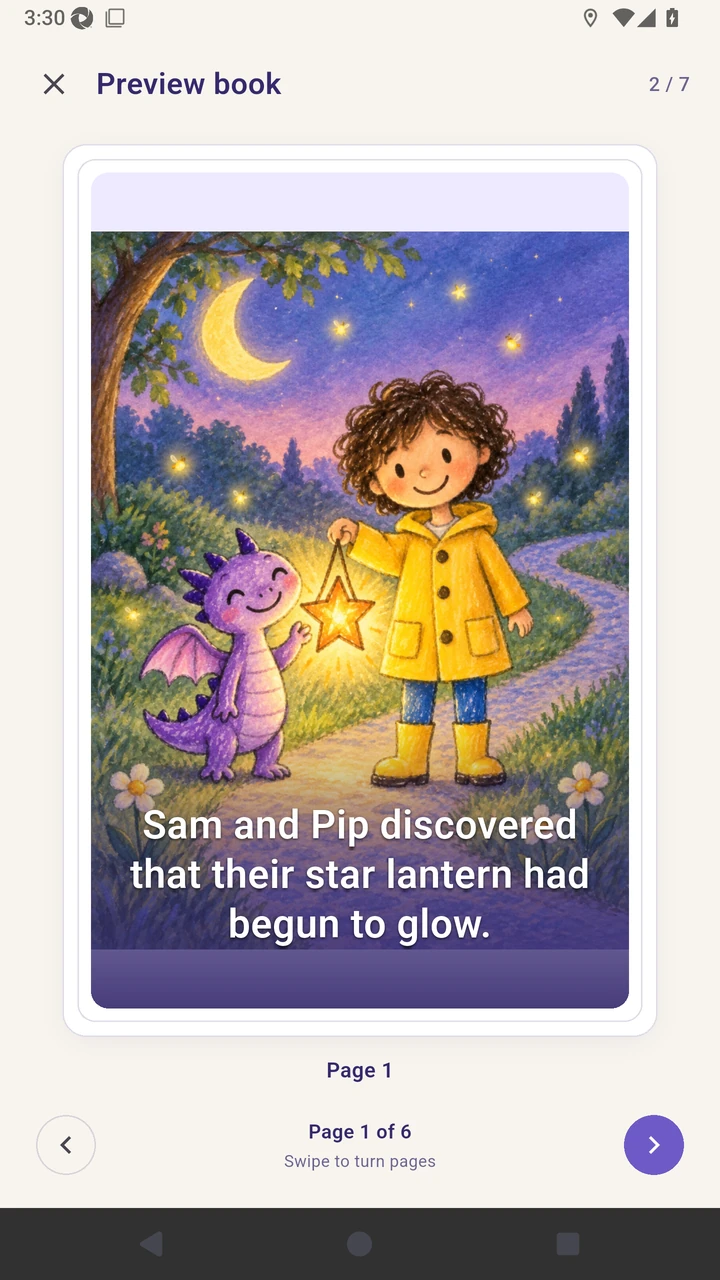
Move to the first illustrated story page.
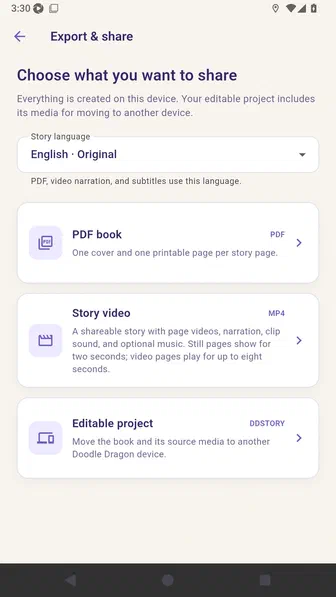
Open Export and share to choose an output.
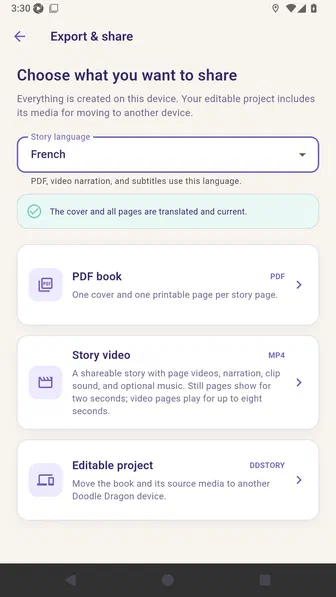
Select French so the PDF, video narration, and subtitles use the translated story.
Create a phone PDF and wait until it is ready.
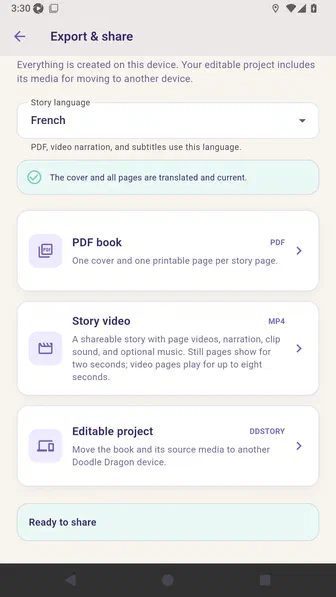
Create a story video and wait for the video and sidecar subtitles.
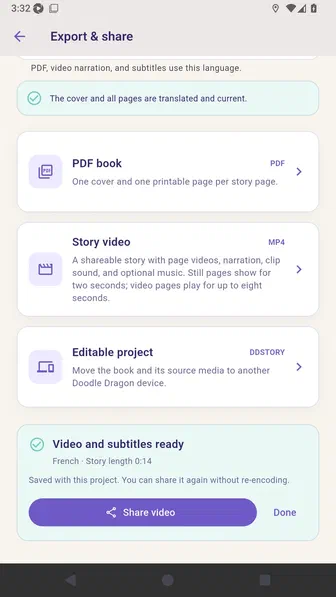
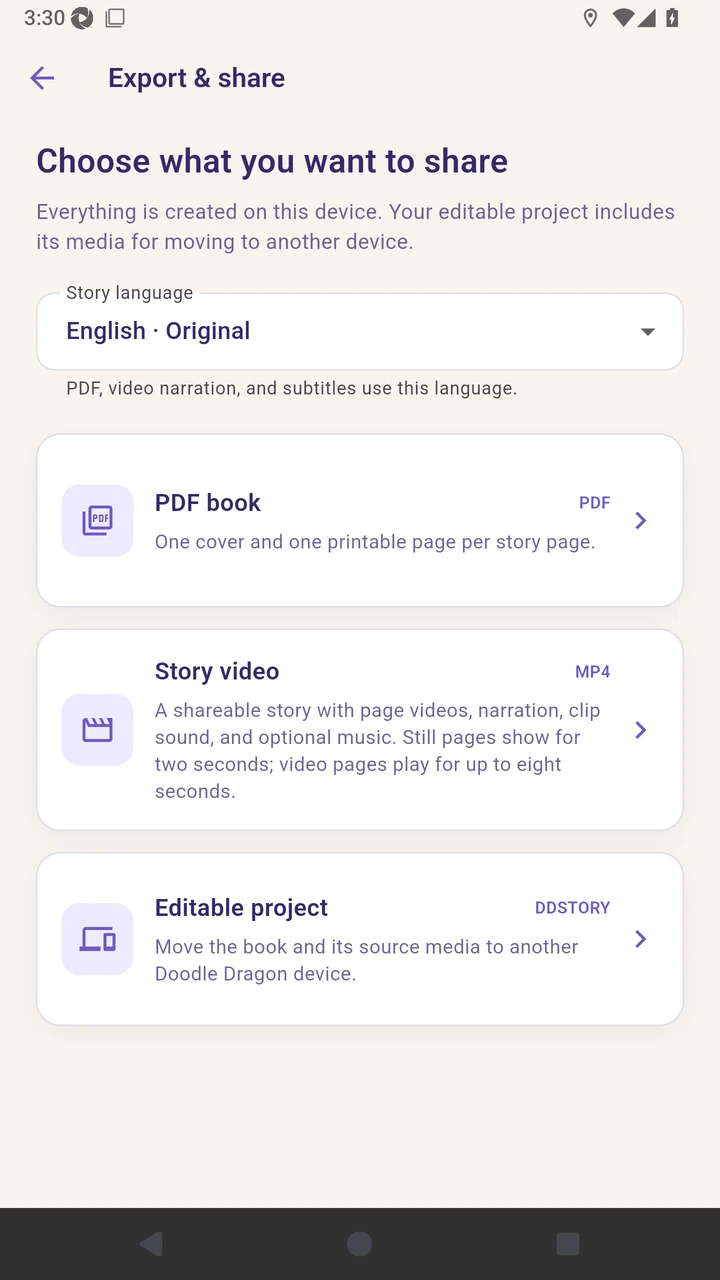
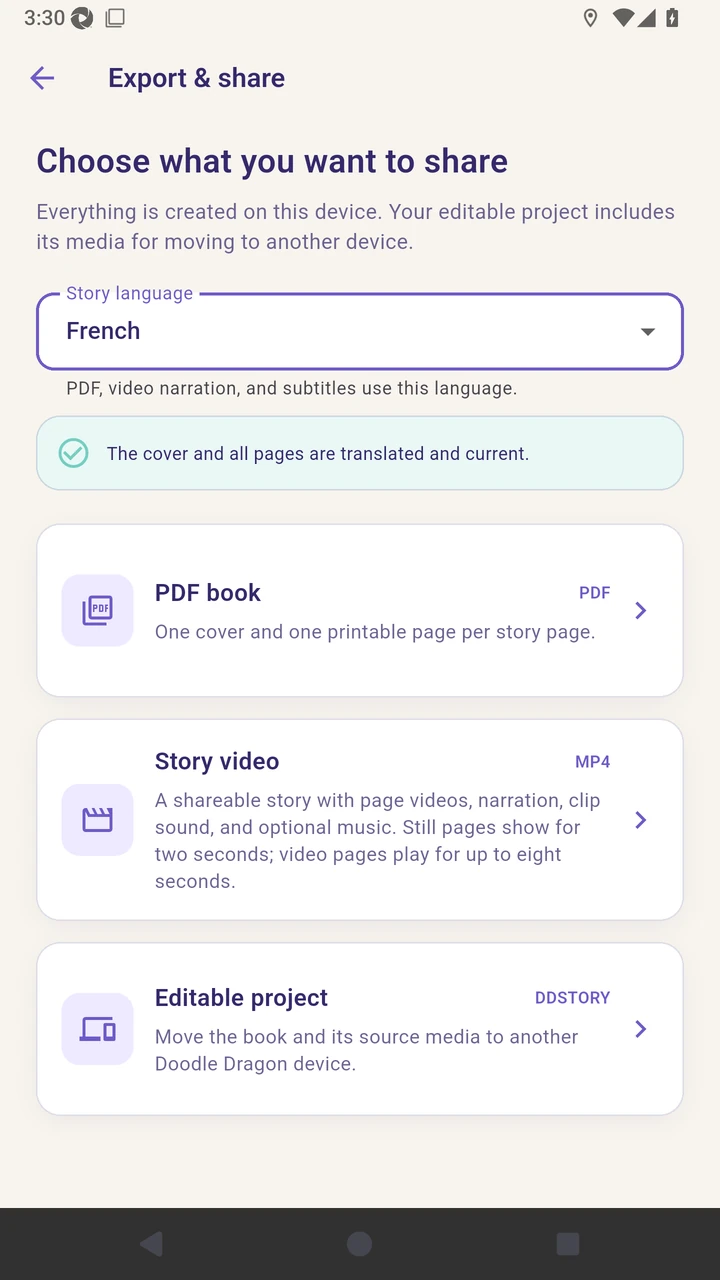
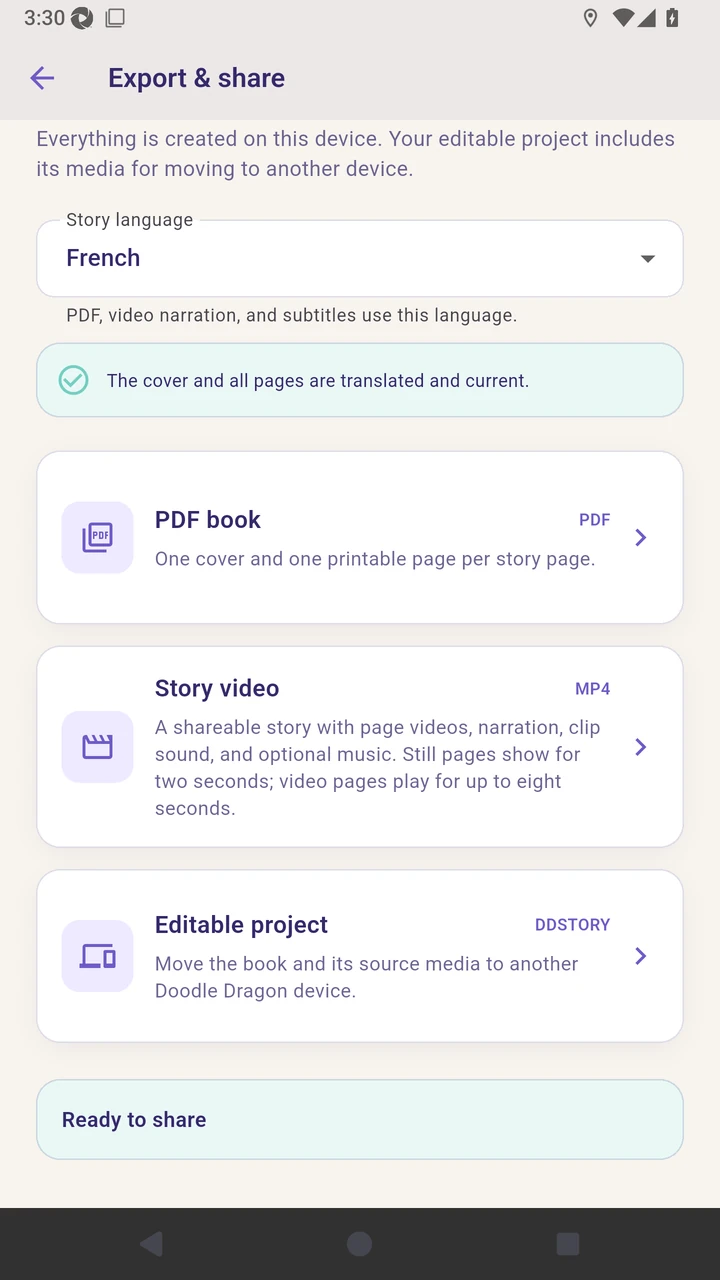
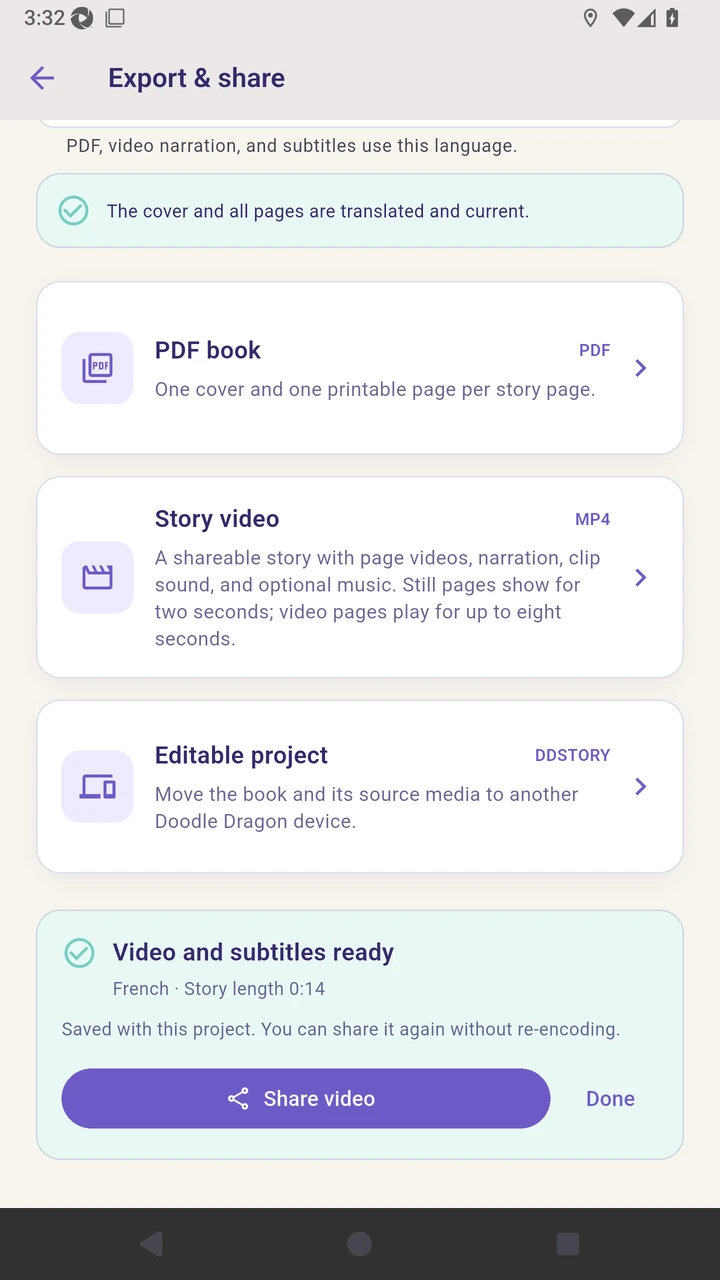
Result. A validated PDF and narrated MP4 are ready to share.
Read the narration transcript
Open Preview at the cover. Move to the first illustrated story page. Open Export and share to choose an output. Select French for the PDF, video narration, and subtitles. Create a phone PDF and wait until it is ready. Create a story video and wait for the video and sidecar subtitles.