Studio Plus tutorial · Chapter 7 of 11
Refine a picture from the previous page
Continue the visual story while preserving selected details.
Studio Plus Studio Plus and Studio Motion
Before you start
- Open the generated project in Story Builder.
Step by step
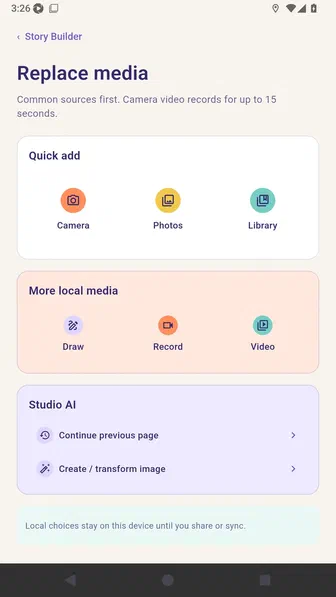
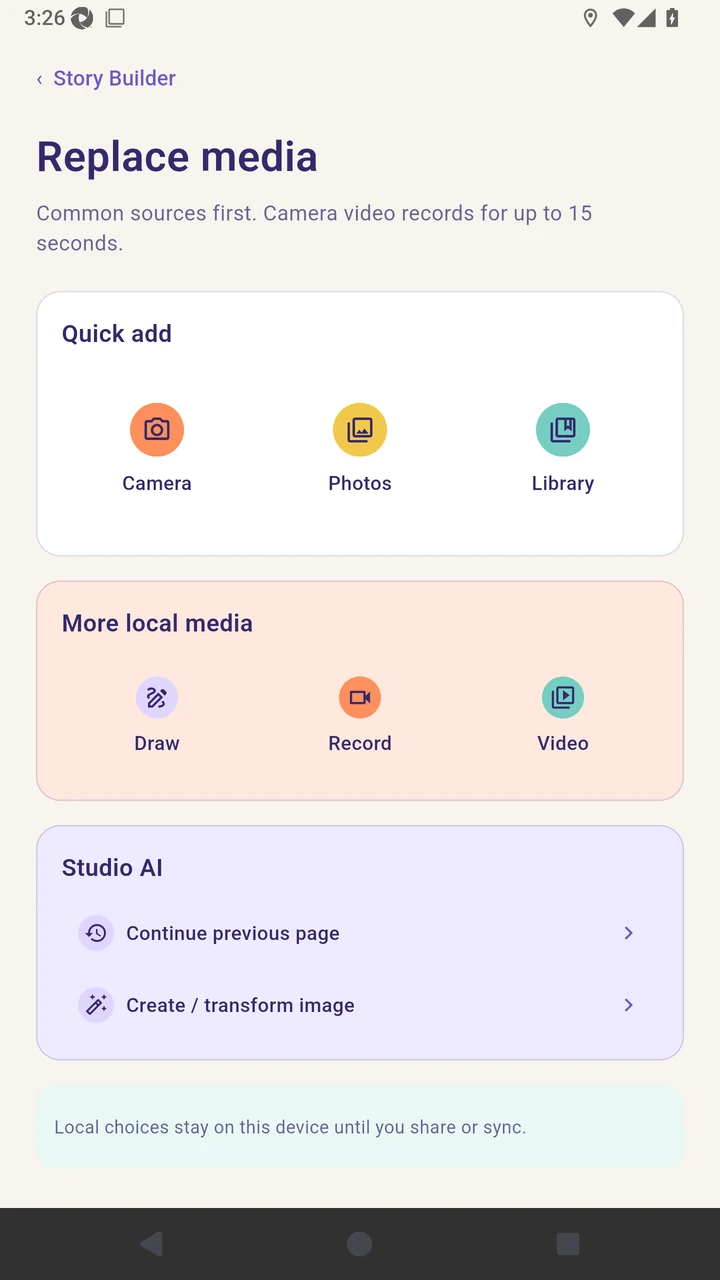
Open page two media and choose Continue previous page.
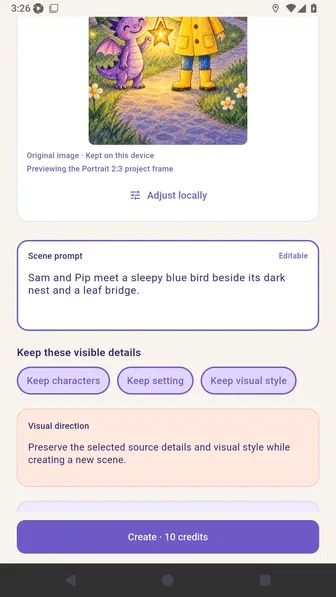
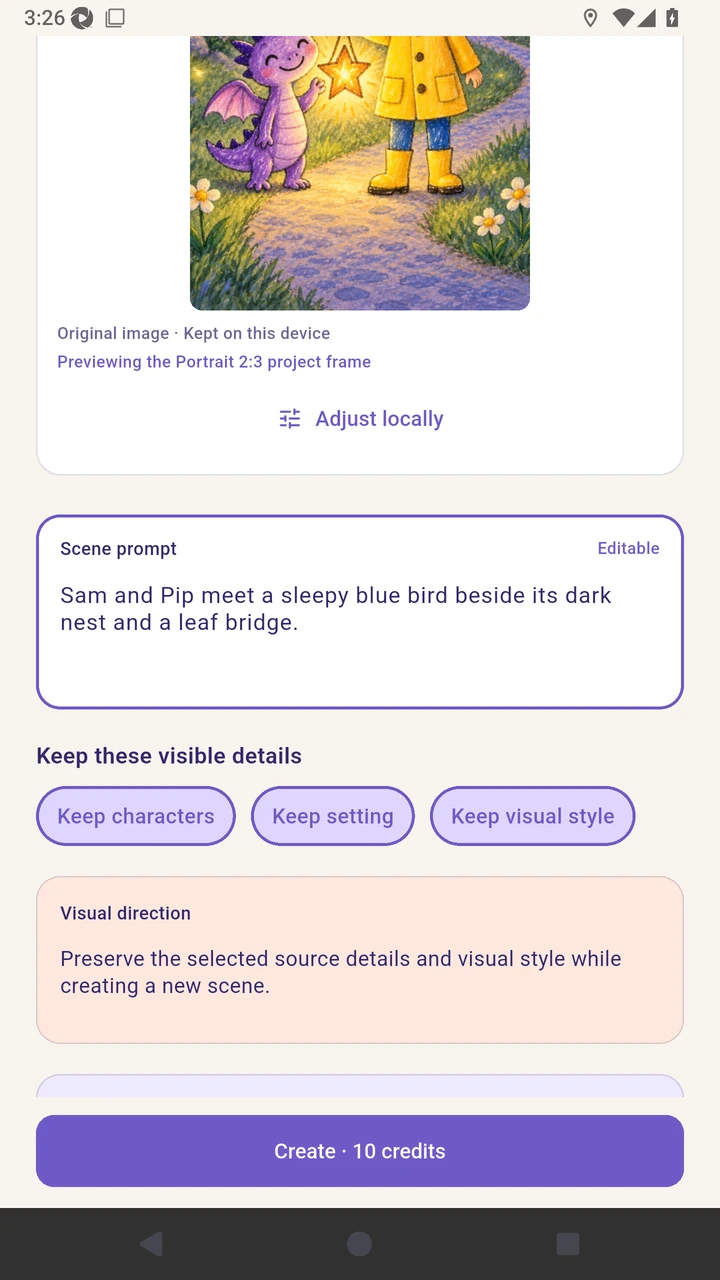
Describe the next scene and review the visible details to preserve.
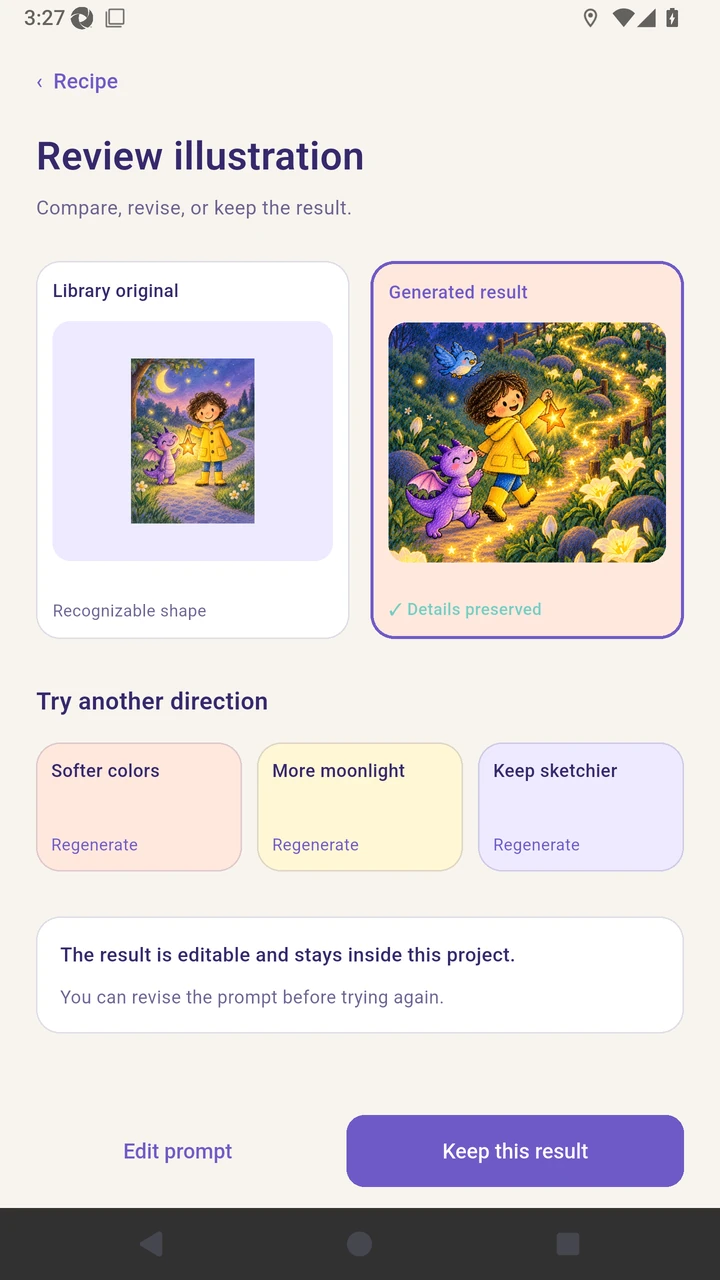
Review the generated illustration before accepting it.
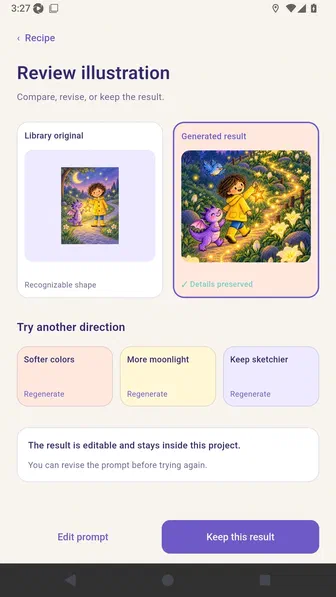
Keep the result to update the page while retaining its story text.
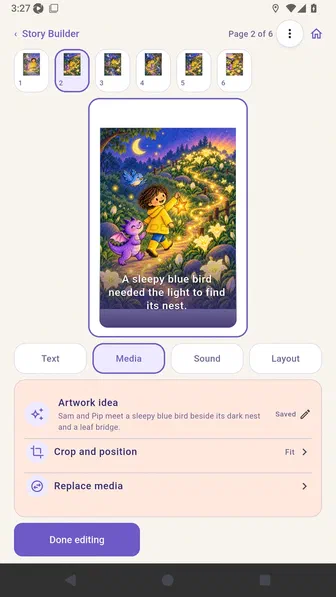
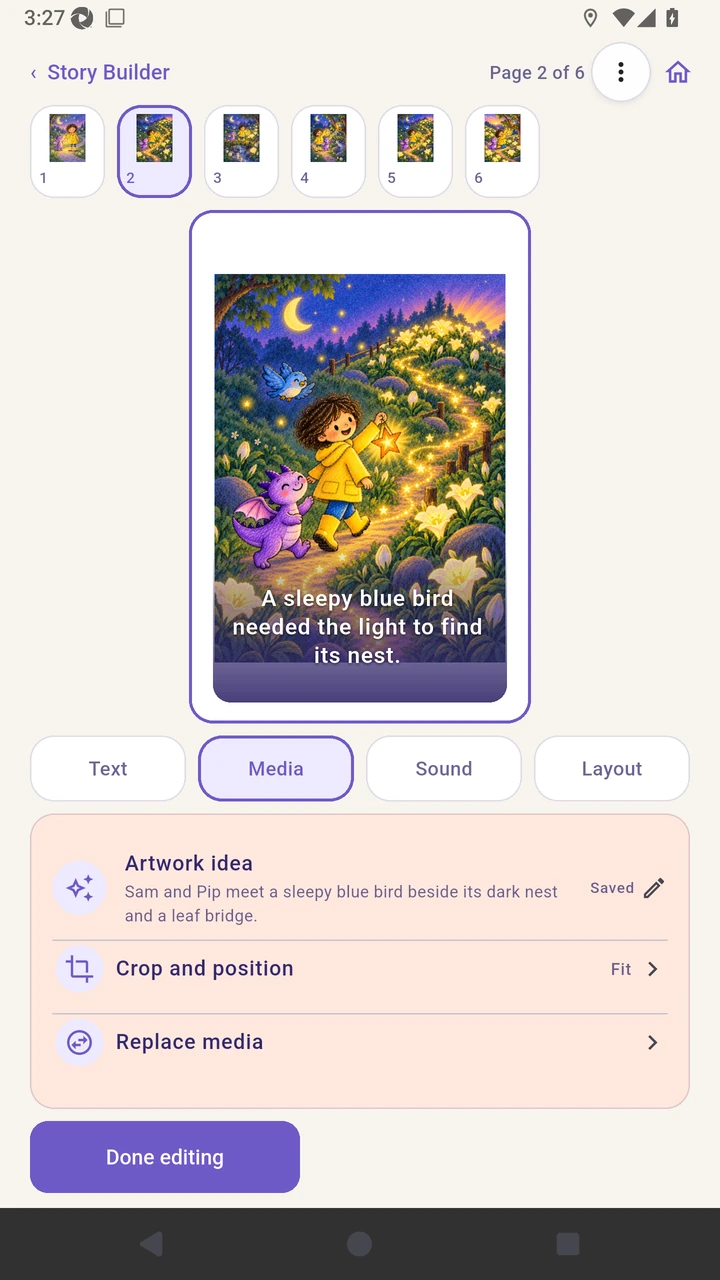
Result. The revised AI illustration replaces the picture on the selected page.
Read the narration transcript
Open page two media and choose Continue previous page. Describe the next scene and review the visible details to preserve. Review the generated illustration before accepting it. Keep the result to update the page while retaining its text.