Studio Plus tutorial · Chapter 5 of 11
Review the AI story plan
Generate an editable plan and inspect its page text and artwork directions.
Studio Plus Studio Plus and Studio Motion
Before you start
- Attach the story anchor and finish the story settings.
Step by step
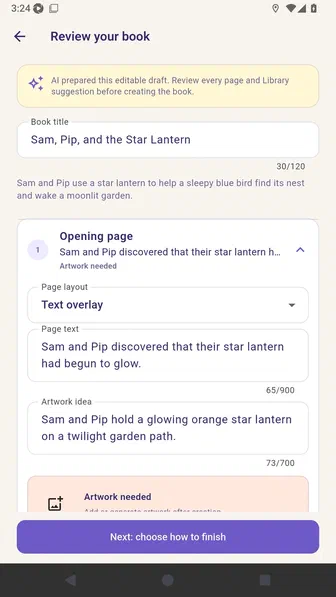
Choose Plan six pages with AI and review the editable book summary.
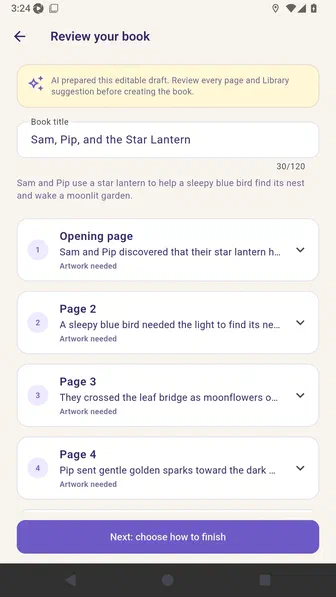
Expand the opening page to inspect its page text, artwork idea, and layout.
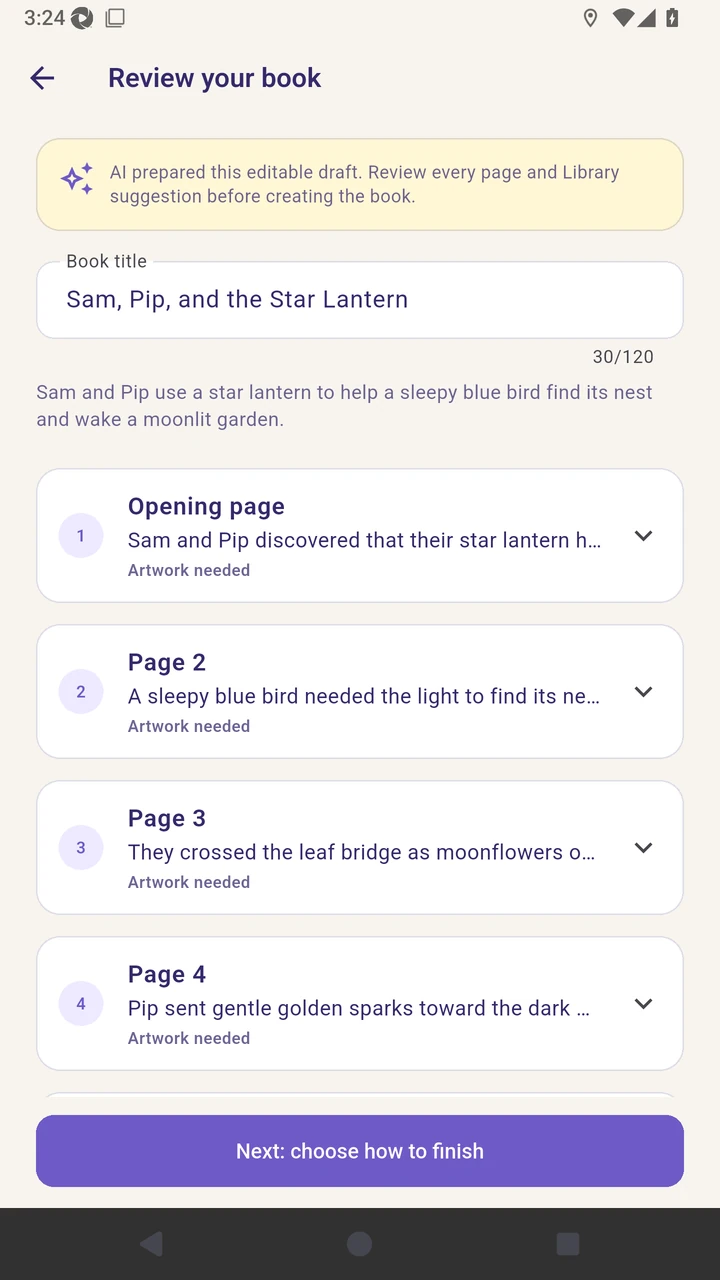
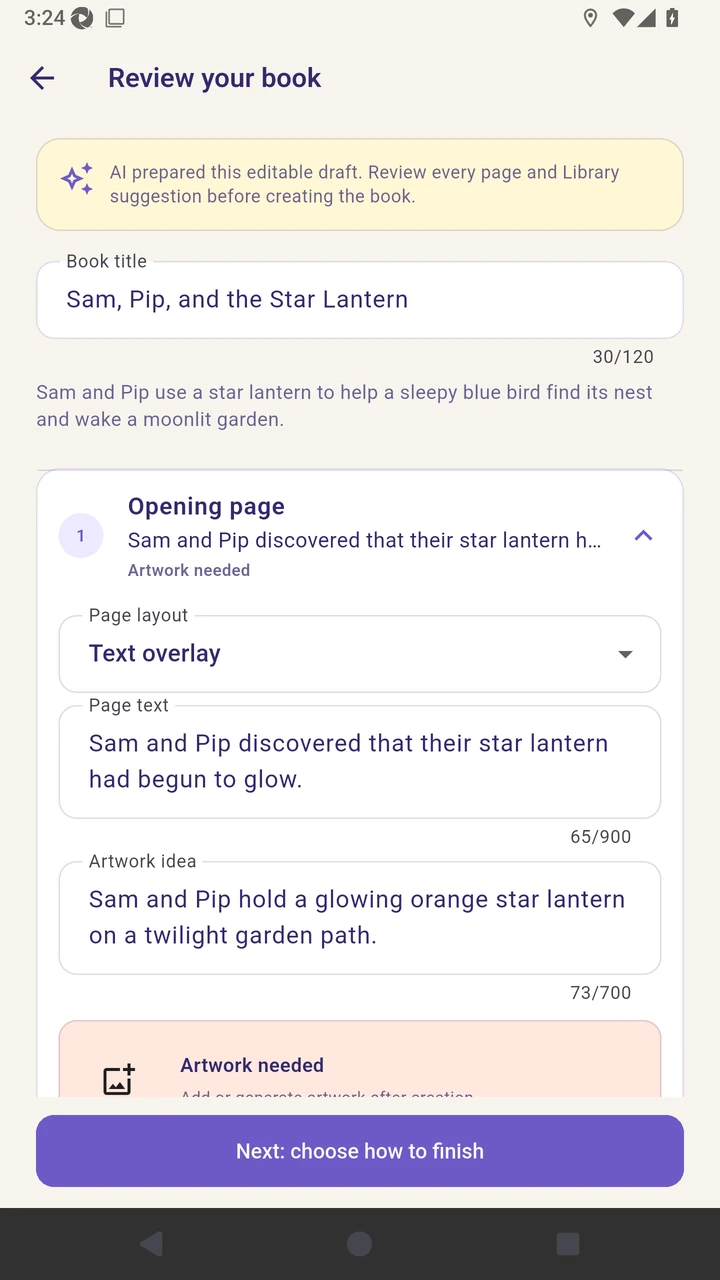
Result. The six-page plan is ready for a final generation choice.
Read the narration transcript
Choose Plan six pages with AI and review the editable book summary. Expand the opening page to inspect its page text, artwork idea, and layout.